What is TradingView?
A complete introduction to TradingView — the world's most powerful charting platform trusted by 100 million traders. Supercharts, Pine Script, screeners, and why it dominates.
A charting platform is the desk you sit at every trading day. It decides how quickly you can pull up NSE:RELIANCE, how far back you can scroll through its history, whether the support line you drew on Sunday evening is still on the chart when the market opens at 09:15 IST on Monday, and whether you get told when price reaches that line while you are away from the screen. TradingView is the desk that most Indian retail traders have settled on.
In plain terms, TradingView is a website that draws charts and organises market data. It runs inside an ordinary browser — Chrome, Safari, Edge — so there is nothing to install and nothing to license. It carries NSE, BSE and MCX instruments alongside global markets, and it stores your charts, drawings, watchlists and alerts on its own servers rather than on one particular laptop. That single design decision is why your work follows you from a desktop at home to a phone on the local train.
This article is an orientation, not a sales pitch and not advice. Every technical term is explained the first time it appears, because the reader we are writing for may be three weeks into learning how to read a candle. Nothing here is a recommendation to buy, sell or subscribe to anything — it is a description of a tool and how traders use it.
What is TradingView?
TradingView is a cloud-based charting and market-analysis platform used by traders and investors in more than 180 countries. "Cloud-based" simply means the software runs on TradingView's servers and is delivered to you through a browser tab — the way Gmail works — rather than being installed on your machine the way an older desktop terminal is. Nothing is downloaded, nothing needs a licence key, and there is no separate machine you have to sit at to see your own charts.
The platform is built from three layers that most traders end up using together. The first is the charting engine, which TradingView calls Supercharts: the canvas where price is drawn, where you mark support and resistance, and where you apply studies. The second is the data layer, which supplies quotes, historical candles, corporate financials and economic releases. The third is the community layer, where users publish annotated charts and share the small programs they have written to run on their own charts.
For an Indian trader the practical picture is this. You can chart NIFTY 50 and BANKNIFTY, cash-market names such as NSE:TCS, NSE:HDFCBANK and NSE:INFY, MCX commodities such as gold and crude oil, and offshore markets such as the S&P 500 — from the same screen and with the same set of tools. Prices are shown in rupees for Indian instruments, so a level marked at ₹1,420 on NSE:INFY reads exactly as it does on your broker's order window.
One thing TradingView is not is a broker. You cannot deposit money into it and it does not hold your shares. It is an analysis surface. Order placement happens either at your broker, or through a broker account you have separately connected to the chart. Keeping that distinction clear from day one saves a lot of confusion later.
TradingView is where analysis happens; your broker is where money moves. The platform links the two, but it never replaces either.
Key takeaways
- Cloud-based: the platform runs in a browser tab, so there is no installation and no per-machine setup
- Covers Indian equities and derivatives (NSE, BSE, MCX) alongside forex, crypto, bonds, ETFs and economic data
- Your charts, drawings, watchlists and alerts are stored server-side and reappear on every device you log in from
- Supercharts is TradingView's name for the charting engine itself — the canvas plus its drawing and study tools
- Around 400 studies ship built in, and roughly 100,000 more have been published by users and can be added with one click
- It is an analysis platform, not a broker: no funds are held and no orders originate inside TradingView itself
Professional tip
Press Ctrl+K (Cmd+K on a Mac) anywhere on the site to open the quick search box. Typing RELIANCE and pressing Enter loads the chart faster than any menu path, and the same box also finds settings and drawing tools by name.
Shortcut
Ctrl+K
The Origin Story — From Frustration to a Browser Tab
TradingView was founded in September 2011 by Stan Bokov and Denis Globa in Westerville, Ohio. Bokov was a software engineer who also traded, and the charting software available to him at the time was a poor experience: heavyweight desktop installations, licences tied to a single machine, interfaces that had barely changed in a decade, and data feeds sold separately at prices that only an institution could justify. If your machine died, your years of saved chart work went with it.
The founding idea was unusual for 2011. Build the entire charting engine in HTML5 — the standard web technology browsers already understood — so that it needed no plug-ins such as Flash or Java. Keep a usable version permanently free so that a beginner could open a chart without a payment decision. And make published analysis a first-class feature, so a chart could be shared as a link rather than as a screenshot pasted into a forum.
That combination is what compounded. Because charts lived on the server, they could be shared; because they could be shared, traders arrived through each other rather than through advertising; and because so many traders arrived, developers had a reason to publish tools on the platform. By 2021 the company had raised roughly $298 million at a $3 billion valuation. Today it reports over 100 million registered users and integrations with more than 100 brokers worldwide, including several that serve the Indian market.
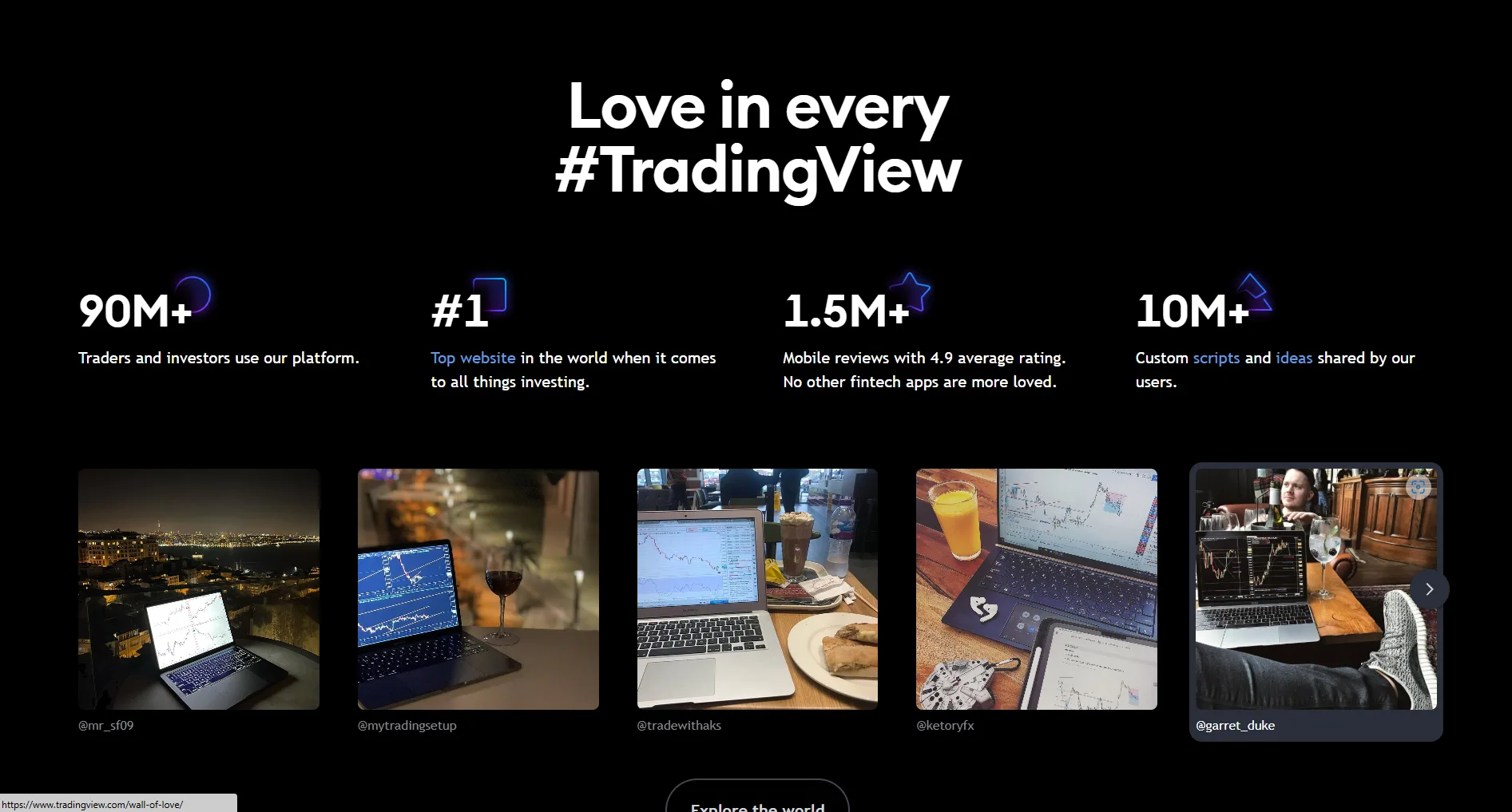
The design choice that mattered was storing charts on a server rather than on a hard disk — everything social about the platform followed from it.
Key takeaways
- Founded September 2011 by Stan Bokov and Denis Globa; headquartered in Westerville, Ohio
- Built on HTML5 from the start, which is why it needs no plug-in and runs the same on Windows, macOS and Linux
- A permanently free tier has existed since the beginning — it is a genuine product level, not a time-limited trial
- Valued at $3 billion in its 2021 funding round; over 100 million registered accounts today
- Server-stored charts made shareable analysis possible, which in turn built the community layer
- More than 100 brokers now connect to the platform, several of them Indian
Professional tip
The free tier is a real product level, not a demo. It gives you one chart per tab, two studies on that chart, three price alerts, seventeen chart types and roughly 5,000 bars of history. Plan limits do change over time, so check the live pricing page before assuming a number.
Supercharts — What the Charting Engine Actually Does
Supercharts is the name TradingView gives its charting engine. Underneath the branding it does three jobs: it renders price, it lets you draw on price, and it lets you run calculations on top of price. Rendering sounds trivial until you scroll a five-year daily chart of NSE:HDFCBANK back to its 2020 lows and the candles keep pace with the mouse — the engine keeps a large history in memory and redraws it as you pan, which is the difference between studying a chart and waiting for one.
Drawing is where most price-action work happens. The left toolbar holds trendlines, horizontal levels, rectangles for marking consolidation zones, and measurement tools that report how far price travelled and over how many candles. It also carries specialist families: Fibonacci tools, which divide a completed price swing by fixed ratios such as 38.2% and 61.8% to mark where a pullback may stall; Gann tools, named after the 1930s trader W.D. Gann, which project angled lines to relate price movement to elapsed time; and Elliott Wave tools, which label a trend as a repeating five-leg advance followed by a three-leg correction. Magnet mode snaps every anchor to the exact high or low of a candle, so a level marked at ₹1,632.40 is genuinely at that price rather than near it.
Calculations are the third job. The platform ships with roughly 400 built-in studies and hosts about 100,000 more published by users. A study is just a formula drawn on the chart. Some are as simple as an average of the last fifty closes; others summarise volume by price level. The vocabulary you will meet most often includes RSI — the Relative Strength Index, a 0-to-100 line measuring how one-sided recent closes have been; MACD — Moving Average Convergence Divergence, which plots the gap between a fast and a slow moving average; and Bollinger Bands, an average with two bands set a fixed distance above and below it so you can see when a range has become unusually tight or unusually wide. None of these is required to read a chart. Price, volume and candle behaviour on their own are a complete method.
TradingView also treats the chart type itself as a variable. Beyond candles and bars there are seventeen to twenty-one types depending on plan, including Heikin Ashi — candles built from averaged prices, which smooths a trend and hides small reversals; Renko — a chart of fixed-size bricks that only prints a new brick when price moves a set amount, ignoring time entirely; and Kagi — a line that changes thickness when price reverses past a threshold. Timeframes are equally flexible, from one-second charts through custom intervals such as seven minutes up to monthly candles for multi-year base-building.
110+ Drawing Tools
- Trendlines, horizontal levels and parallel channels
- Rectangles and zones for marking consolidation ranges
- Fibonacci, Gann and Elliott Wave families
- Long/Short position tools that display risk against reward
400+ Built-in Studies
- Moving averages and volume studies
- Volume Profile — volume grouped by price level rather than by time
- Multi-timeframe studies that read a higher timeframe on a lower chart
- 100,000+ additional community-published scripts
Key takeaways
- The engine holds a long history in memory, so panning across years of NSE:TCS daily candles stays smooth
- Magnet mode snaps drawings to exact candle highs and lows — essential when a level is worth marking at all
- Fibonacci, Gann and Elliott Wave are drawing families, not signals; they mark levels you still have to judge
- A study is only a formula drawn on price — none of them is a prerequisite for reading a chart
- Chart type is a choice: Heikin Ashi smooths, Renko removes time, Kagi reacts only to reversals of a set size
- Bar Replay hides future candles and steps a past chart forward one bar at a time for practice
Professional tip
Bar Replay is the most under-used feature on the platform for beginners. Pick a date on a daily NIFTY 50 chart, hit replay, and step forward one candle at a time. You see the chart the way it looked when the decision had to be made, rather than the way it looks once the outcome is already visible on screen.
Beyond Charts — The Rest of the Platform
The chart is the front door, but a working analysis routine touches three other areas. The first is the screener — a filter that runs across an entire exchange at once. There are roughly 5,000 listed securities across NSE and BSE, and no one reads 5,000 charts. A screener lets you state conditions in plain terms — traded on NSE, average daily volume above a threshold, price above its 200-day average, closing within a few percent of its 52-week high — and returns the handful of names that satisfy all of them. That list, not the whole exchange, is what you actually chart.
The second is alerts, and the mechanism matters more than the feature name. TradingView alerts are evaluated on TradingView's servers, not in your browser. When you mark resistance on NSE:INFY at ₹1,680 and set an alert there, the condition keeps being checked whether or not your laptop is open. The notification reaches you by push message on the phone app, by email, or by a webhook — a message posted automatically to another web address, which is how traders wire alerts into their own scripts. For anyone who cannot watch a screen between 09:15 and 15:30 IST because of a day job, this is the single most useful thing on the platform.
The third is fundamental data. Income statement, balance sheet and cash-flow figures for listed companies can be plotted directly beneath the price chart, so quarterly revenue or debt sits on the same time axis as the candles. Alongside it, an economic calendar tracks scheduled releases — RBI policy dates, inflation prints, GDP releases — which is how you avoid being surprised by a calendar event you could have known about.
Underneath all of it sits Pine Script, TradingView's own small programming language. It exists so that a trader who cannot write software in general can still express one specific idea — highlight every candle that closes above the previous twenty candles' high, say — and have the platform draw it. Roughly 100,000 published scripts already exist, most with their source code visible, so reading other people's is the usual way in.
Server-Side Alerts
- 13 alert condition types, including trendline and study crossings
- Evaluated on TradingView's servers, so your machine can be switched off
- Delivered by app push, email or webhook to another service
Company Financials
- Income statement, balance sheet and cash flow on the chart's own time axis
- 100+ ratios for companies listed on the major exchanges
- Economic calendar covering scheduled Indian and global releases
Pine Script
- A small language built only for charting logic
- Editor and debugger run in the browser
- Most published scripts are open source and readable
Screeners
- Filter all NSE and BSE listings in a single pass
- 400+ filter fields across timeframes from one minute to monthly
- Separate screeners for stocks, ETFs, bonds, forex and crypto
The chart tells you what is happening on one instrument. The screener, the alerts and the calendar are what stop you from missing everything else.
Key takeaways
- A screener narrows thousands of NSE and BSE listings to a short list worth charting by hand
- Alerts run server-side, so a level on NSE:INFY is watched even when your laptop is shut
- Webhook alerts can post to another service, which is how traders connect alerts to their own tools
- Company financials plot on the same time axis as price, making it easy to line up a result date with a move
- The economic calendar carries scheduled Indian releases such as RBI policy and inflation prints
- Pine Script exists so one specific chart idea can be expressed without learning general software development
Critical warning
TradingView is not a broker and holds no client funds. To place a real order you either use your broker's own platform, or connect a supported broker account to the chart. Connecting a broker is covered separately in the article on connecting Indian brokers.
Who is TradingView For?
The honest answer is that the platform scales, and the reason is cloud sync. Everything you do is saved against your account rather than against a device. Mark a base on the NSE:HDFCBANK weekly chart on a desktop in the evening, and the same line is on the phone chart the next morning. Set an alert from the phone during the day, and it fires to whichever device you are logged into. There is no export step, no backup file, and nothing to lose when a machine is replaced — which is what makes the platform usable for someone whose analysis happens at home and whose market hours happen elsewhere.
For a beginner the sensible starting point is deliberately small: one instrument, one timeframe, no studies at all. Load a daily chart of NIFTY 50, mark the highs and lows that price has clearly reacted to more than once, and watch what happens when those levels are tested again. Support and resistance, volume behaviour at those levels, and how a candle closes relative to its own range will carry you a long way before any calculation is needed. Adding six studies to a chart in week one is the most common way beginners make a chart harder to read, not easier.
As holding periods shorten, the tooling used tends to change. A swing trader holding for several candles on the daily chart is mostly working with levels and alerts, and cares about being told when a level is reached rather than about watching it happen. An intraday trader working on five-minute NIFTY or BANKNIFTY charts between 09:15 and 15:30 IST cares about screen space and speed, and often about VWAP — the Volume Weighted Average Price, a running average of the day's trades weighted by how much volume traded at each price, which many intraday traders use as a reference for whether the session is trading rich or cheap relative to itself. A trader building tools cares about the Pine editor and the strategy tester. Same platform, three different halves of it.
None of these are recommendations about how you should trade. They are descriptions of what different users touch, offered so that you can recognise which parts of a very large platform are relevant to you now and which can safely be ignored for another year.
Key takeaways
- Complete beginners: one instrument, one daily chart, no studies. Learn how price behaves at levels it has already respected
- Swing traders holding across several candles: daily and weekly levels plus server-side alerts, so the chart does the watching
- Intraday traders: five-minute and fifteen-minute charts of NIFTY 50 and BANKNIFTY, multi-chart layouts, and VWAP as a session reference
- Options traders: the underlying's price structure on the chart, with the options chain and strategy builder read alongside it
- Script writers: the Pine editor, the strategy tester and the ability to publish a tool for others to use
- Longer-horizon investors: monthly charts plus company financials plotted on the same time axis as price
Professional tip
If you are starting out, resist the urge to add studies. Spend a month on a single daily chart — NIFTY 50 is a reasonable choice because it moves less erratically than a single mid-cap — marking only horizontal levels and noting how volume behaves when price reaches them. Studies such as Supertrend, which plots a line that flips from above price to below it when a volatility-based threshold is crossed, are easier to judge once you already know what the raw chart looks like.
How It Compares With the Other Tools Indian Traders Use
Most Indian retail traders already have charts, because every broker platform ships with some. The difference is not that one draws candles and the other does not — it is depth and portability. Broker-bundled charting usually offers a smaller set of studies, a shorter drawing toolbar, and no way to run a saved layout on a different device without rebuilding it. Its real advantage is that the order window is right there. That is why a very common arrangement is analysis in one place and execution in another, and it is worth understanding as a workflow rather than as a contest between products.
The second category is legacy desktop terminals — installed software with a per-seat licence and a separately billed data feed. These remain powerful and are still standard in some institutional settings, but they are tied to a machine, they need IT support to move, and their pricing is built for a firm rather than an individual. The browser-based model removes the install, removes the machine dependency, and replaces the licence with a subscription that has a genuinely usable free tier at the bottom.
The third category is screener and data websites, which are strong on fundamentals and ratios but usually thin on charting: you get a serviceable price chart, not a canvas you can draw on precisely. Traders often run these alongside TradingView rather than instead of it. The practical takeaway is that TradingView's distinguishing features are the ones no single-purpose tool combines — a deep drawing surface, server-side alerts, a scripting language, and a workspace that follows you across devices.
This section deliberately does not tell you which broker to use or rank one against another. That is outside what an educational page should be doing, and the comparison that actually matters is between the tool you have now and the specific job you are unable to do with it.
| Features | TradingView | Traditional Brokers |
|---|---|---|
| Runs without installation | Browser, desktop app or phone | Usually an installed client |
| Built-in studies | 400+ | Typically 50-100 |
| Drawing tools | 110+ including Fibonacci and Gann families | Usually a basic set |
| Custom scripting | Pine Script, editor included | Rare outside institutional tools |
| Alerts when your machine is off | Evaluated server-side | Often client-side only |
| Workspace across devices | Synced through the account | Manual rebuild or export |
| Free tier | Permanent, with limits | Bundled or trial-based |
The combination is what is unusual: a deep drawing surface, alerts that run without you, a scripting language, and a workspace that is not tied to one machine.
Key takeaways
- Broker-bundled charts win on proximity to the order window; they lose on drawing depth and portability
- Legacy desktop terminals stay tied to one machine and one licence, which is the cost the browser model removes
- Screener websites are strong on ratios and weak on drawing — most traders use both, not one
- Server-side alerts are the feature most often missing from bundled charting, and the one a working trader misses most
- The useful question is which specific job your current tool cannot do, not which product is better overall
Unlock TradingView Pro
More charts per layout, custom timeframes and more indicators per chart.
Common questions
Yes. TradingView has a permanently free Basic plan — not a trial. It gives you one chart per tab, two studies on that chart, three price alerts, one watchlist of up to 30 symbols and seventeen chart types, with access to NSE, BSE and MCX instruments. Real-time streaming for Indian exchanges depends on your plan and on the exchange data entitlement you hold; without one, quotes may be shown delayed. Paid plans (Essential, Plus, Premium, Ultimate) raise every limit and include a 30-day trial. Plan limits change over time, so confirm the current numbers on the live pricing page.
Official TradingView resources
- Help CenterIntroduction to fundamental analysis on TradingViewFundamental analysis is a method of identifying an asset's intrinsic, or true, value. Those who use it believe that an asset may be overvalued or unde...
- Help CenterHousing Starts (HST)Number of started housing construction.All countries for which HST is available are listed below:BulgariaCanadaCzech RepublicDenmarkFinlandFranceIcela...
- Help CenterGetting started with SuperchartsSupercharts are the core of TradingView. With them, you can track price changes, read indicators, apply drawing tools, and view other features such as...
- Help CenterTime intervals: a quick introduction and tipsTime intervals are the amount of time or trading activity during a selected range. They instruct the chart to calculate a start time and an end time f...
Keep reading
- Module undefinedWhy Choose TradingView?Six compelling advantages that make TradingView the preferred platform for traders worldwide.
- Module undefinedThe TradingView CommunityLeveraging the social trading network to accelerate your learning and refine strategies.
- Module undefinedTradingView Pricing & PlansFree vs Essential vs Plus vs Premium — understanding the value at each tier.
- Module undefinedUnderstanding the Chart WindowDeconstructing the 9 key components of your primary analytical workspace.

Written By
Rohit Singh
Mr. Chartist
With 14+ years of experience in Indian financial markets, Rohit Singh (Mr. Chartist) is a SEBI Registered Research Analyst, Amazon #1 bestselling author, and the founder of Investology — a premium trading ecosystem trusted by a 1.5 Lakh+ strong community across India.
TradingView is a registered trademark of TradingView, Inc. All screenshots, logos and platform imagery are the property of TradingView, Inc. and are used here for educational purposes only under fair use. This content is not affiliated with, endorsed or sponsored by TradingView. (c) 2026 TradingView, Inc. All rights reserved. www.tradingview.com