

An options terminal that runs on your own computer.
Chain, OI, gamma, volatility and strategy tools for NSE and BSE options, in one free app.
Rohit Singh | Mr. ChartistAuthor and builder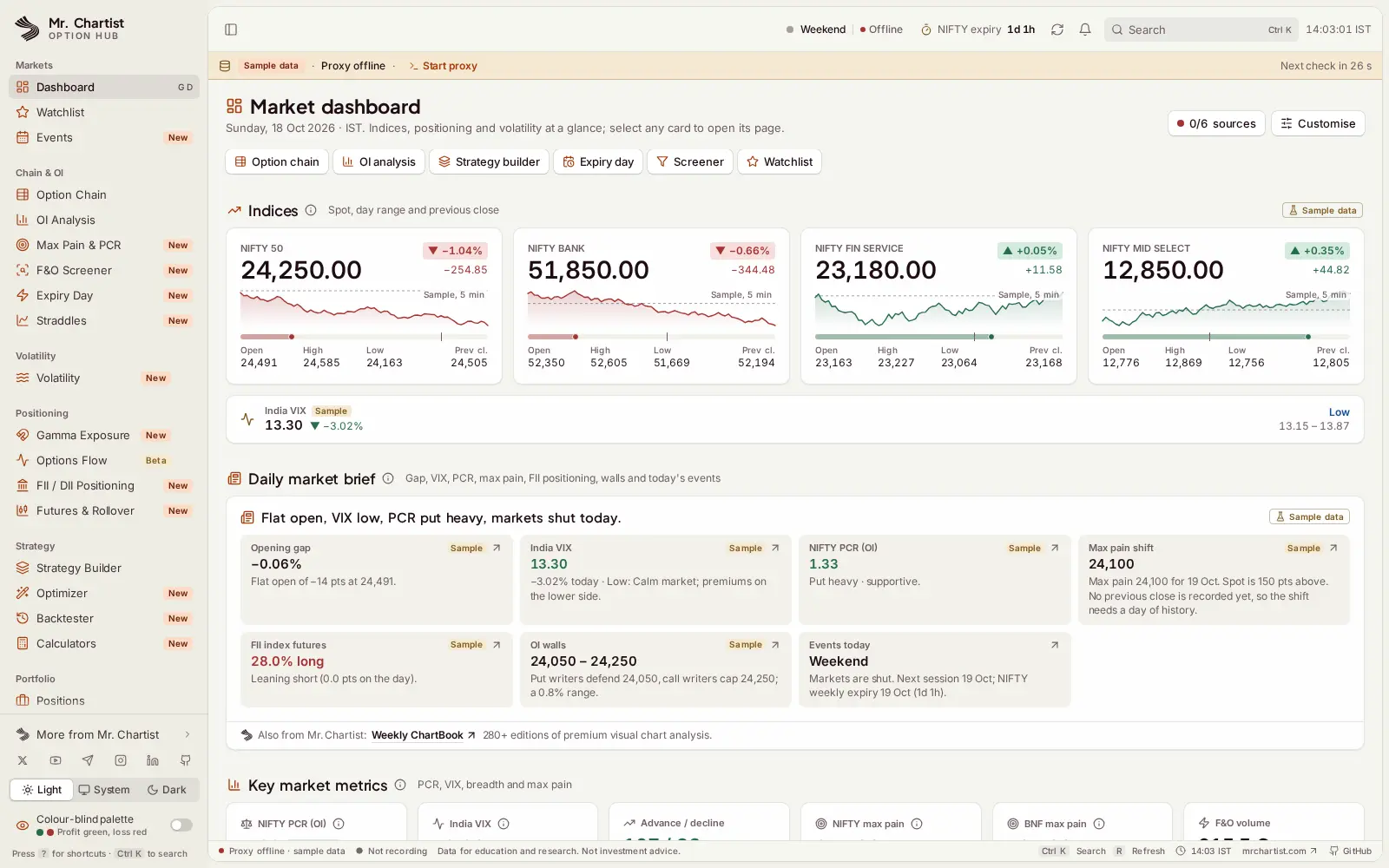


- Runs on
- Your computer
- Setup
- About 5 minutes
- Licence
- PolyForm Noncommercial License 1.0.0
- Updated
- React 18
- TypeScript
- Vite
- Tailwind CSS
- TanStack Query
- IndexedDB
- a Node.js proxy with a WebSocket relay
What you get.
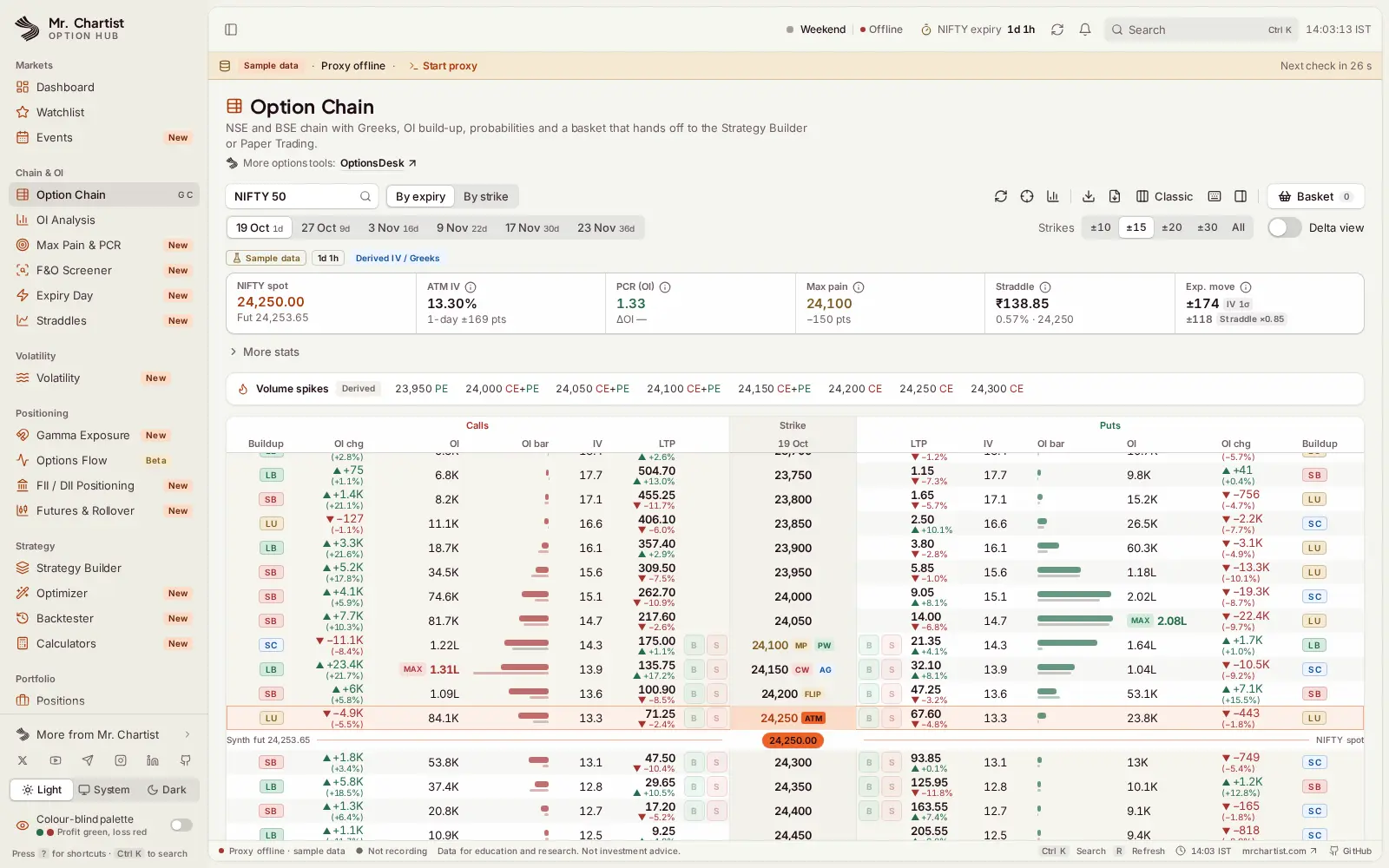
A full NSE and BSE option chain with Greeks, OI build-up labels, max pain, PCR and the expected move.
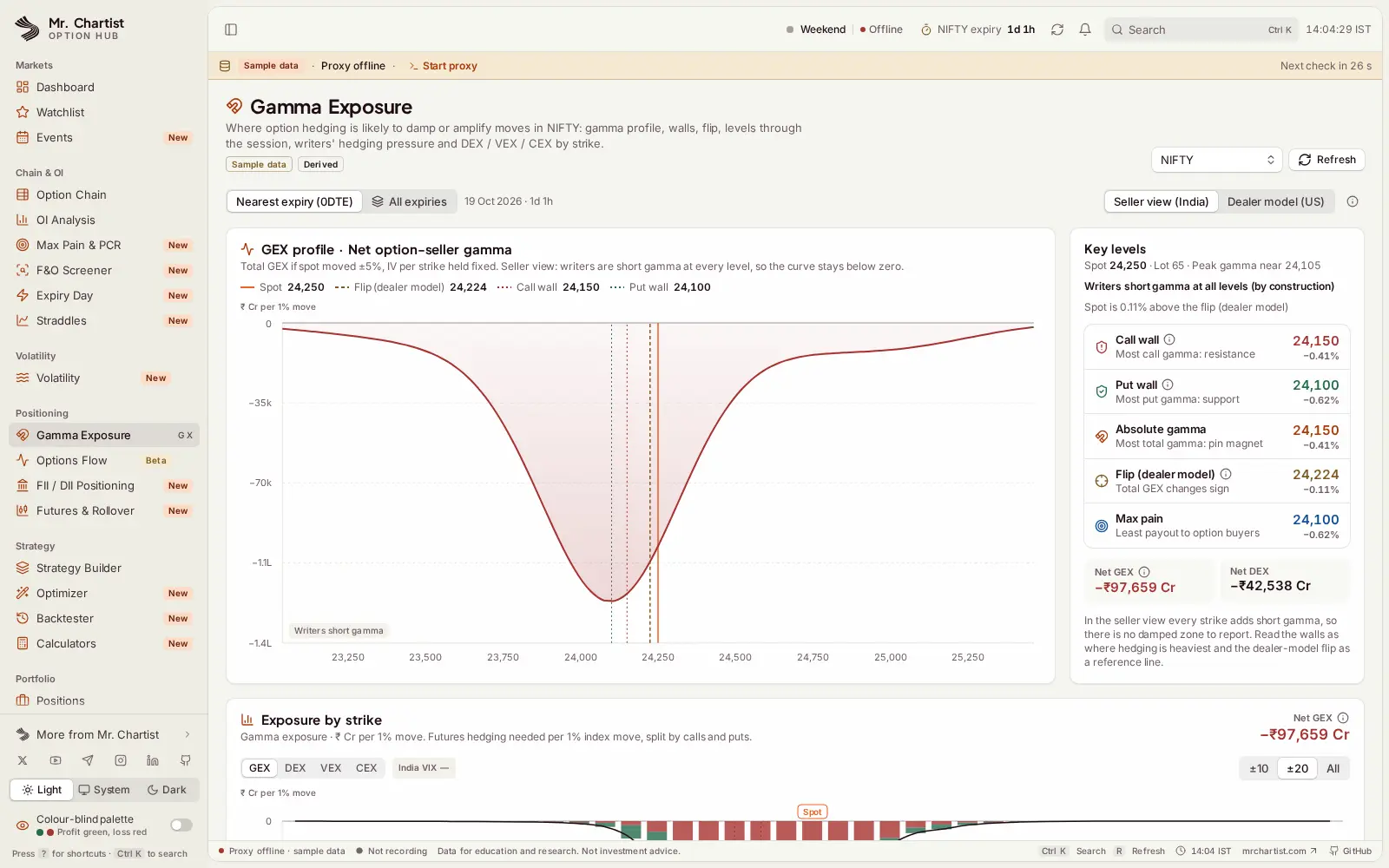
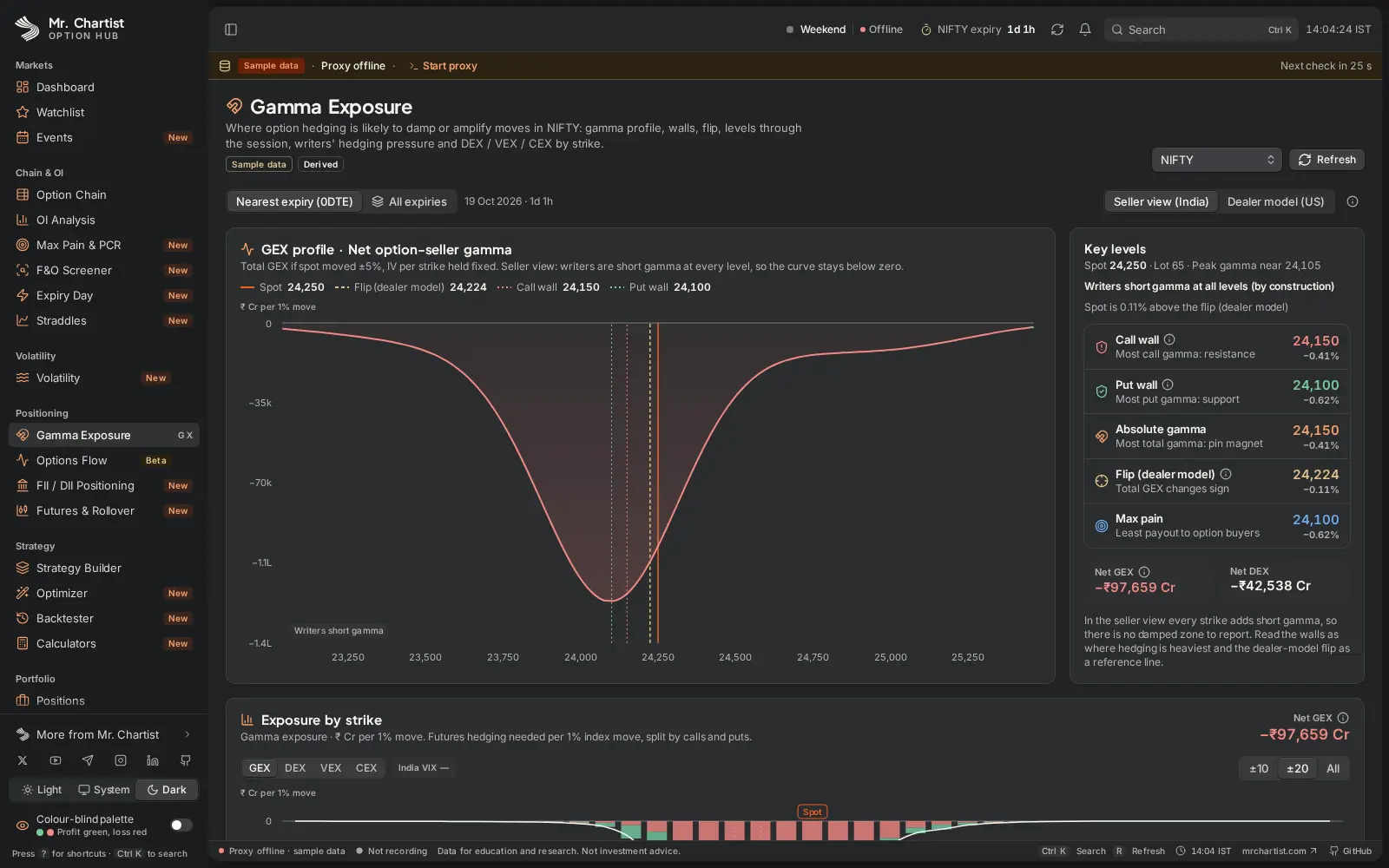
Gamma exposure with call and put walls, the gamma flip, and FII, DII, Pro and Client positioning from NSE files.
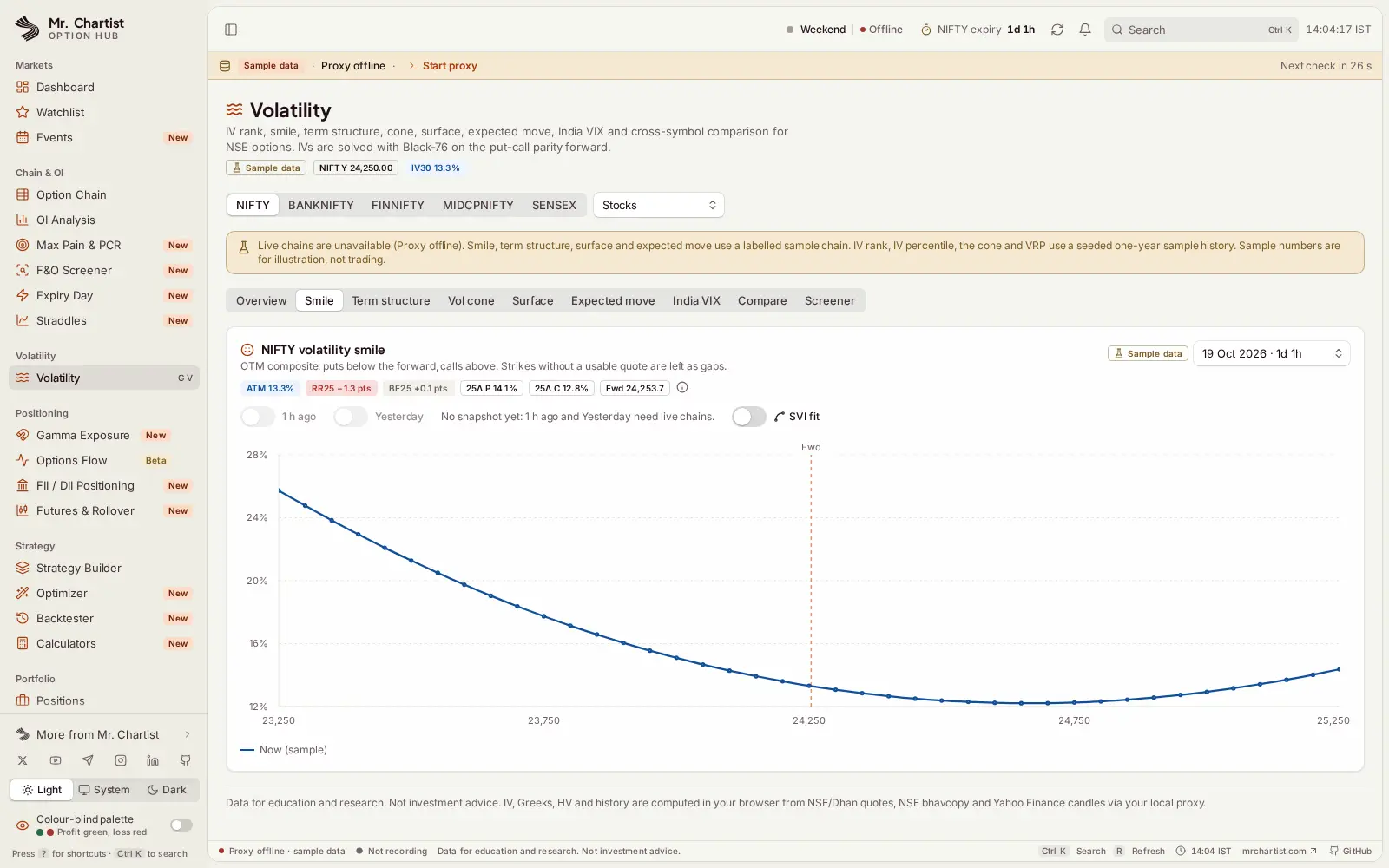
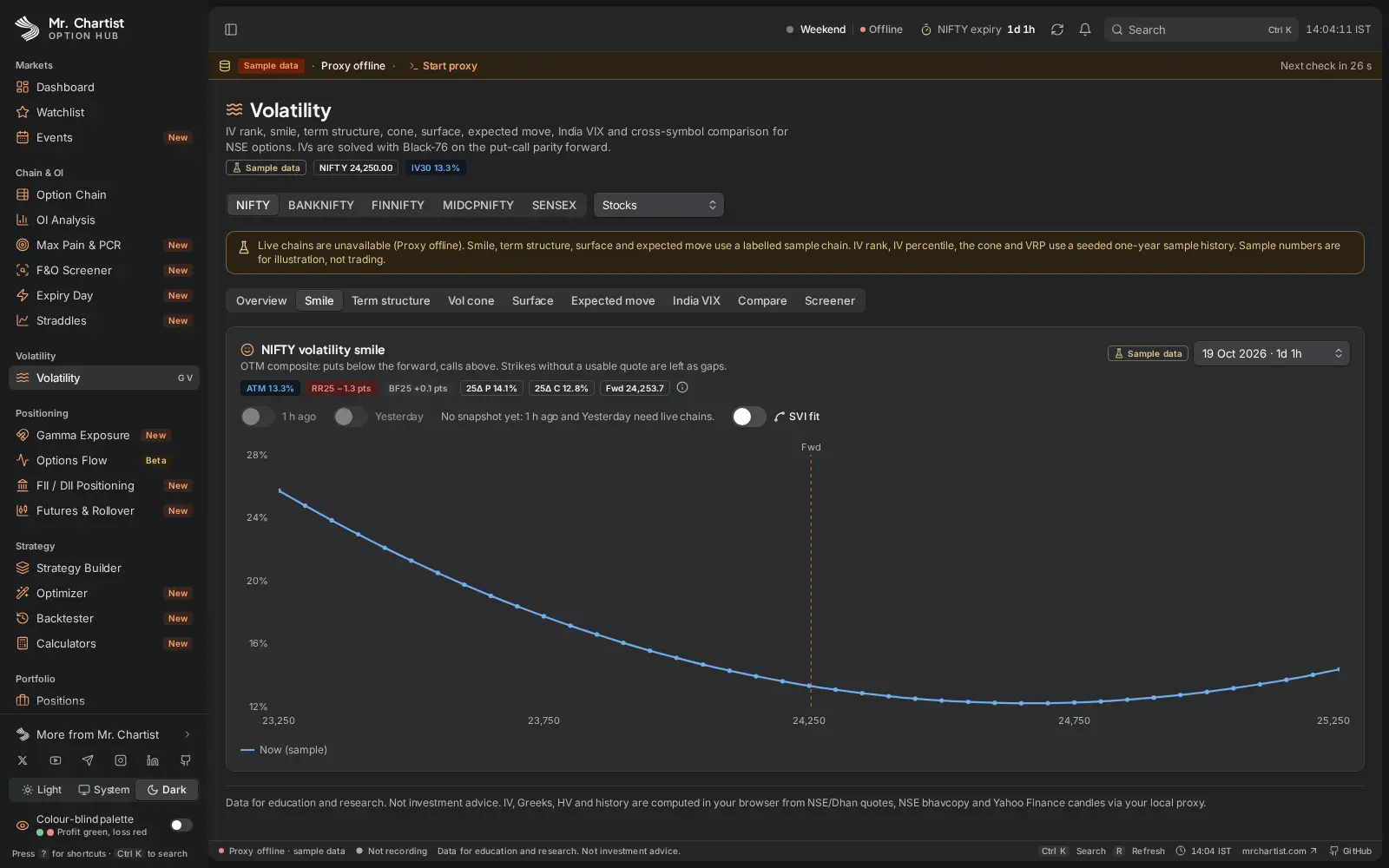
IV rank, the volatility smile, term structure, vol cone and surface, and an expiry-day (0DTE) command centre.
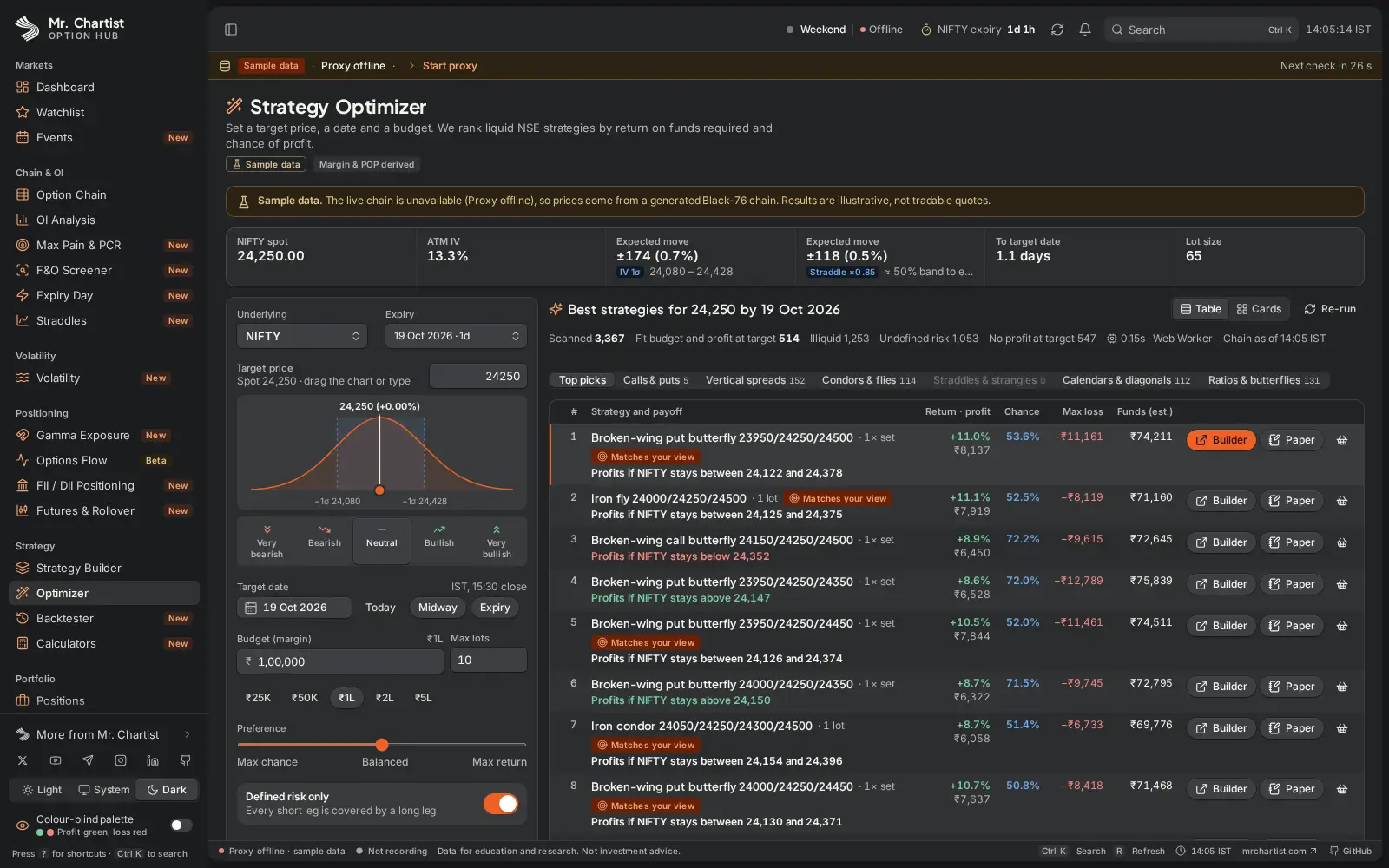
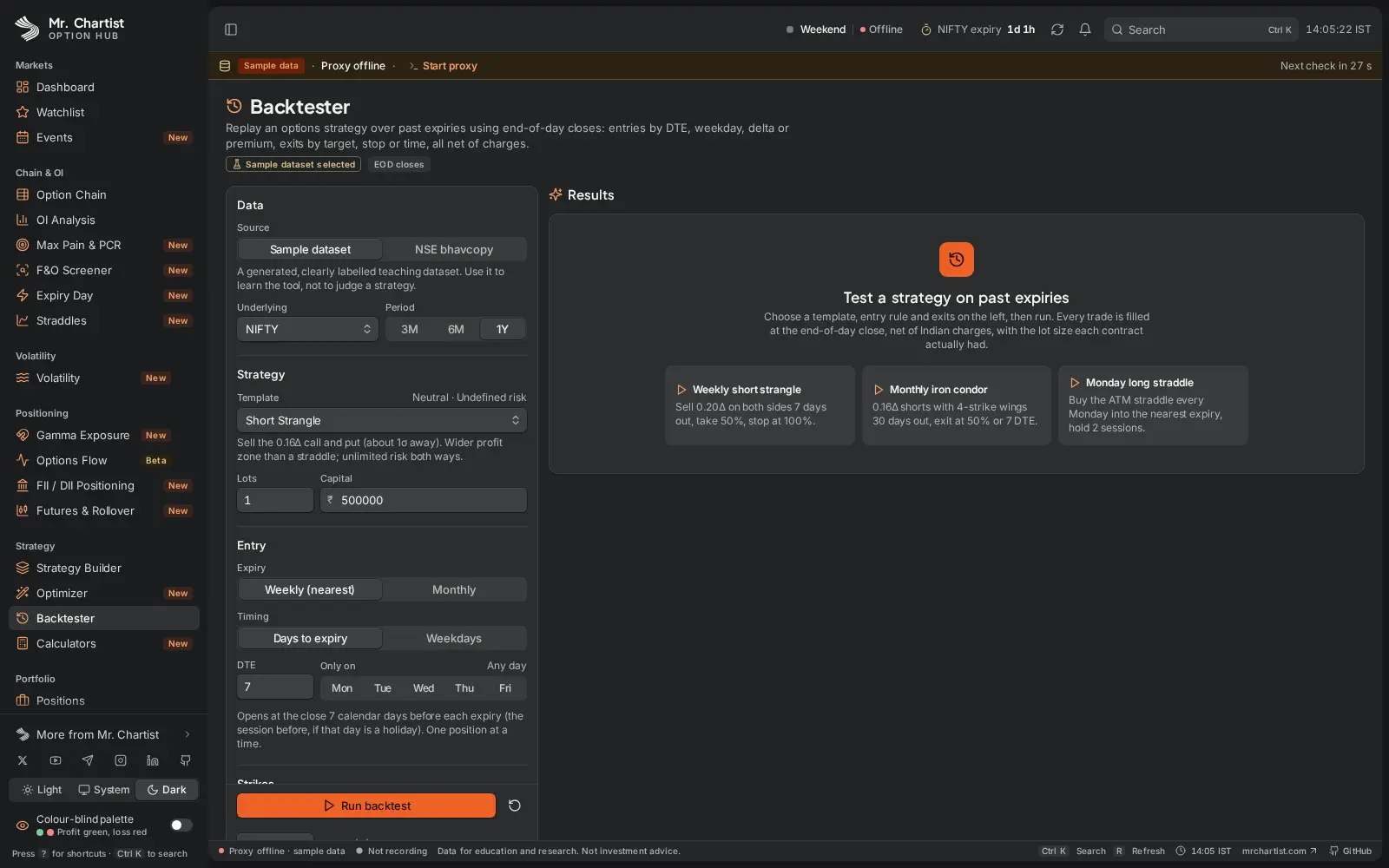
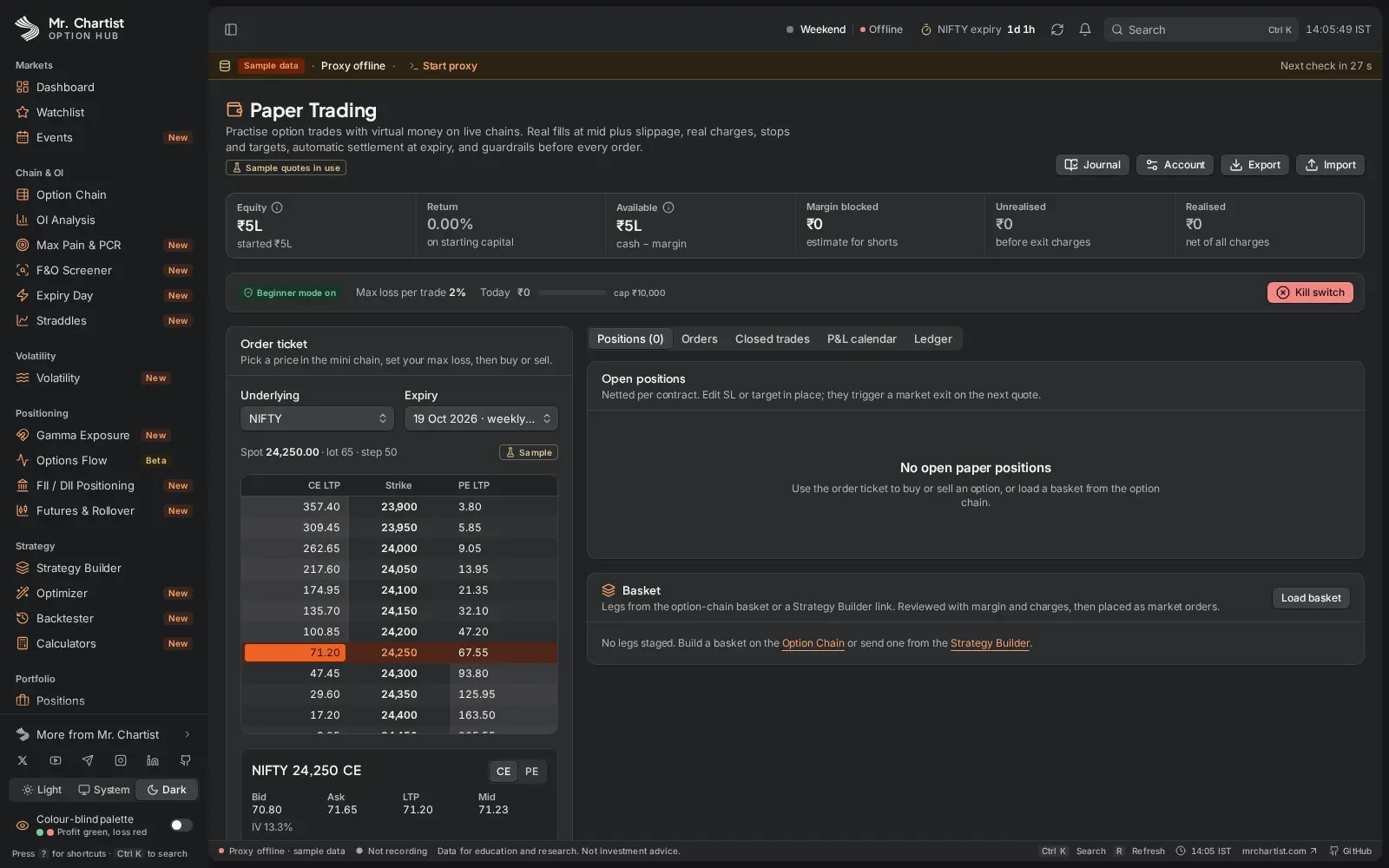
A multi-leg strategy builder, an optimizer that ranks thousands of trades, a backtester and paper trading.
Every number carries a badge: Live, Delayed, Last saved, Derived or Sample. Made-up data is never shown as live.
No account and no tracking. Broker keys stay in your browser and your local proxy.
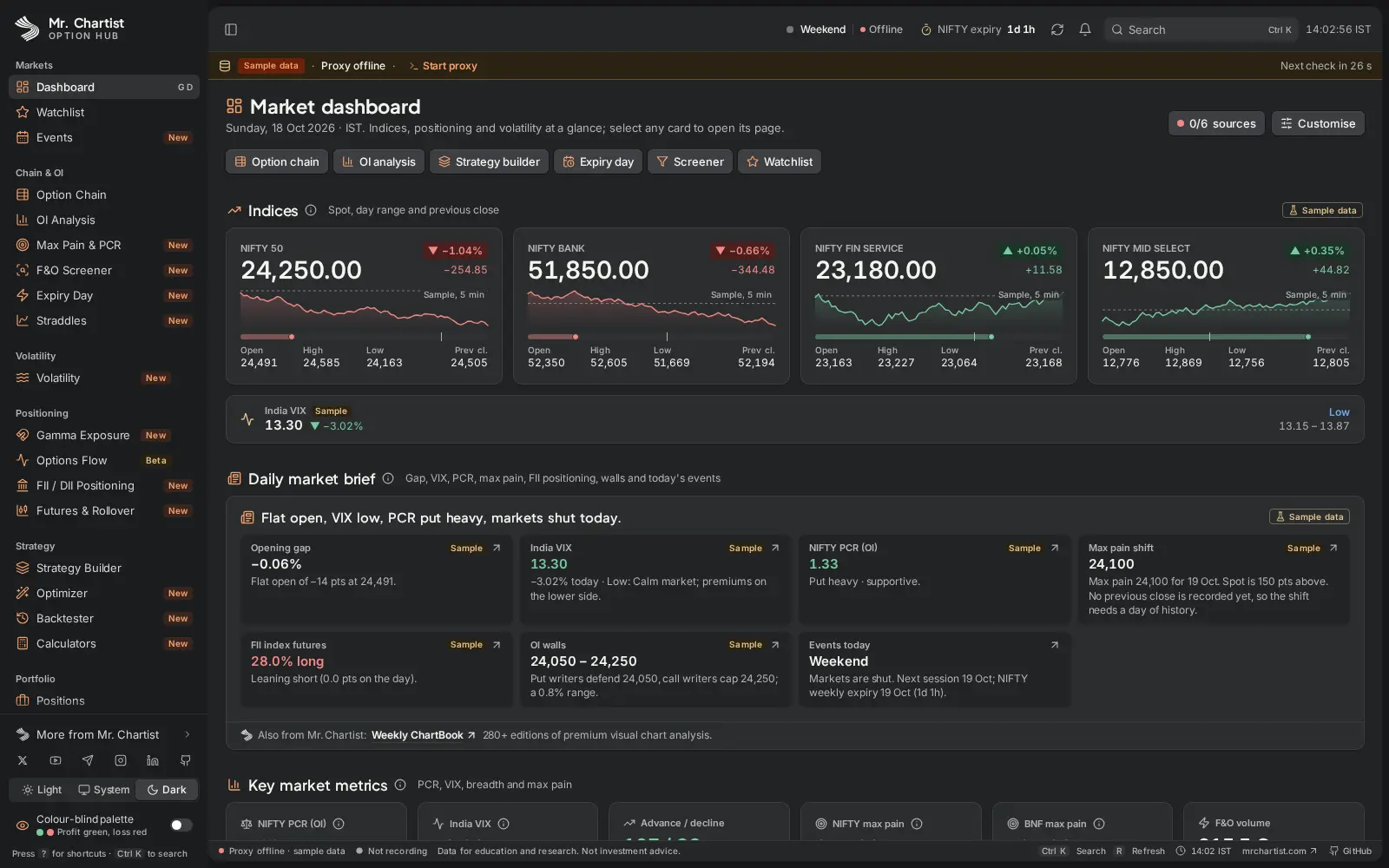
Markets: a dashboard of index cards, India VIX, a daily market brief (opening gap, PCR, max pain shift, FII futures, OI walls, today's events) and key metrics, with a layout you can customise. Also a watchlist and an events calendar for results and macro dates.
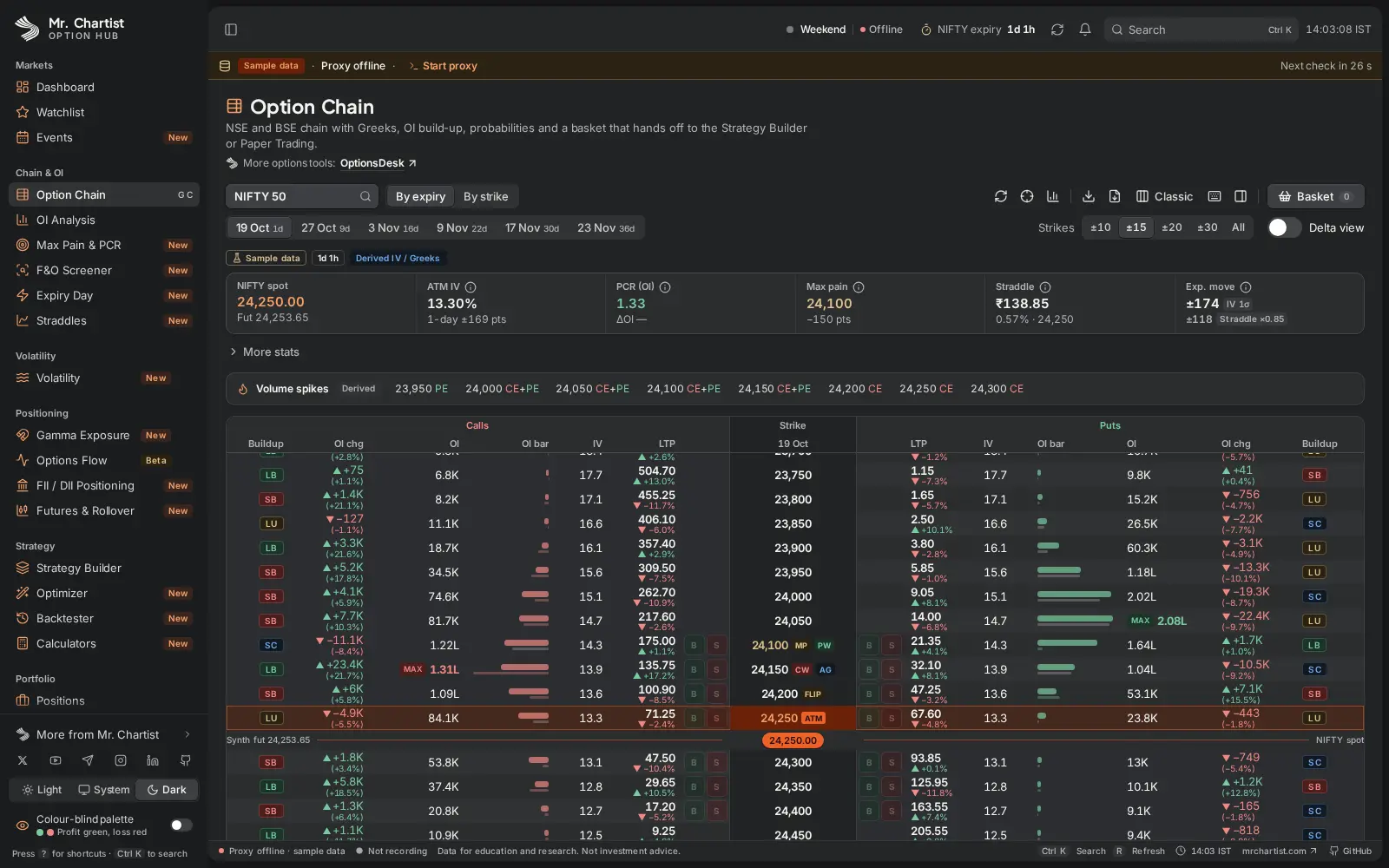
Option chain: NSE and BSE chains with Greeks, OI change, OI bars and build-up labels (long build-up, short build-up, short covering, long unwinding). ATM focus, strike range, volume spikes, multiple expiries, a delta view and a basket that hands off to the Strategy Builder.
OI tools: OI analysis with an ATM zone, OI heatmap and support and resistance from OI; a max pain curve with PCR history; an F&O screener with a build-up scanner; straddle and strangle charts; and a per-contract history page.
Expiry day: a 0DTE command centre for the NIFTY Tuesday and SENSEX Thursday weeklies. Straddle decay against theory, theta per minute, VWAP, hero-zero strikes and OI walls. Expiries that fall on a holiday move to the previous trading day.
Volatility: IV rank and percentile, the smile with an optional SVI fit, term structure, the volatility cone and surface, expected move, India VIX analytics, a cross-symbol compare and a volatility screener. IVs are solved with Black-76 on the put-call parity forward.
Positioning: a GEX profile with call wall, put wall, gamma flip and DEX, VEX and CEX by strike, in a seller view (India) or a dealer model (US). Options flow derived from chain snapshots, unusual activity, participant-wise OI and futures rollover and basis.
Strategy: a multi-leg builder with target-date and IV sliders, lognormal probability of profit, breakevens and a margin and charges estimate. An optimizer that ranks strategies by view, target date and budget, a backtester on past expiries, and charges, margin, position-size, option-price and IV calculators.
Portfolio: positions with live P&L and Greeks, paper trading with a real order ticket, a trade journal with tradebook import and analytics, and alerts on price, IV, PCR and OI.
1Cliq Trade (beta): a keyboard-first order terminal for Dhan. Fills are paper trades until you switch on Live trading, accept the warning and arm it. It has F6 close all, F7 cancel all and a trading lock. Its server-side stop-loss and target do not place real exit orders yet, so treat them as alerts.
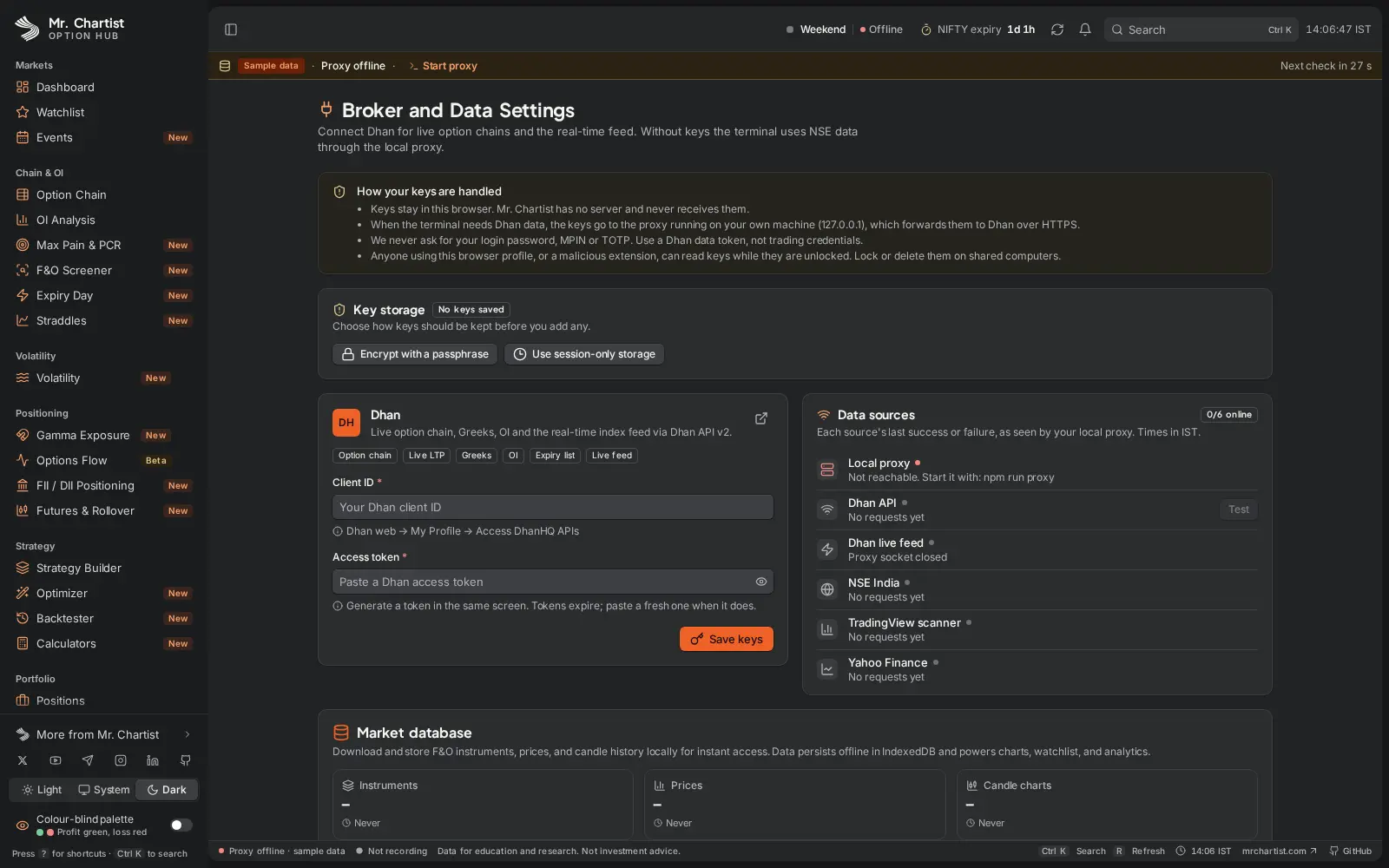
Brokers and data: 41 Indian brokers with a capability matrix. Dhan is verified on a live account; the others are fixture-tested and marked beta. Keys can be encrypted with a passphrase or kept for the session only. Passwords, PINs and TOTP secrets are never stored.
Built for India: real lot sizes by contract date, time to expiry measured to 15:30 IST, dated STT and charge tables (including STT on exercise), a SPAN-style margin estimate, rupee, lakh and crore formatting, and the F&O ban list.
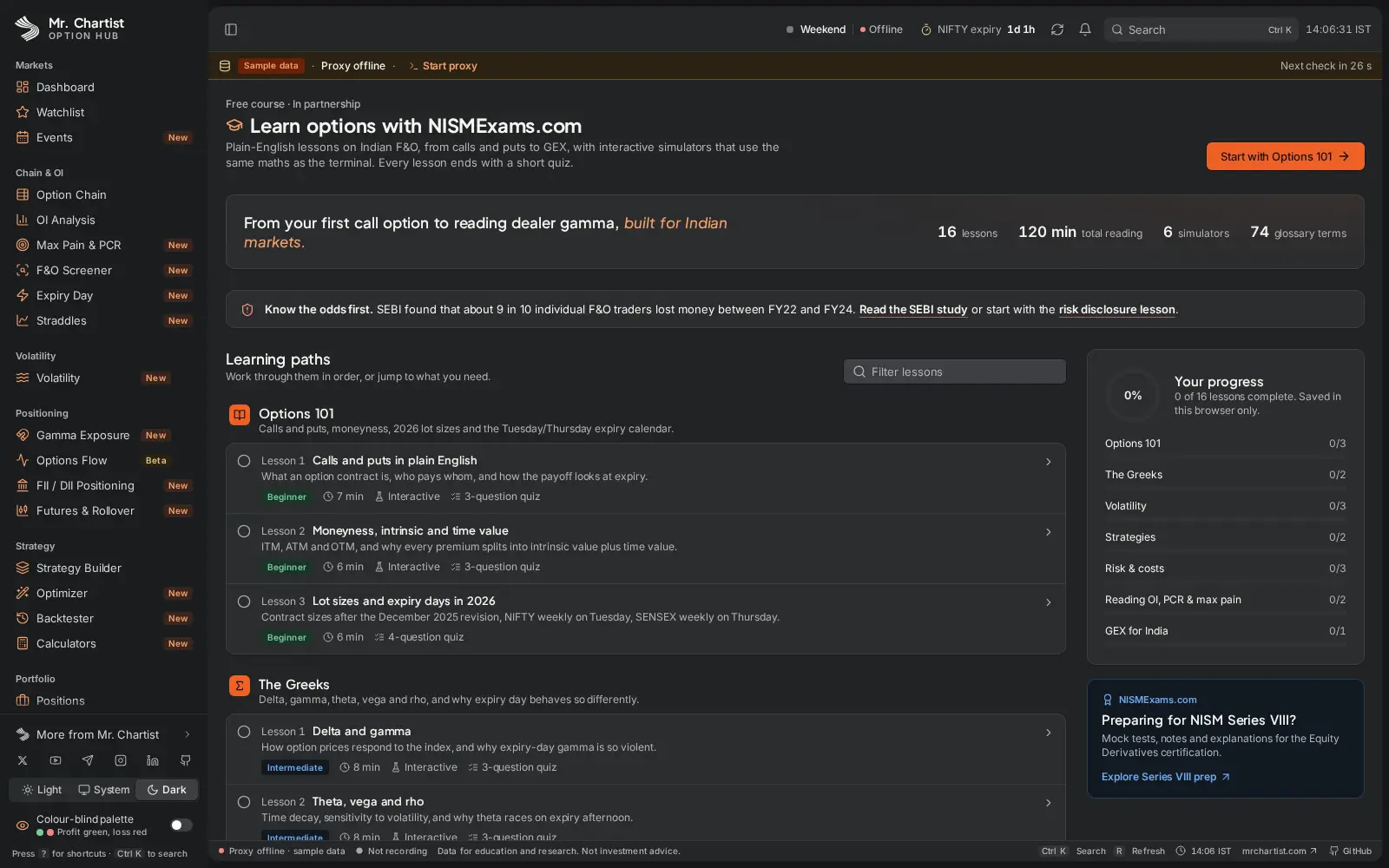
Learning and speed: a Learn hub with lessons, quizzes and simulators built with NISMExams.com, inline explainers on every metric, Ctrl K to jump to any page or symbol, G-key shortcuts, a colour-blind palette, and an installable PWA.
Inside Option Hub.
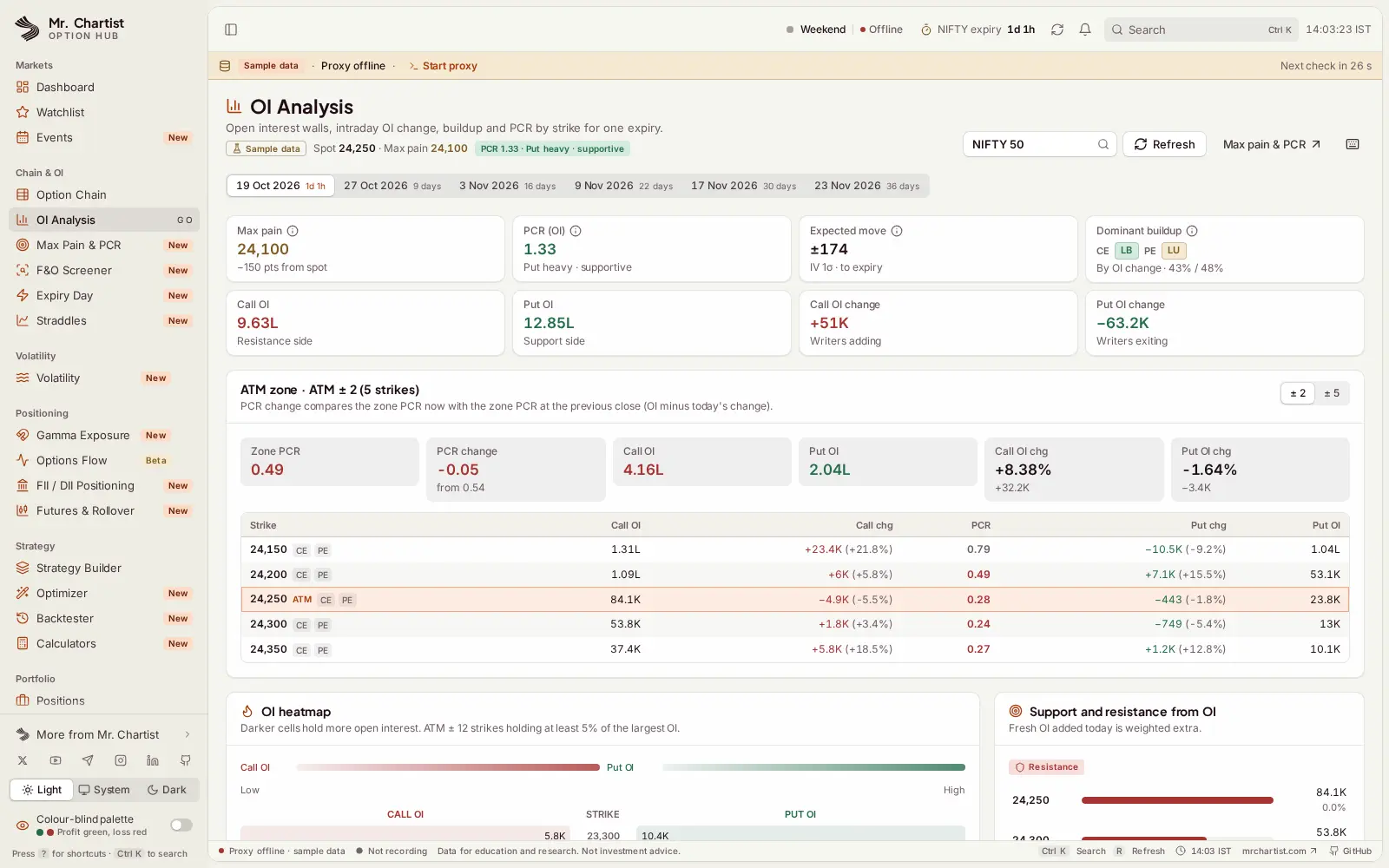
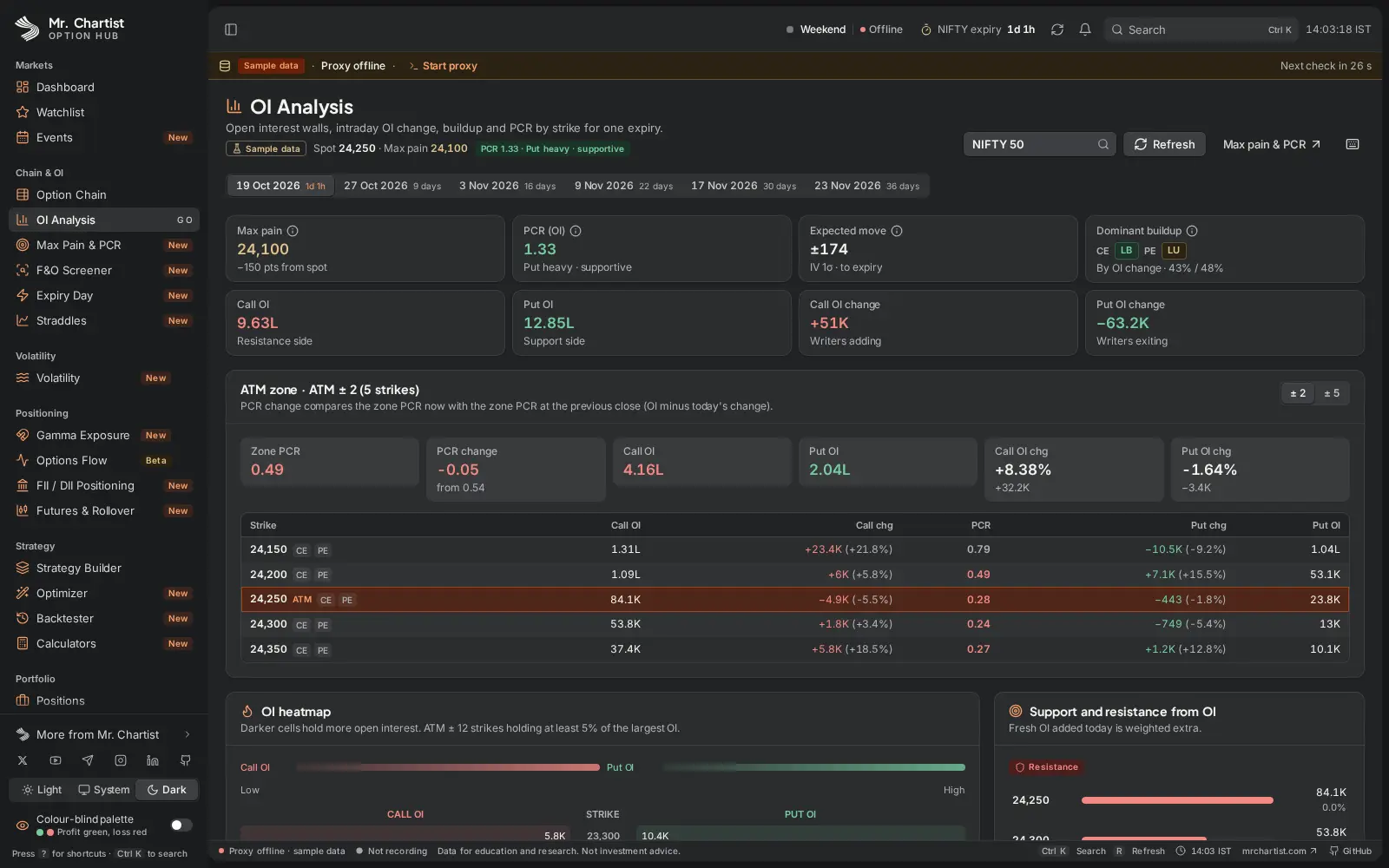
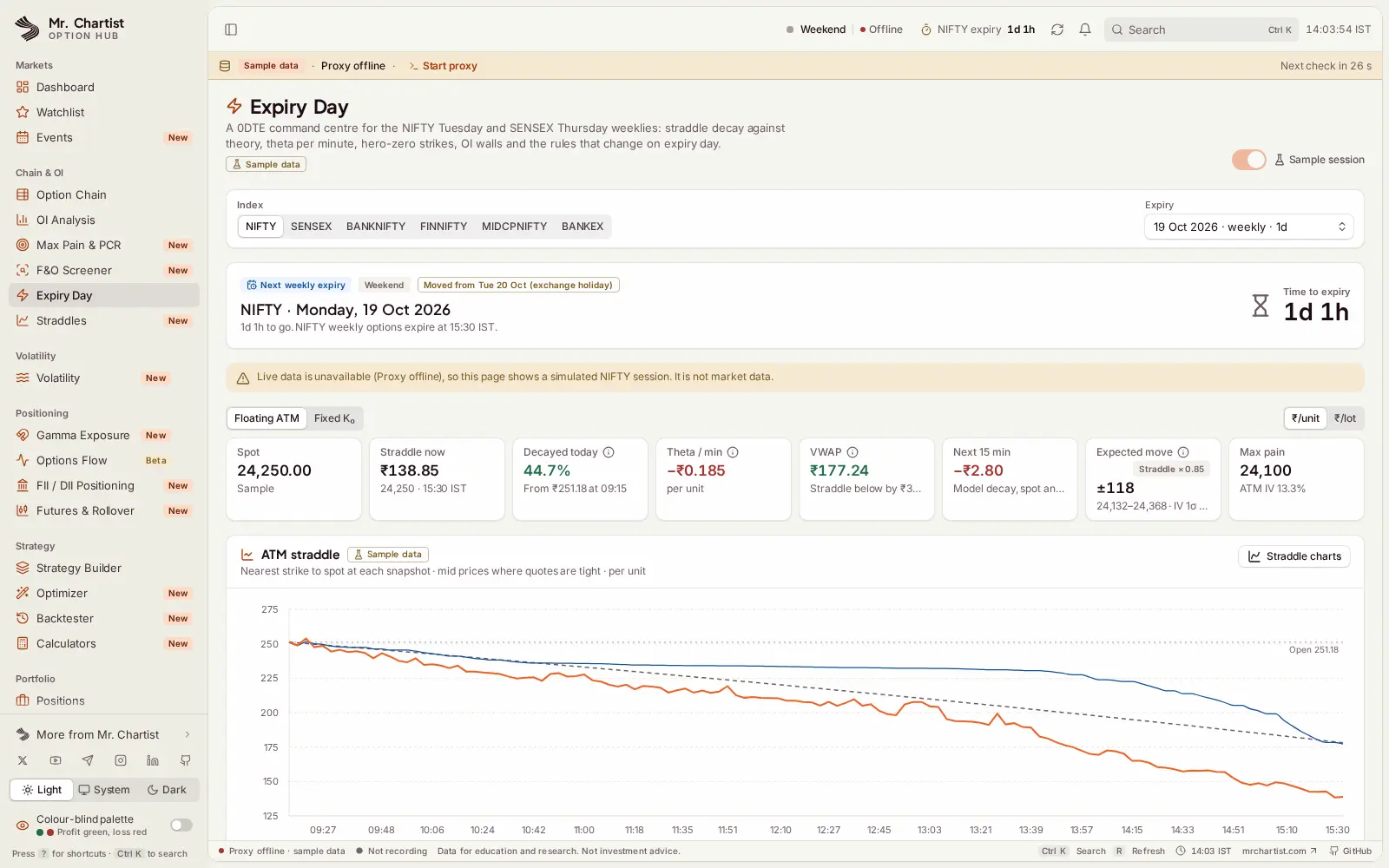
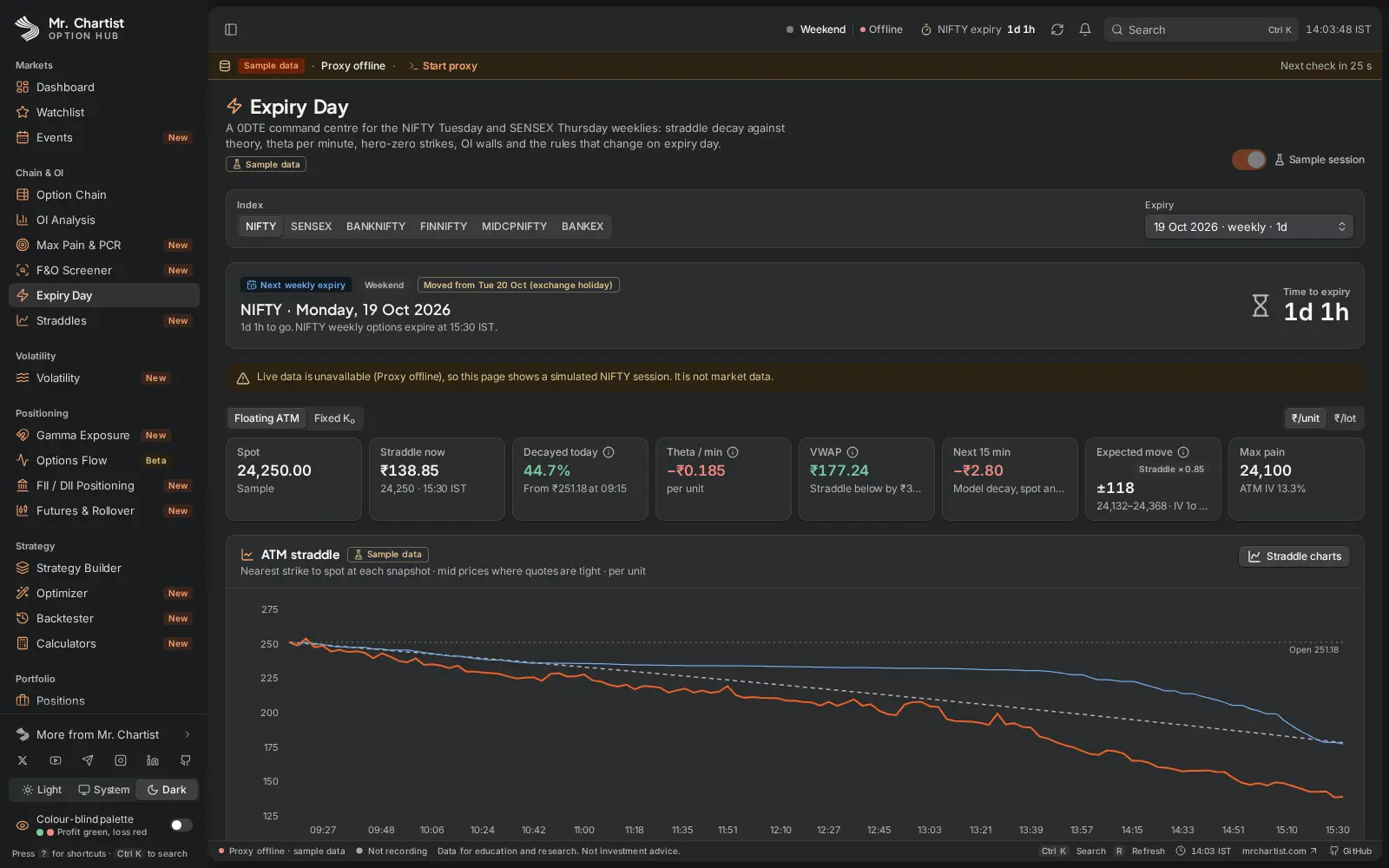
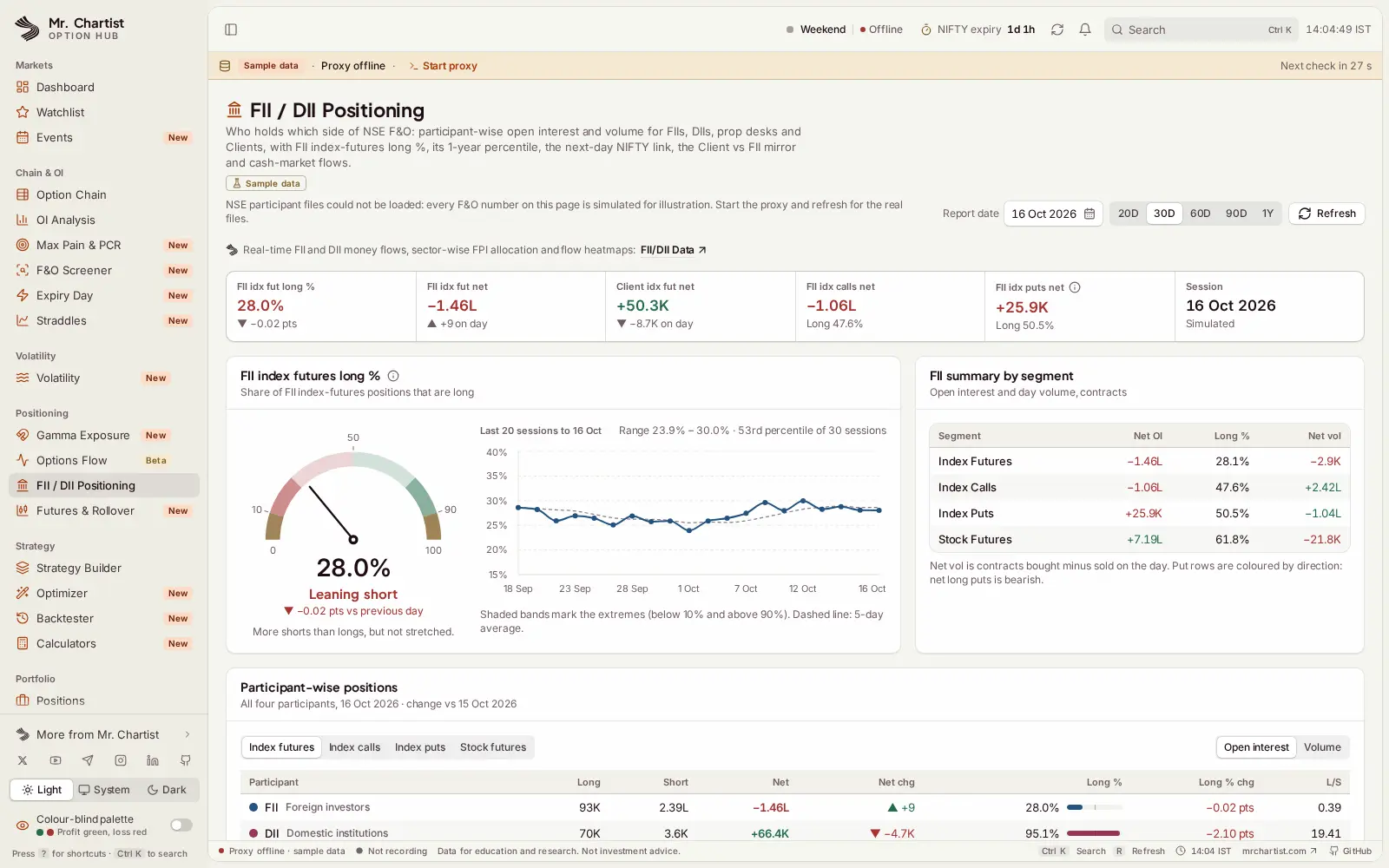
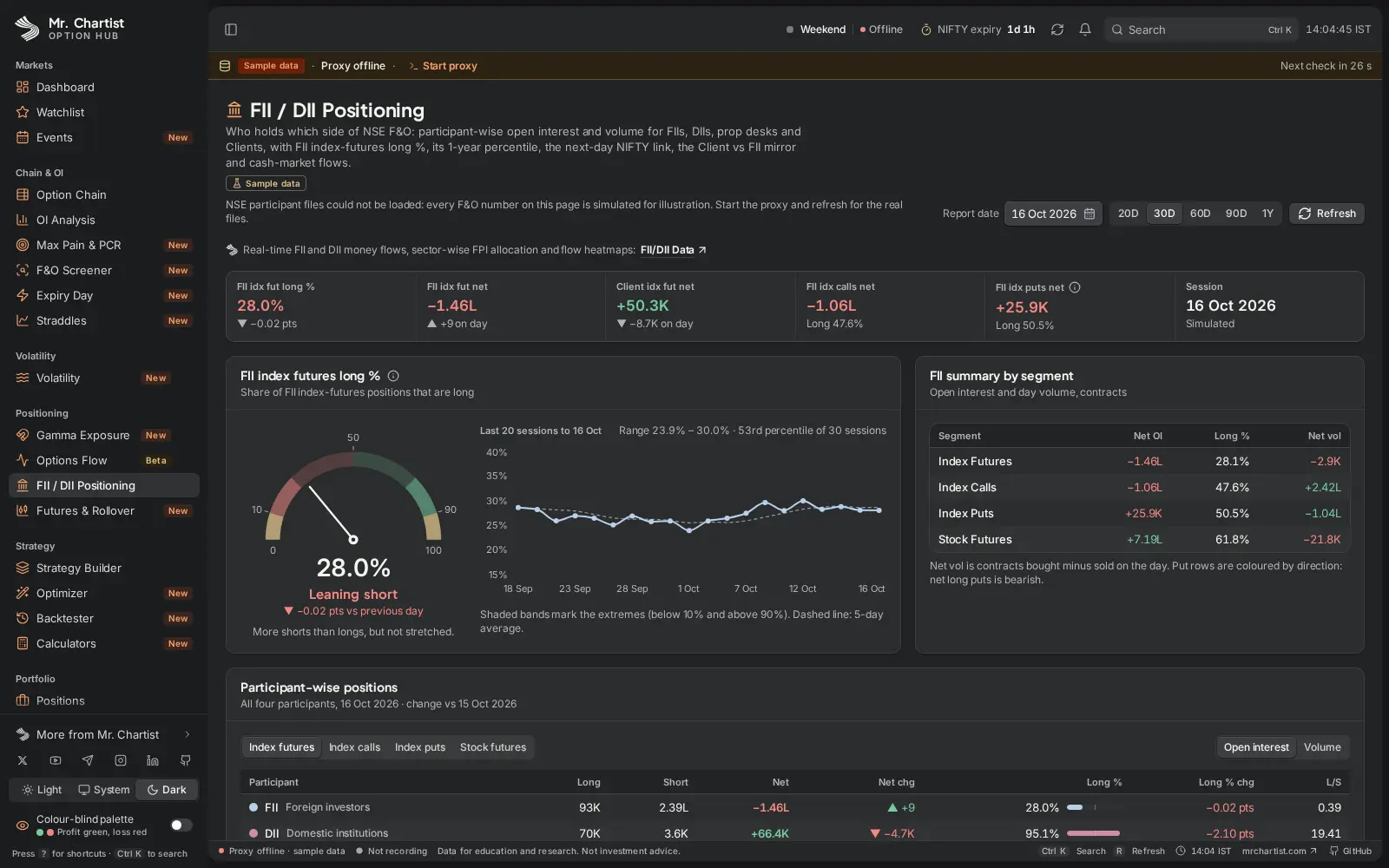
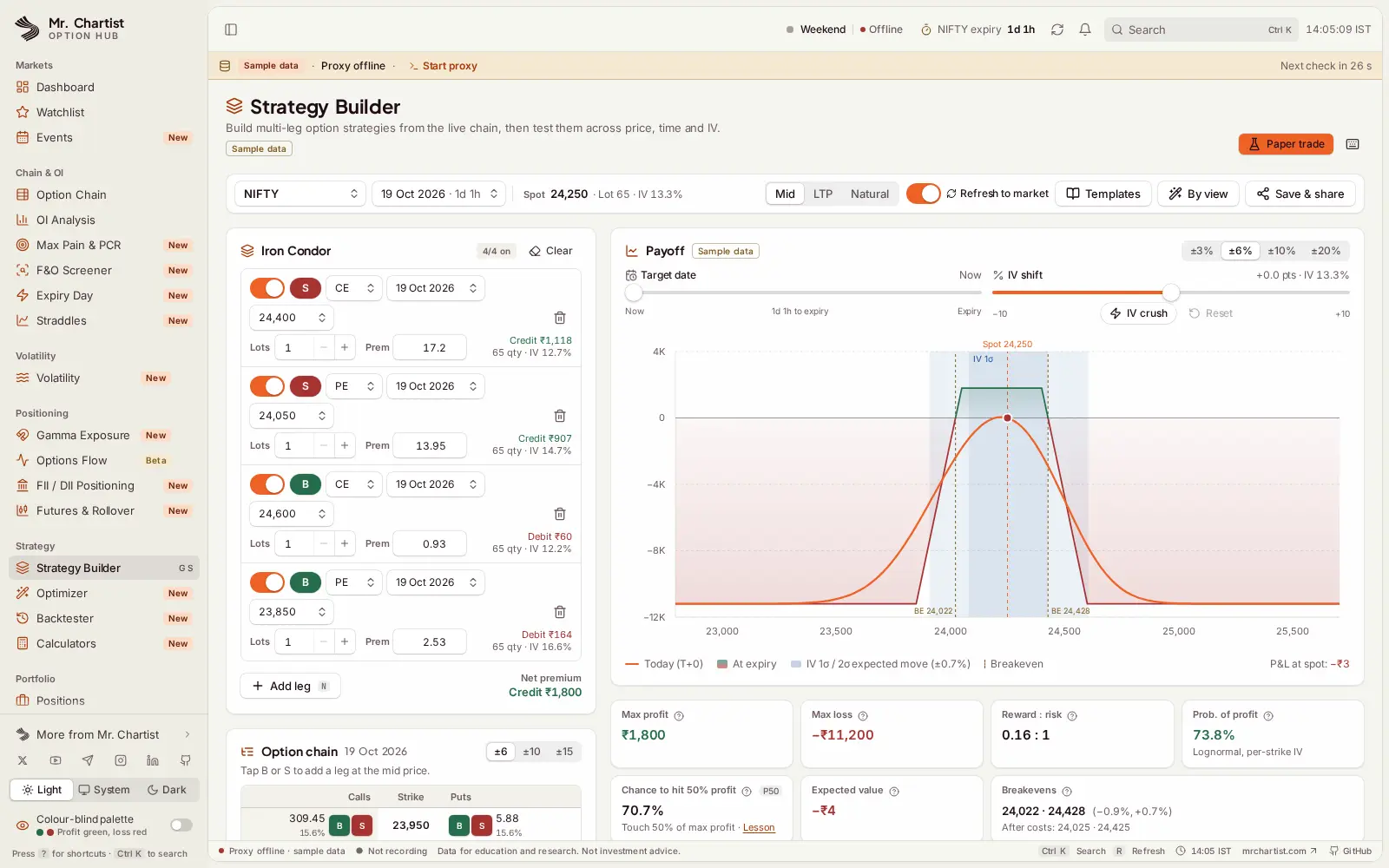
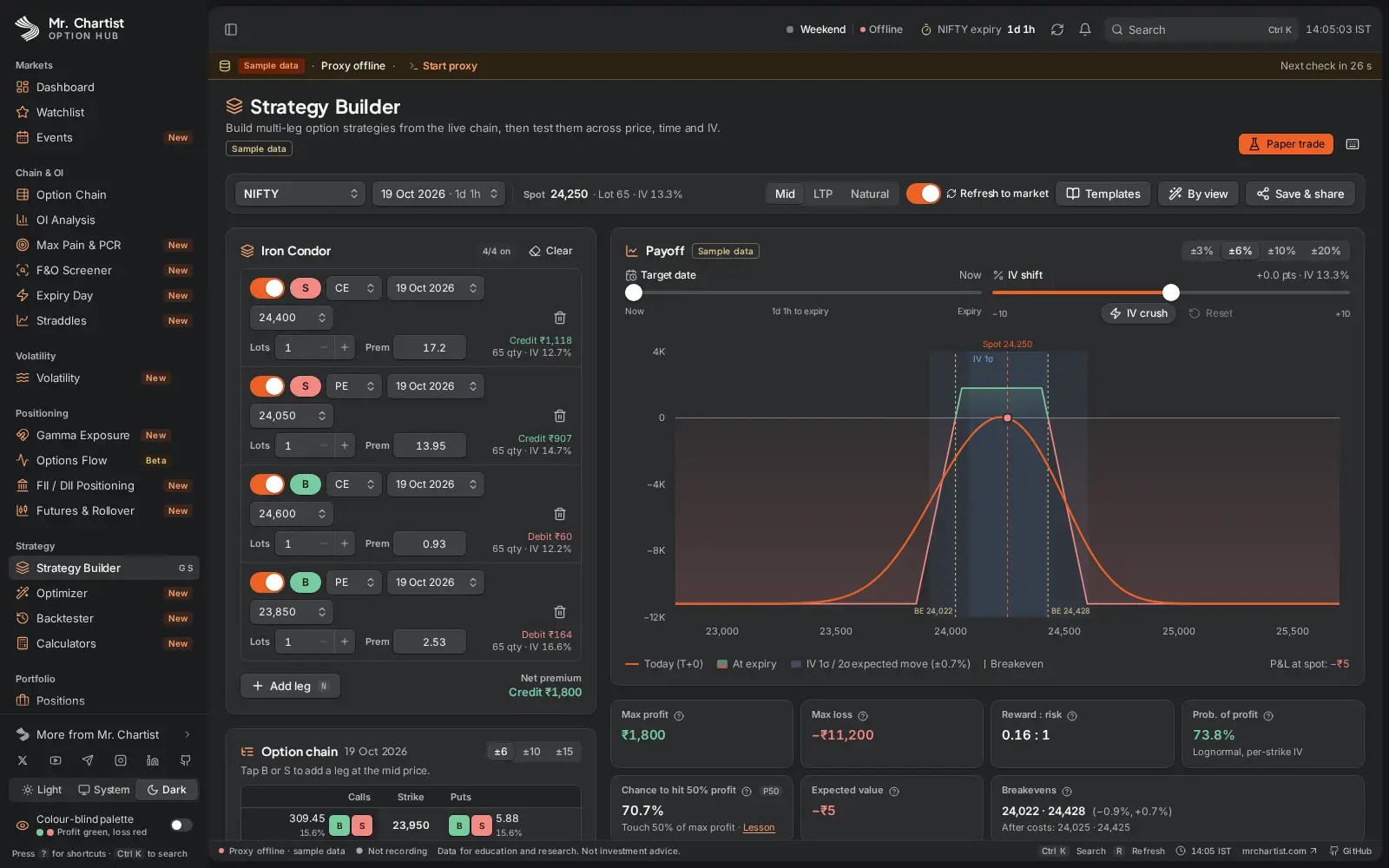
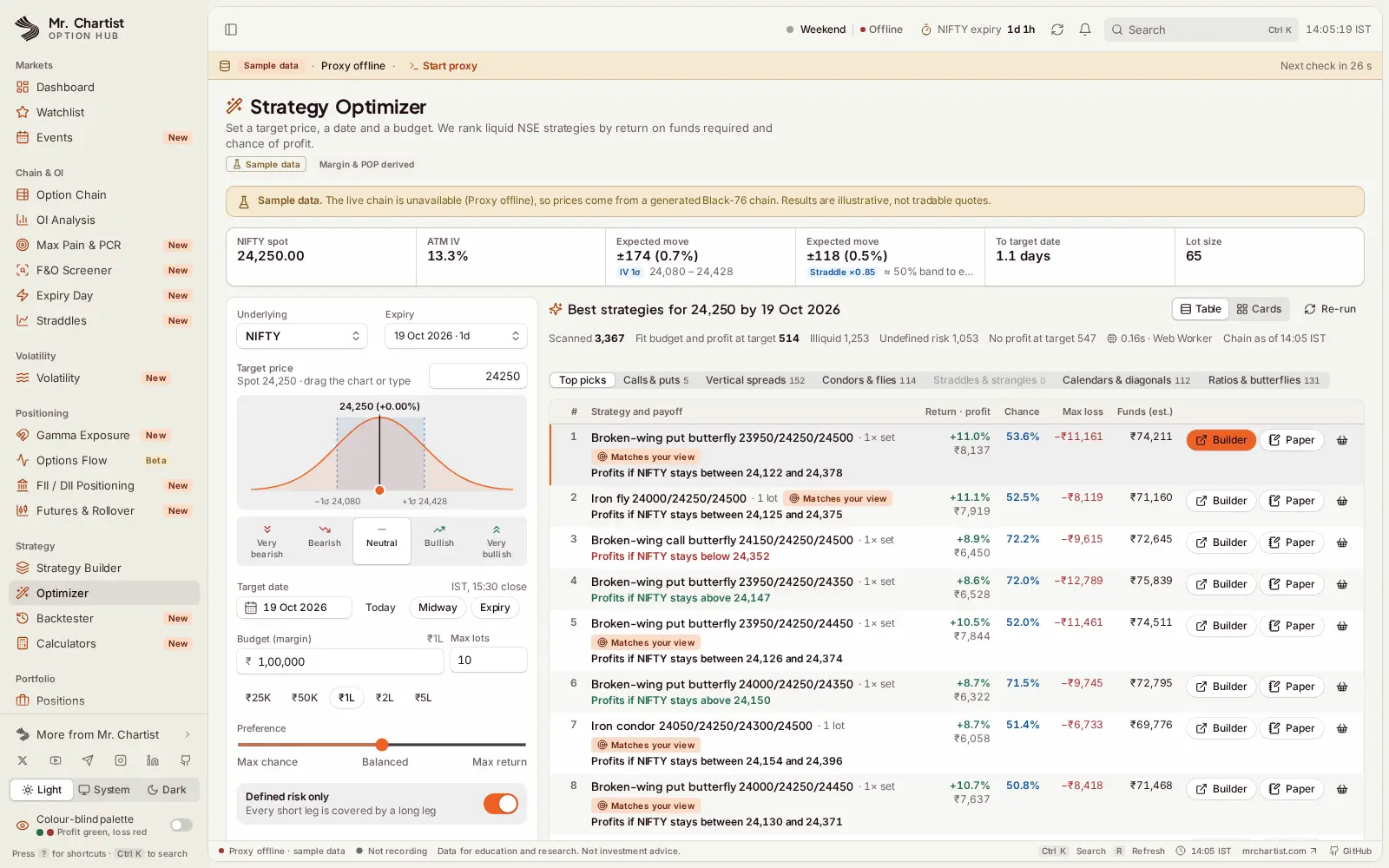




Dashboard
Indices, India VIX, the daily market brief and key metrics on one page.
Index cards
Spot, day range, previous close
NIFTY, BANKNIFTY, FINNIFTY and MIDCPNIFTY with an intraday line.
Market brief
Gap, VIX, PCR, max pain, OI walls
One plain sentence sums up the session, and each card opens its page.
Source health
Sources online, next check
A strip under the top bar says when the feed is off and how to start it.
From start to finish.
Fetch
A small Node proxy on 127.0.0.1:4002 calls Dhan, NSE, TradingView and Yahoo Finance, which a browser cannot call directly. It caches, rate-limits, merges identical requests and keeps a last good copy of each answer.
Label
Every answer comes back in one envelope with its source, time and a stale flag. The app turns that into the Live, Delayed, Last saved or Sample badge you see on each card.
Stream
With a Dhan key, the proxy turns Dhan's binary market feed into JSON ticks on a local WebSocket. Without it, the app falls back to polling, then to saved history.
Calculate
One pure library in src/lib/options does all the maths: Black-76 prices, Greeks, IV, payoffs, probability, charges and margin. It has a 90% test coverage gate.
Remember
Chain snapshots, candles and instruments are saved in IndexedDB on your device. They power flow, OI replay, IV history and PCR history, and keep charts working offline.
Run it on your computer.
You need
- Node.js 20 or higher
- Git, or the ZIP from GitHub
- Chrome, Edge, Brave or Safari
- Optional: a free Dhan API key
git clone https://github.com/MrChartist/india-s-best-option-hub.git
cd india-s-best-option-hub
npm install
npm run dev
Prefer step by step?
- 1Install Node.js 20 or higher (the LTS version from nodejs.org).
- 2Clone: git clone https://github.com/MrChartist/india-s-best-option-hub.git && cd india-s-best-option-hub. No Git? Use Code, then Download ZIP on GitHub and extract it.
- 3Install: npm install
- 4Start: npm run dev. This runs the app on port 4001 and the local data proxy on port 4002 together.
- 5Open http://localhost:4001. Without broker keys you get NSE and public data where available, and labelled sample data where not.
- 6Optional: for the best chain, Greeks and live ticks, add a free Dhan API key in Broker Settings, or copy .env.example to .env and set DHAN_CLIENT_ID and DHAN_ACCESS_TOKEN.
- 7Shows Sample data everywhere? Make sure you ran npm run dev (not npm run dev:vite) and open http://localhost:4002/health. Outside market hours, NSE and brokers often return empty data.
- 8Docker: docker compose up --build, then open http://localhost:4001. Ports bind to 127.0.0.1 only, because the proxy can hold your broker token.
- 9Before changing code, run npm run check (typecheck, lint, tests and build).
Let an AI install it for you.
Claude
You need
- Repo access
- README context
- Terminal if using Claude Code
You are my setup assistant. Install and run "Option Hub" on my computer, then confirm it works. I am not a developer, so explain every step in simple English.

Repository: https://github.com/MrChartist/india-s-best-option-hub
What it is: Chain, OI, gamma, volatility and strategy tools for NSE and BSE options, in one free app.
Built with: React 18 + TypeScript + Vite + Tailwind CSS + TanStack Query + IndexedDB + a Node.js proxy with a WebSocket relay

Rules
1. Ask which operating system I use (Windows, macOS or Linux) and give commands for that system only.
2. Check what is already installed (Git, Node.js or Python versions) before installing anything. If something is missing, tell me where to download it and wait.
3. Ask me before installing anything globally or changing system settings.
4. Never ask me to paste passwords or API keys into this chat. If a key is needed, tell me which file to put it in.
5. Do not edit the project's source code unless I ask.
6. Read the README first. If it disagrees with the steps below, follow the README and tell me why.

Steps from the guide
1. Install Node.js 20 or higher (the LTS version from nodejs.org).
2. Clone: git clone https://github.com/MrChartist/india-s-best-option-hub.git && cd india-s-best-option-hub. No Git? Use Code, then Download ZIP on GitHub and extract it.
3. Install: npm install
4. Start: npm run dev. This runs the app on port 4001 and the local data proxy on port 4002 together.
5. Open http://localhost:4001. Without broker keys you get NSE and public data where available, and labelled sample data where not.
6. Optional: for the best chain, Greeks and live ticks, add a free Dhan API key in Broker Settings, or copy .env.example to .env and set DHAN_CLIENT_ID and DHAN_ACCESS_TOKEN.
7. Shows Sample data everywhere? Make sure you ran npm run dev (not npm run dev:vite) and open http://localhost:4002/health. Outside market hours, NSE and brokers often return empty data.
8. Docker: docker compose up --build, then open http://localhost:4001. Ports bind to 127.0.0.1 only, because the proxy can hold your broker token.
9. Before changing code, run npm run check (typecheck, lint, tests and build).

When the steps are done
- Start the app and tell me the exact address to open. Expected address: http://localhost:4001
- If an error appears, read it, fix the cause and retry. After three failed attempts, stop and explain the problem simply.
- Finish with five short lines: what the app does, how to start it again, how to stop it, where its data is stored, and one thing I can try first.
- This is an information tool. It is not investment advice.

If you can run a terminal (Claude Code), do it yourself. If you are chat only, give me one command block at a time and wait for me to reply before the next.
- Ask the AI to read docs/ARCHITECTURE.md first, then explain the path from proxy-server.mjs to src/lib/api/proxyClient.ts, src/lib/marketApi.ts and the React Query hooks in src/hooks/useMarketData.ts.
- Ask it to explain the envelope { data, meta: { source, asOf, stale } } and how the Live, Delayed, Last saved and Sample badges are chosen from it.
- Ask it to walk through src/lib/options: Black-76 pricing, Greeks, the IV solver, the IST expiry clock, lot sizes and dated charges. All maths lives there and nowhere else.
- Ask it to explain src/lib/routes.ts, the one route registry that drives routing, the sidebar, the command palette and keyboard shortcuts.
- Ask it to trace how chain snapshots are saved to IndexedDB by snapshotStore.ts and reused for flow, OI replay, IV history and PCR history.
- IMPORTANT: Keep the project rules. Keep every calculation in src/lib/options, label sample and derived data, render one h1 per page, keep the proxy on 127.0.0.1, and run npm run check before you push.
Under the hood.
REST API Endpoints
Questions about Option Hub.
Run it, then read the code.
Run npm run dev, open the Option Chain and Gamma Exposure pages, then ask an AI to explain src/lib/options before you change any number the app shows.