

One local API for all your Indian brokers.
One local API for 41 Indian brokers, so your charts, alerts, Excel, Python and AI assistants share one careful connection.
Rohit Singh | Mr. ChartistAuthor and builder


- Runs on
- Your computer
- Setup
- About 5 minutes
- Licence
- Mr. Chartist API Bridge Personal Use Licence 1.0
- Updated
- Node.js 20
- a REST, WebSocket and MCP server
- a web dashboard
- Python and Node SDKs
What you get.
One local address for 41 Indian brokers, with one symbol format for all of them, such as NSE:RELIANCE.
TradingView alerts as paper orders, a chart datafeed that TradingView-style charts can read, and live prices in Excel, Google Sheets and AmiBroker.
A Python SDK, a Node SDK, a REST API with live streaming, and an MCP server so Claude can read your prices and positions.
Rate limits handled for you: a live stream first, a cache with honest freshness labels, shared requests and a budget for each account.
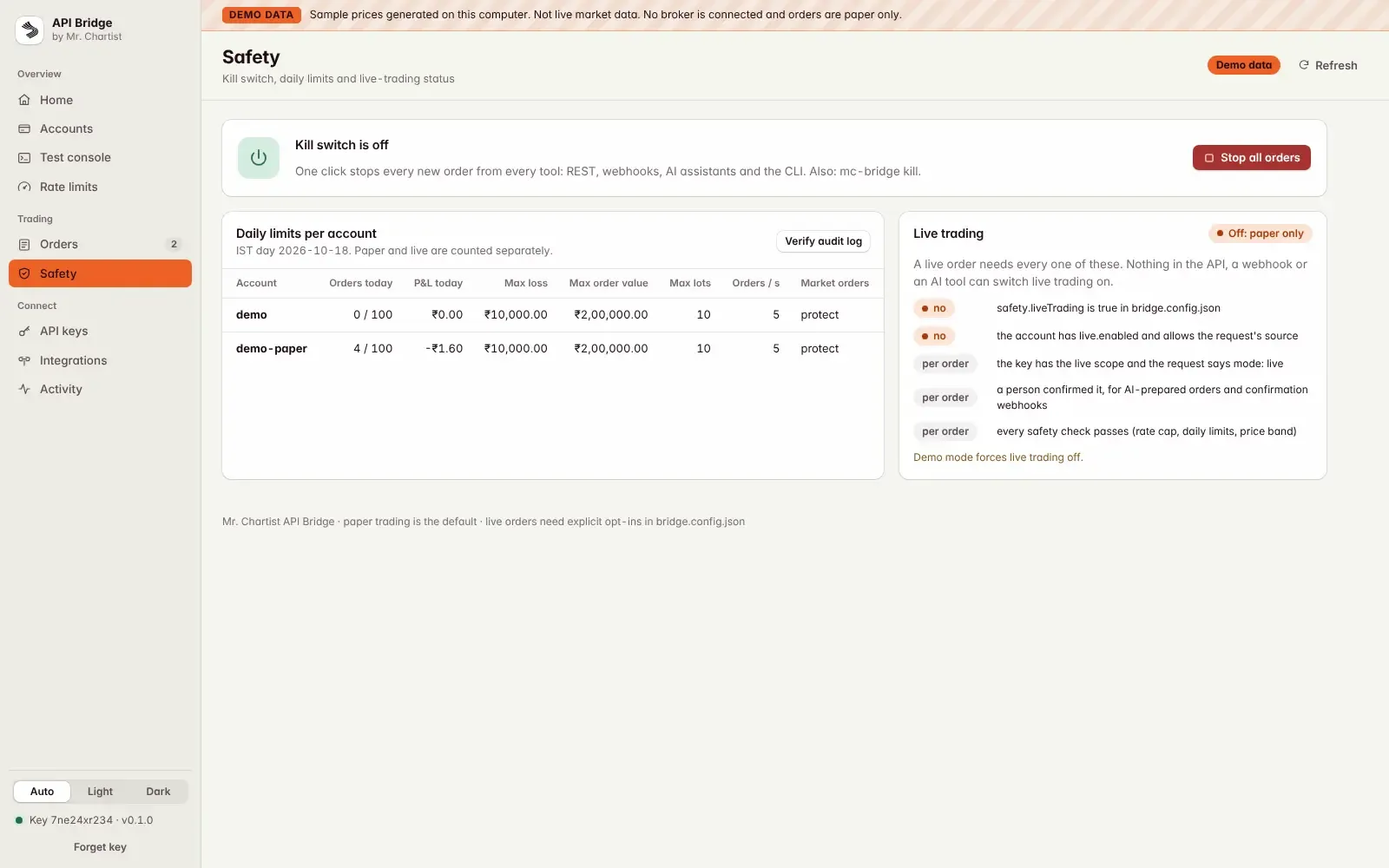
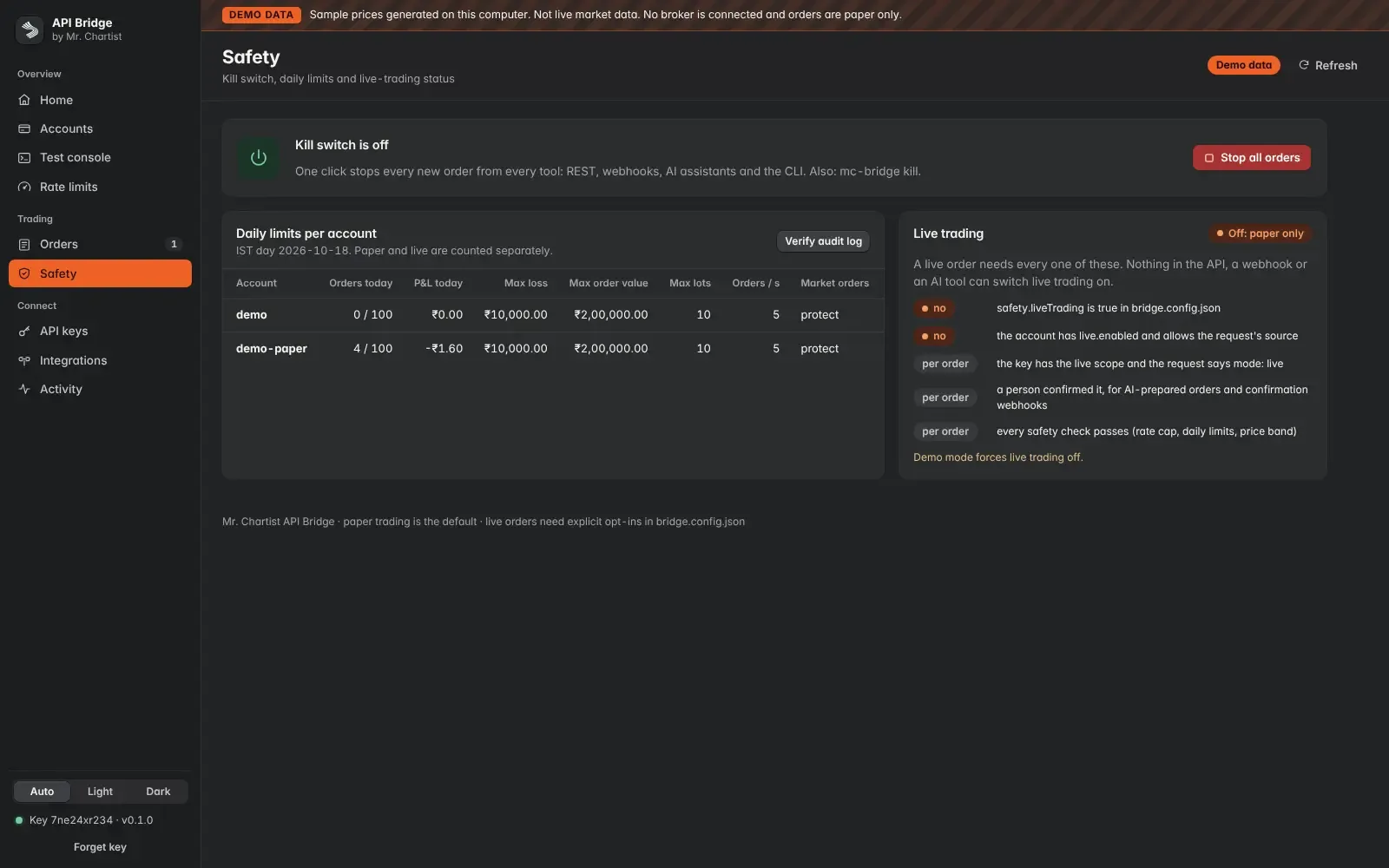
Paper orders by default, scoped keys, a one-click kill switch, daily limits and an audit log. An AI can only prepare an order that you confirm.
A dashboard with a first-run checklist and a demo mode, so you can try everything with sample data and no broker.
Accounts: list each broker account in bridge.config.json. Several brokers, and several accounts at one broker, work side by side, each with its own session and limits. You log in with mc-bridge accounts connect: what you type goes only to the Bridge on your computer and is stored encrypted. PINs, passwords and TOTP codes are used once and never stored. Most brokers end API sessions every morning, so you log in again.
Brokers: 41 Indian brokers behind one tested adapter contract. Dhan is verified end to end with a live account. The other 40 are beta: written from each broker's official documentation and tested against recorded sample responses, so compare numbers with your broker before you rely on them.
Rate limits: every request goes through one pipeline. The live stream answers first, then a cache with freshness labels (LTP 1 s, quote 2 s, depth 1 s, option chain 3 s). Identical requests are shared and symbols are batched. Each account and each kind of call has its own budget, taken from the broker's documentation. Orders jump the queue, and nothing is dropped silently: a symbol that could not be fetched comes back in errors[] with a retry time.
Market data: one symbol format for every broker (NSE:RELIANCE, NFO:NIFTY-2026-10-27-25000-CE), with quotes, depth, candles, expiries and option chains with Greeks. Answers are { data, meta } and errors are application/problem+json with a stable code. Live prices come over a WebSocket or SSE with a single-use token.
TradingView: a webhook with its own secret URL turns an alert into a paper order, and the alert's id and time stop a double-fire from placing two. A TradingView-compatible datafeed (/udf/config, symbols, history, quotes) feeds your own chart page, and a free Lightweight Charts example is included.
Spreadsheets and charting software: Excel for Windows reads one live value per cell with WEBSERVICE, with Power Query tables for option chains and candles. Google Sheets has a script and needs your own tunnel, because it runs on Google's servers. AmiBroker gets an AFL include file and history imports. Nothing under /xl can place an order.
Code: a Python SDK (standard library only, Python 3.9 or newer) and a Node and TypeScript SDK (ESM, types included). The Python SDK adds the idempotency key to orders and reconnects its stream by itself. The Node SDK reports partial failures in errors[] and has no runtime dependencies (streaming on Node 20 needs the ws package).
AI assistants: the Bridge is an MCP server for Claude Desktop and Claude Code, with read tools for prices, option chains, history, positions, holdings, funds and orders. Order tools stay off unless you turn them on, and even then the AI only prepares a ticket that you confirm on the Orders page. For OpenAI function calling it exports the same tools as strict schemas. ChatGPT connectors cannot reach a server on your computer out of the box.
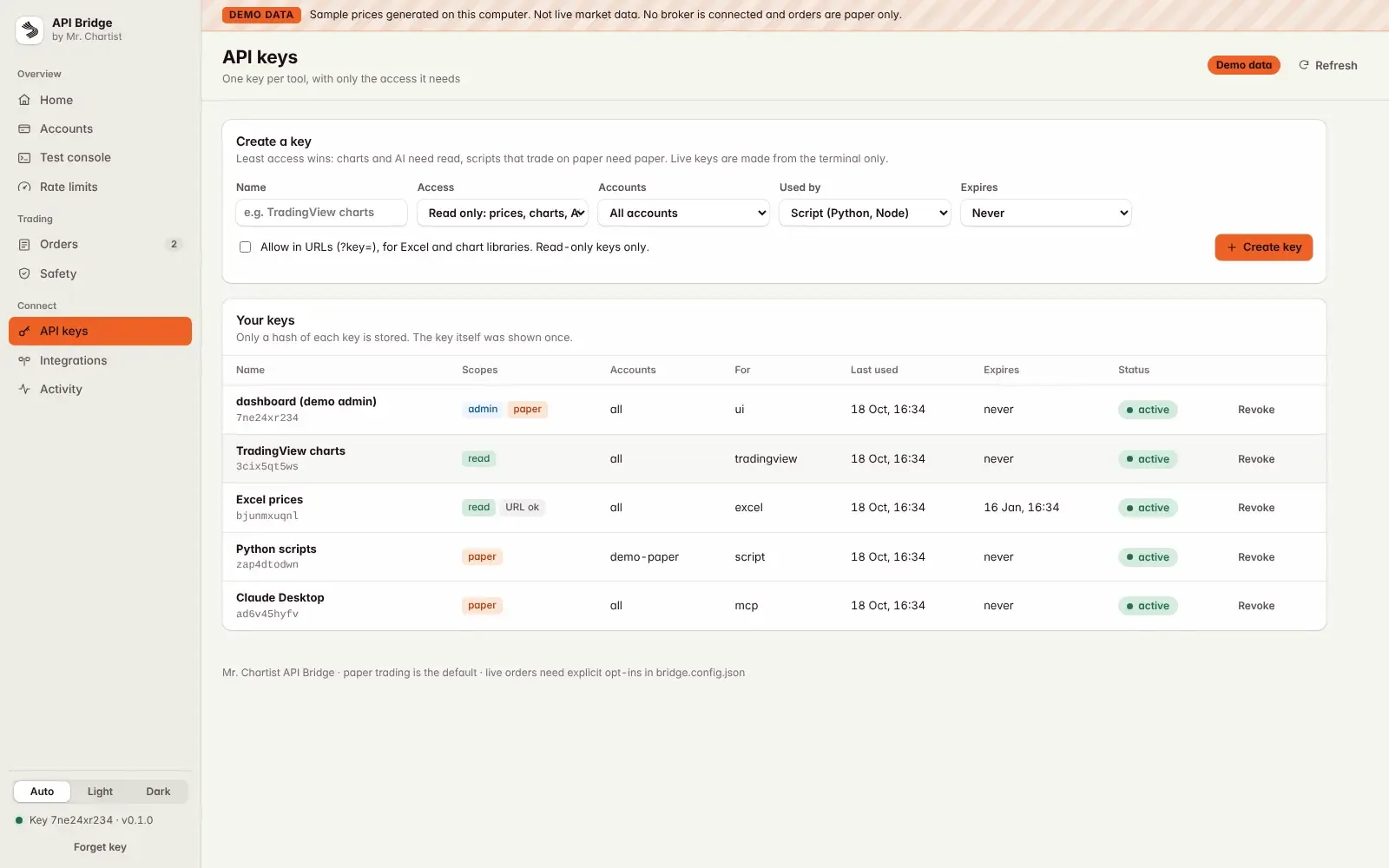
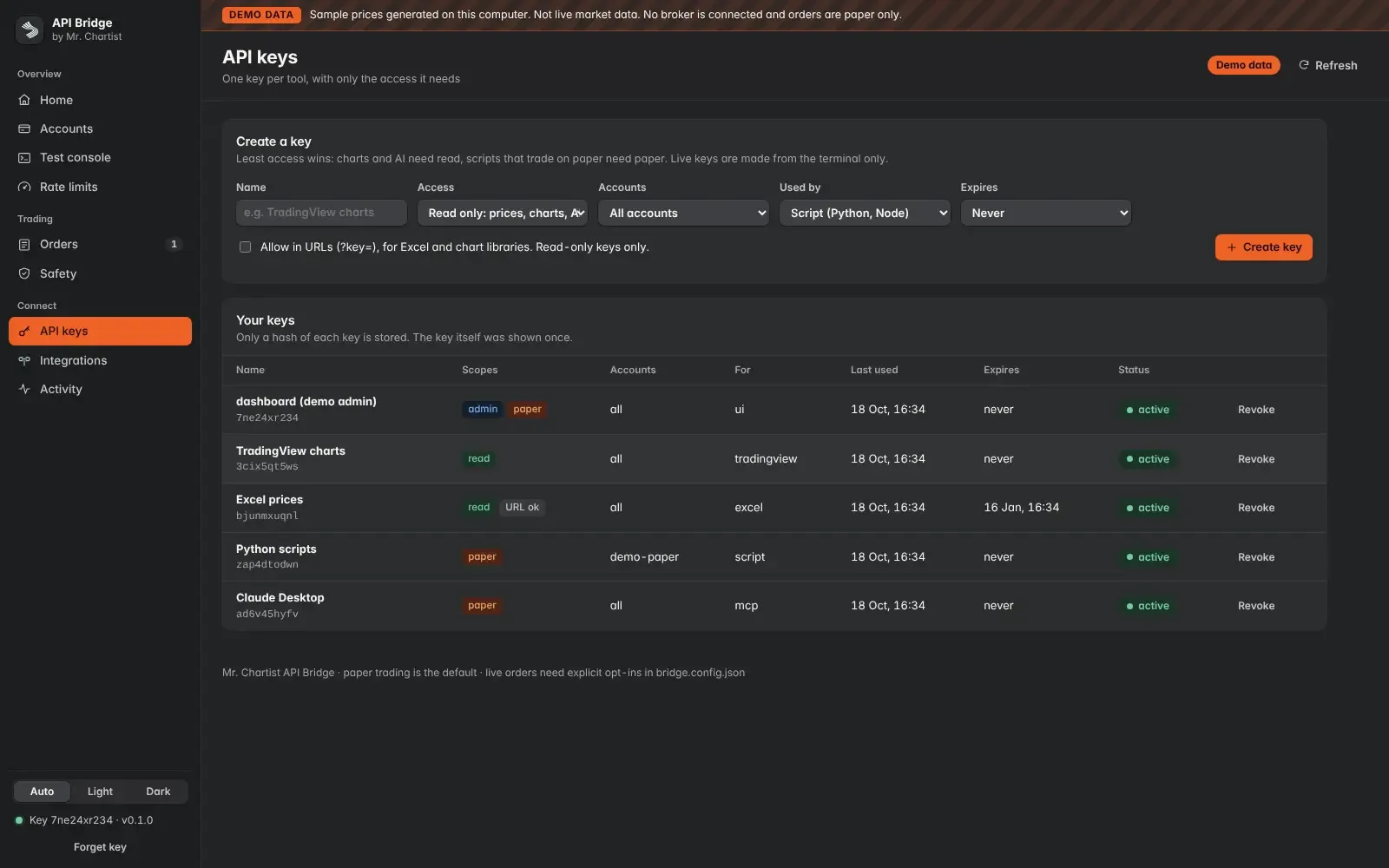
Safety: it listens on 127.0.0.1 only. Every order is paper unless live trading passes every opt-in, and nothing in the API, a webhook or an AI tool can switch live trading on. Keys are scoped (read, paper, live, admin), shown once and stored only as hashes. A kill switch stops every new order, daily limits cap orders, loss and order value, and an append-only, hash-chained audit log records what happened.
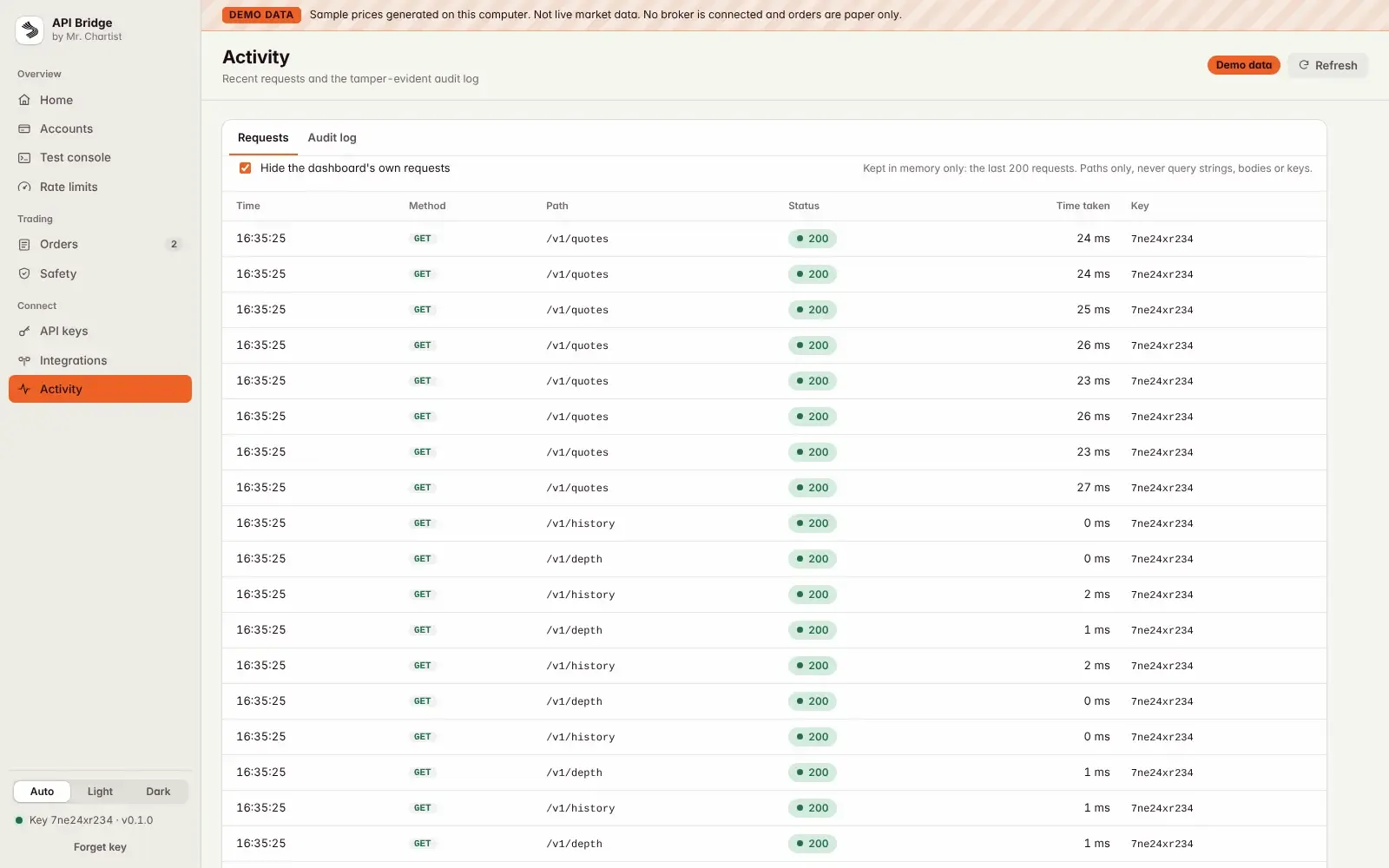
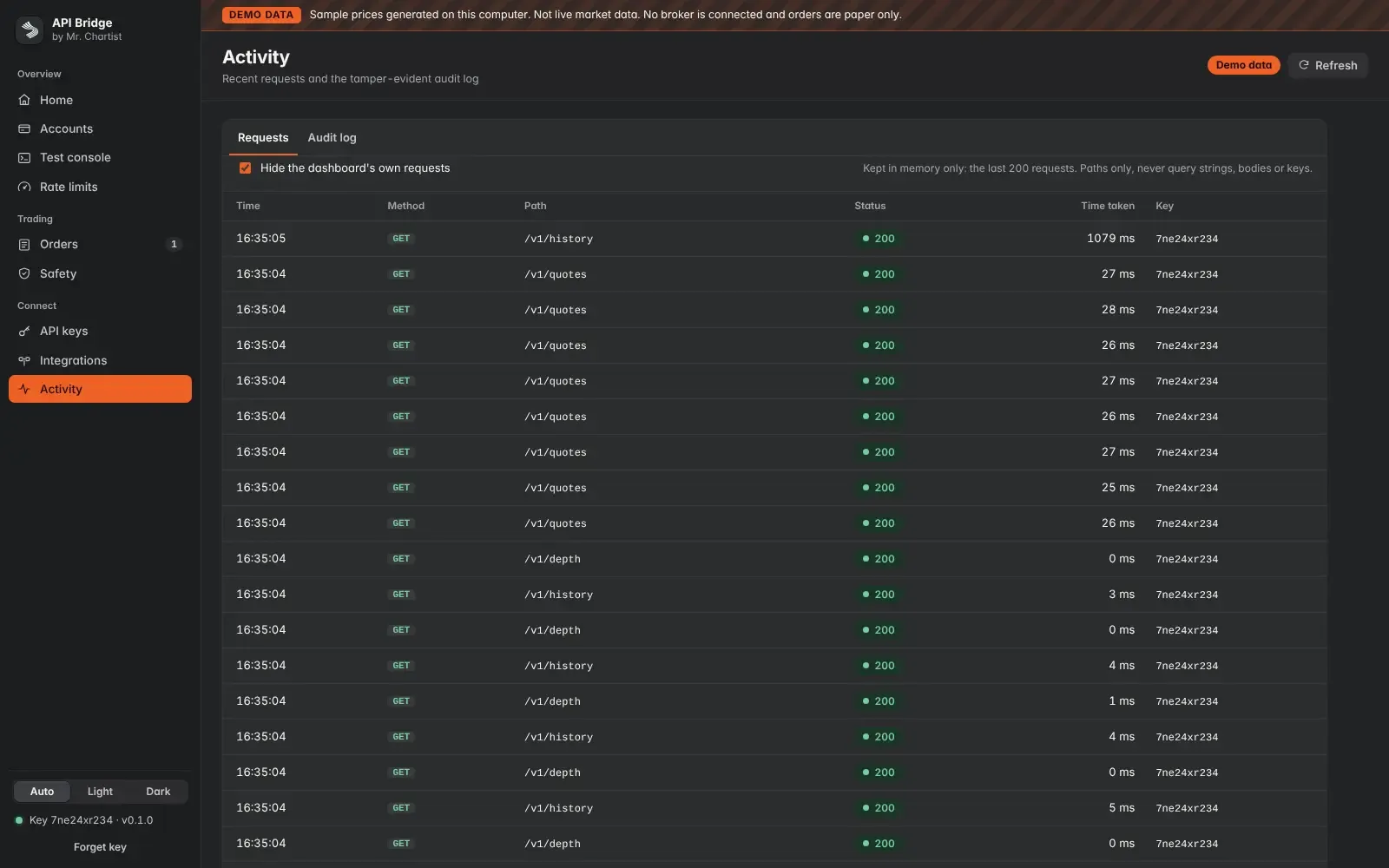
Dashboard: a first-run checklist, a test console that shows the exact response a script gets, live rate-limit budgets, an Orders page for AI tickets, a Safety page with the kill switch, API key management, an Integrations page with copy-paste setup for each tool, and an activity log. It has light and dark themes and works on a phone.
Compliance notes: the README lists the SEBI and NSE retail algo points that matter here, among them the 10 orders a second line, a registered static IP for API orders, personal use of your own accounts only and the daily logout. It marks each one Needs verification against the primary circulars and your broker's notices. It is not legal advice, and running the Bridge for anyone else needs a separate legal review.
Inside API Bridge.
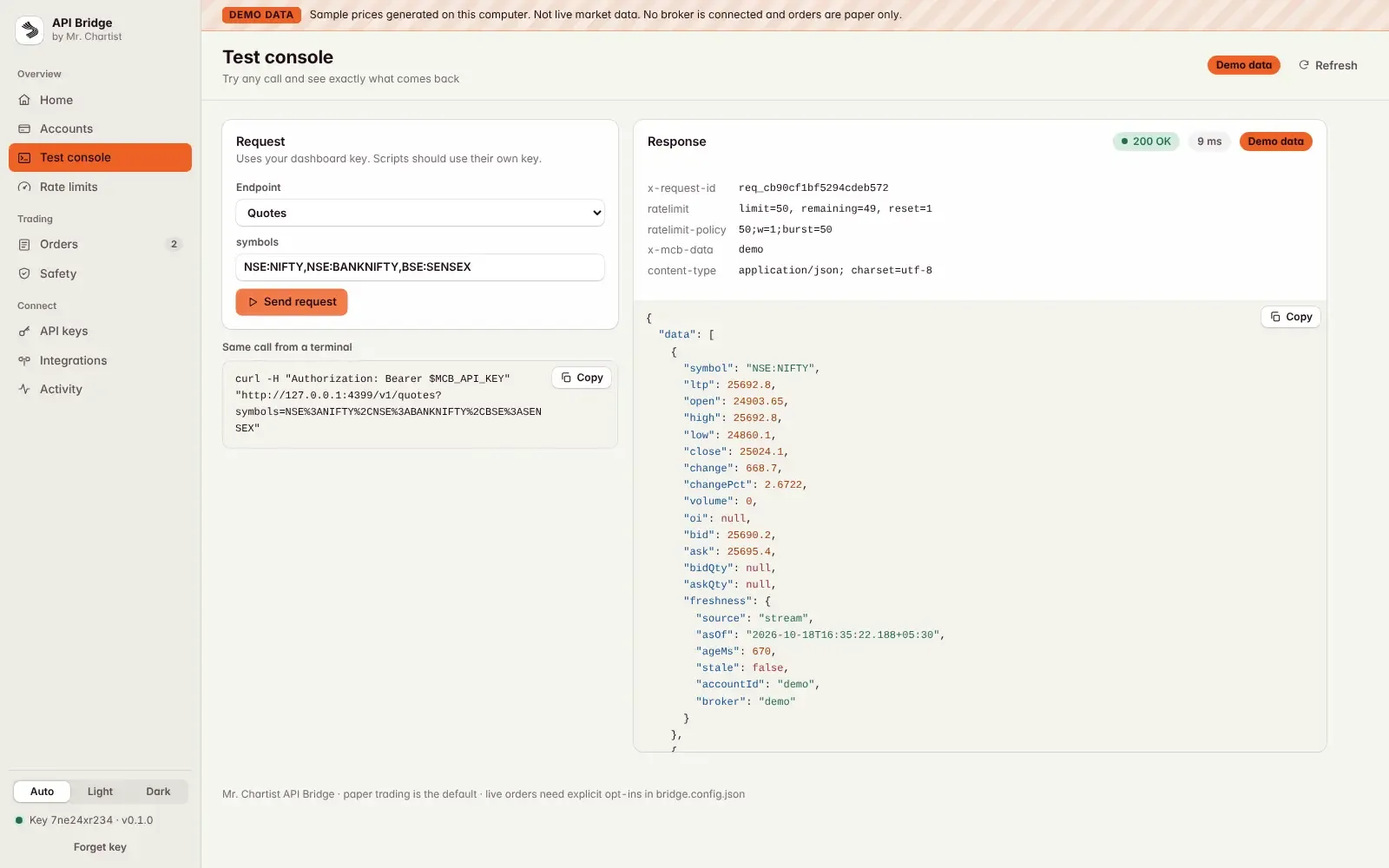
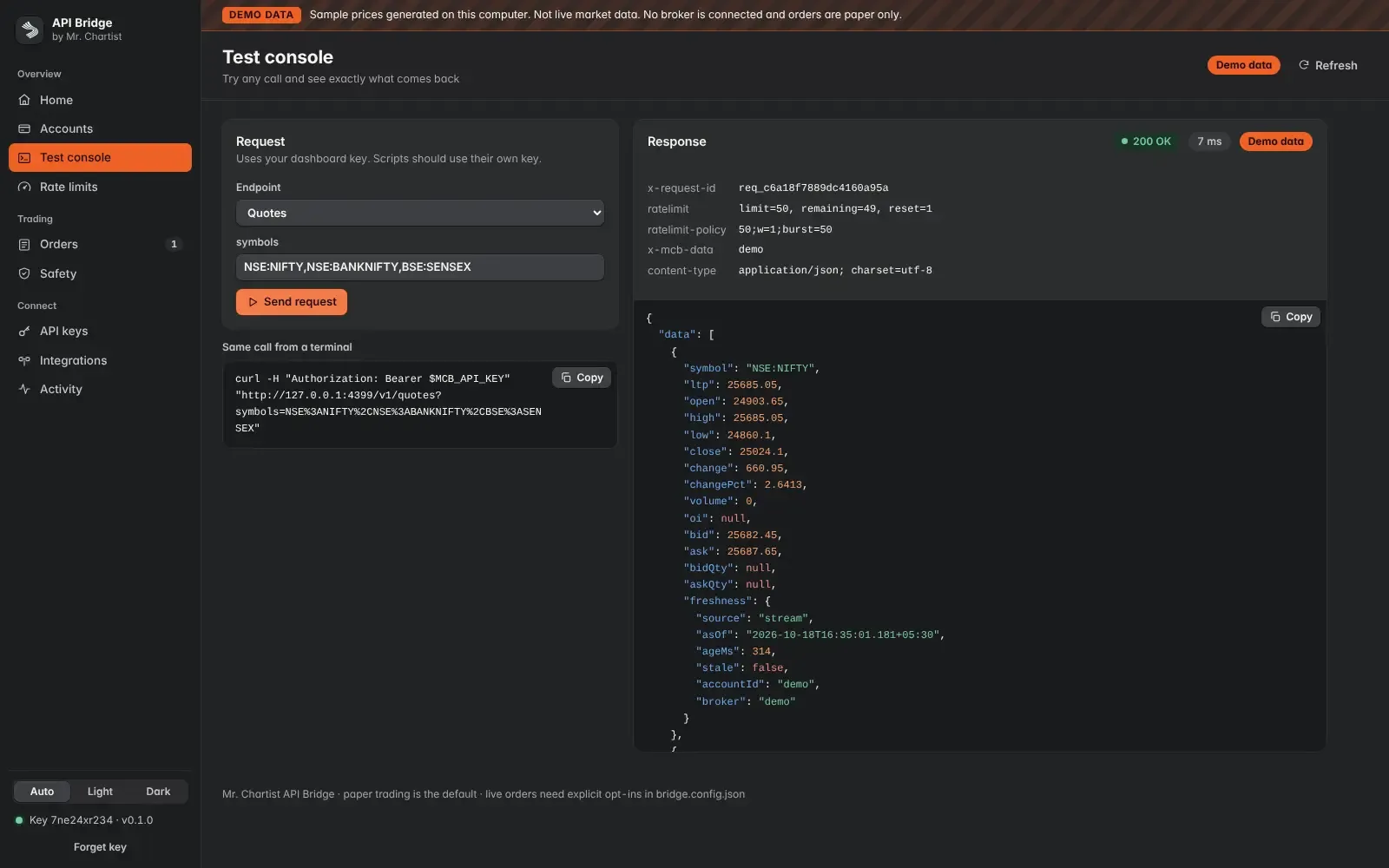
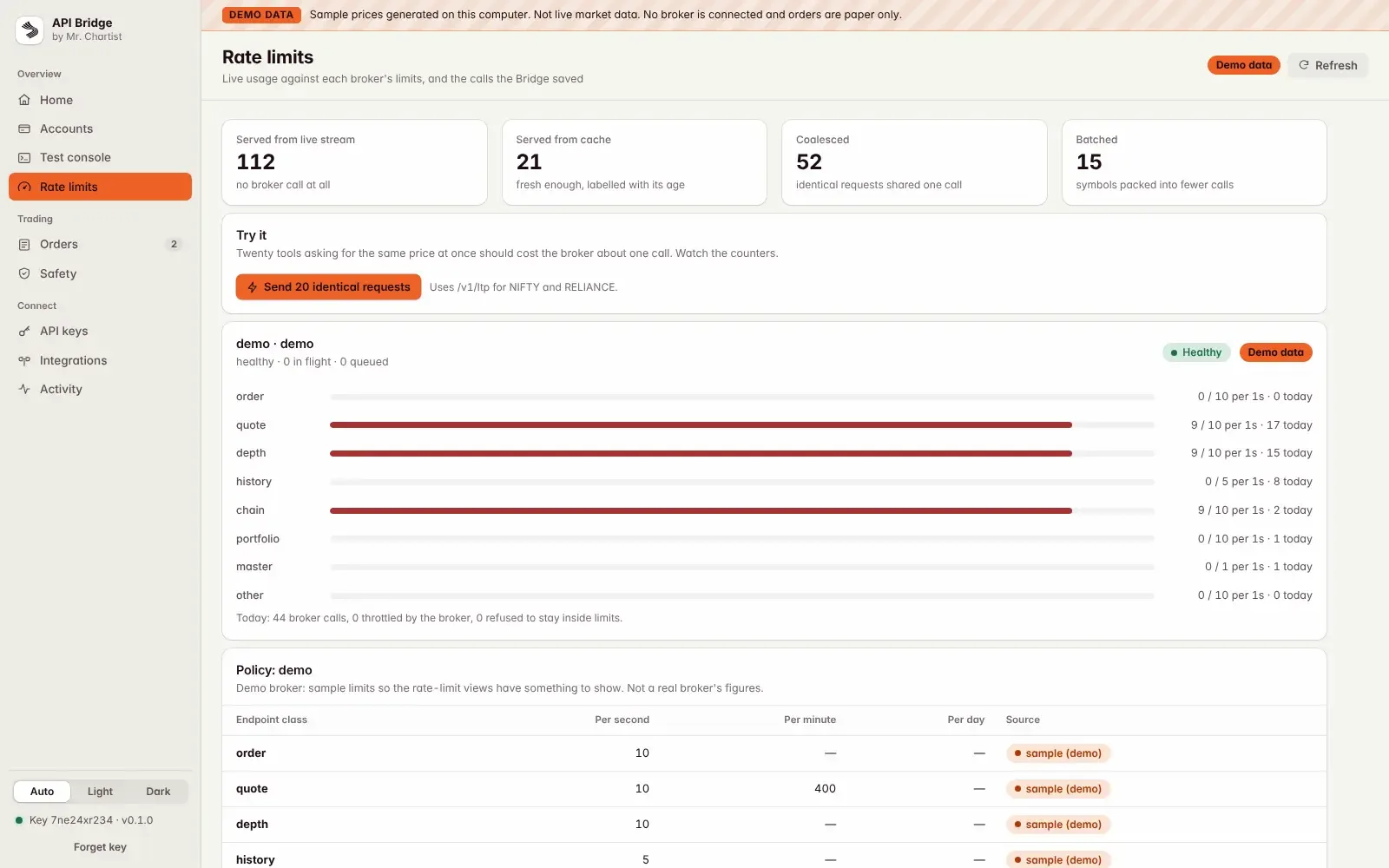
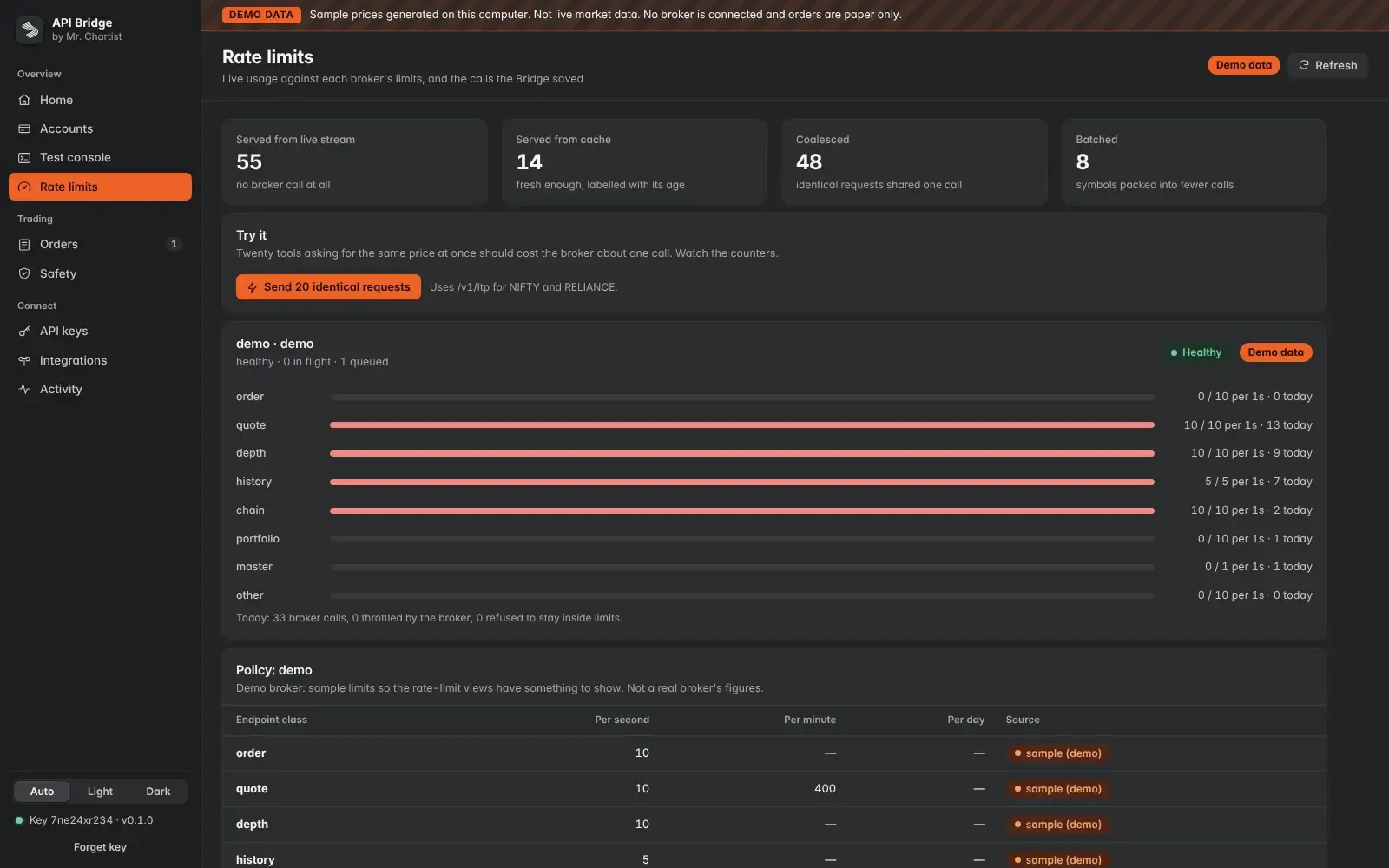
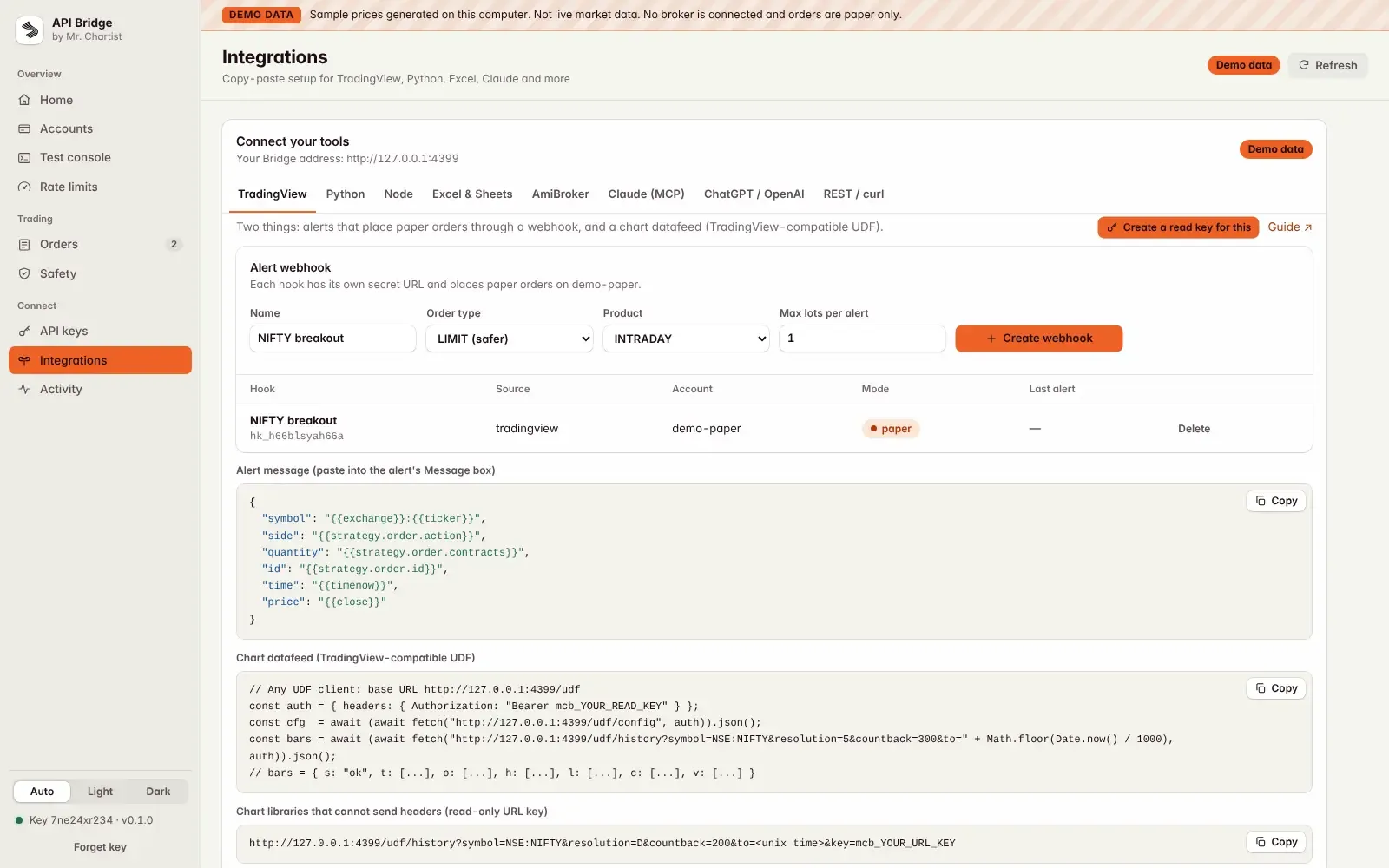
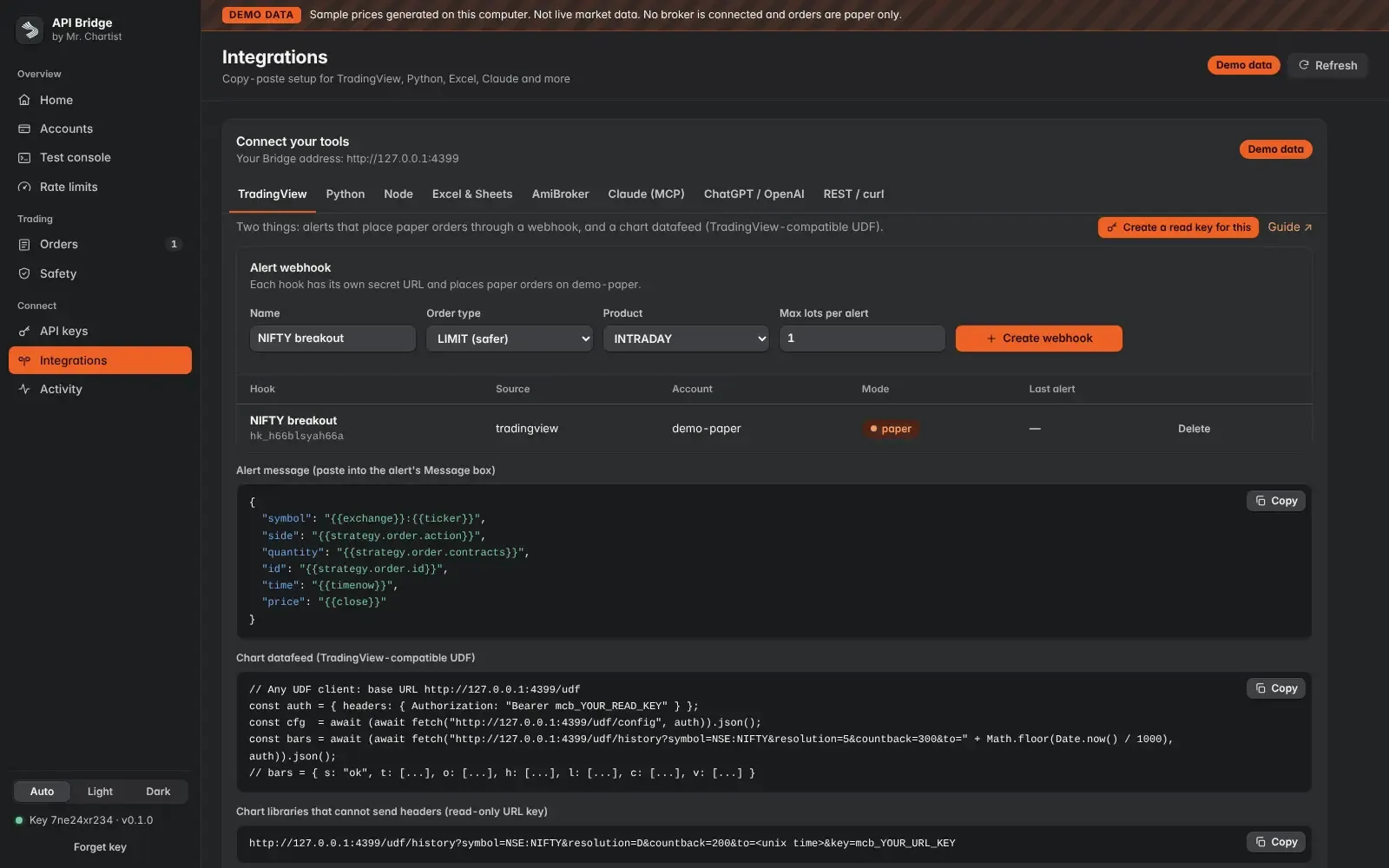
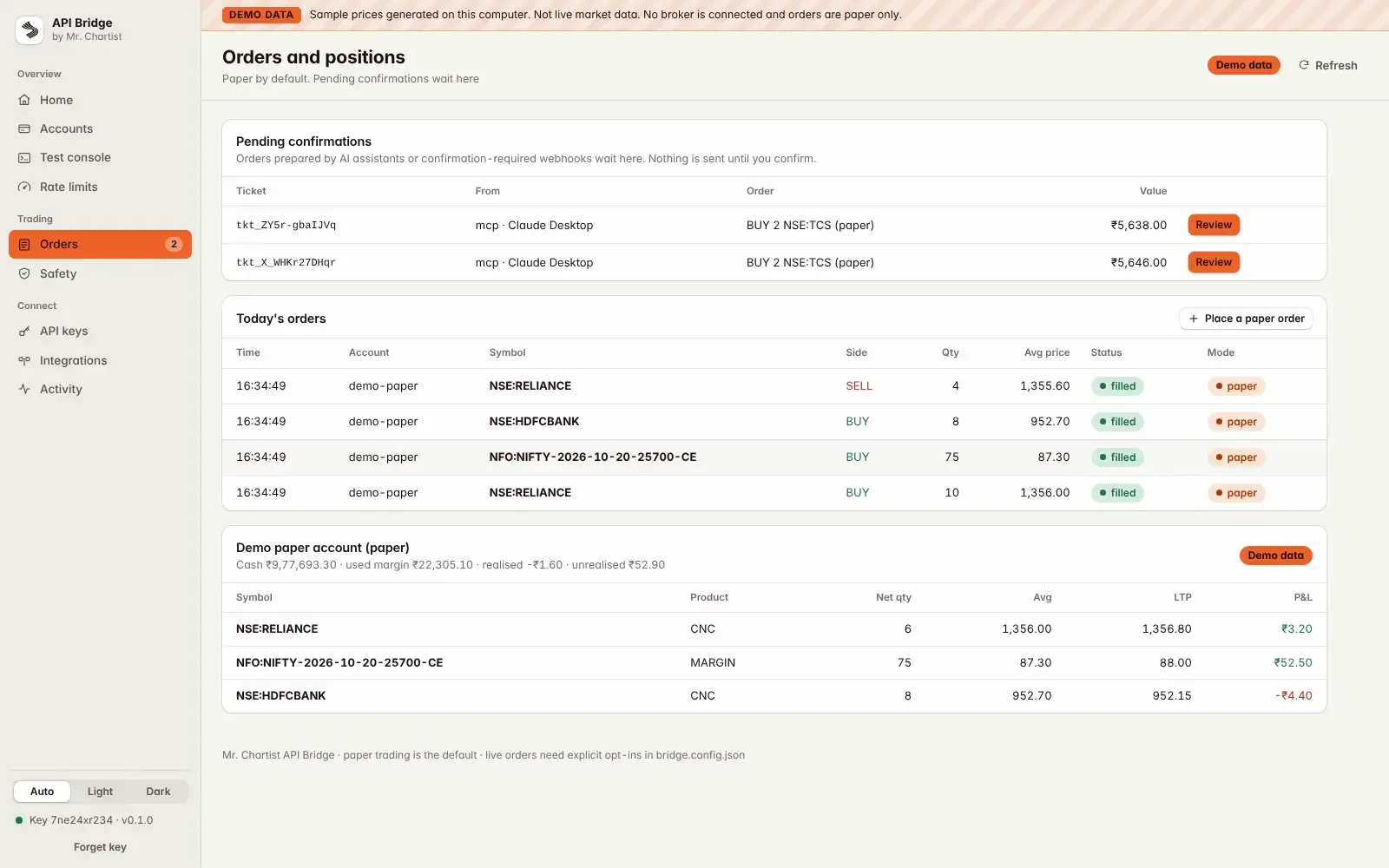
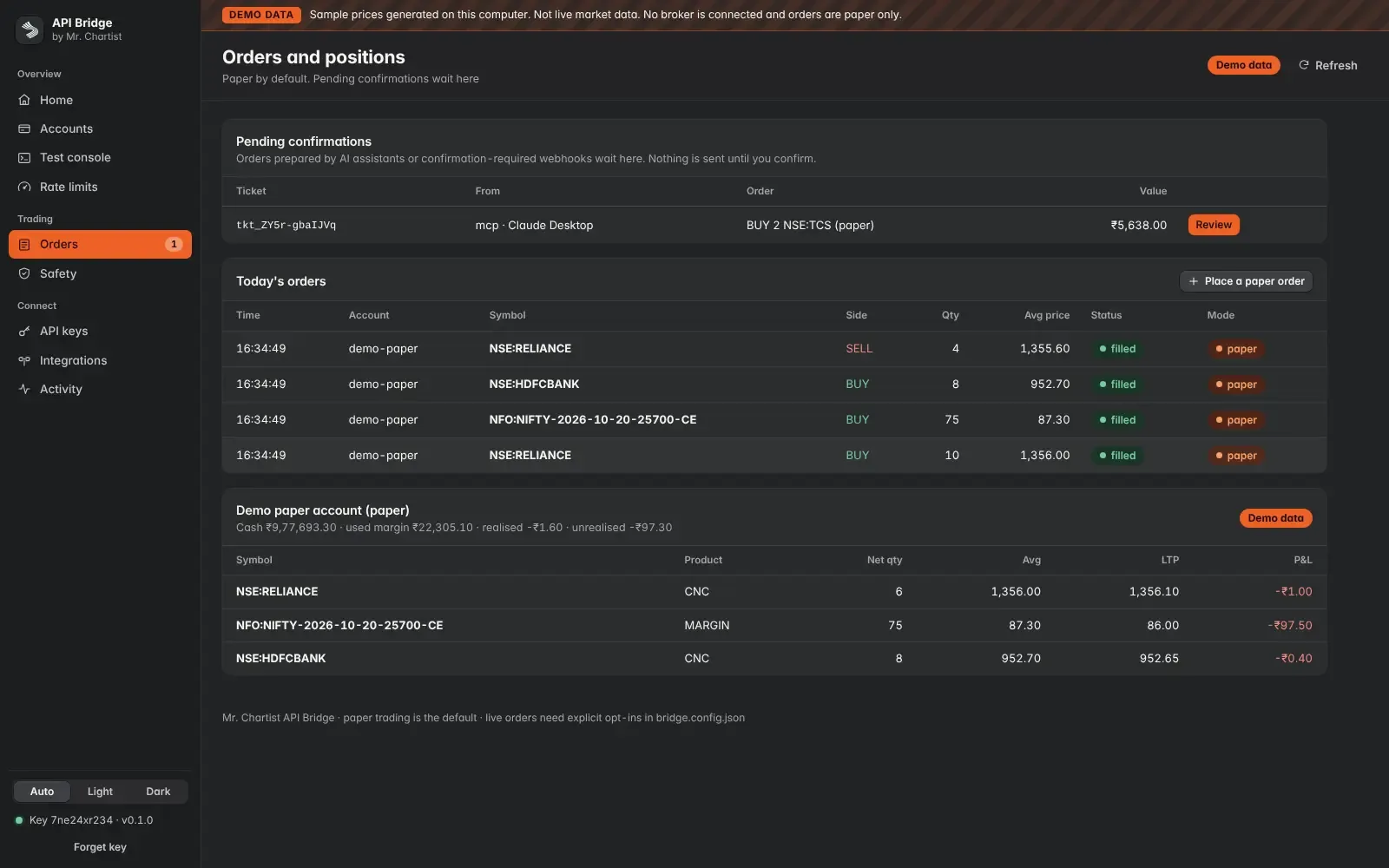
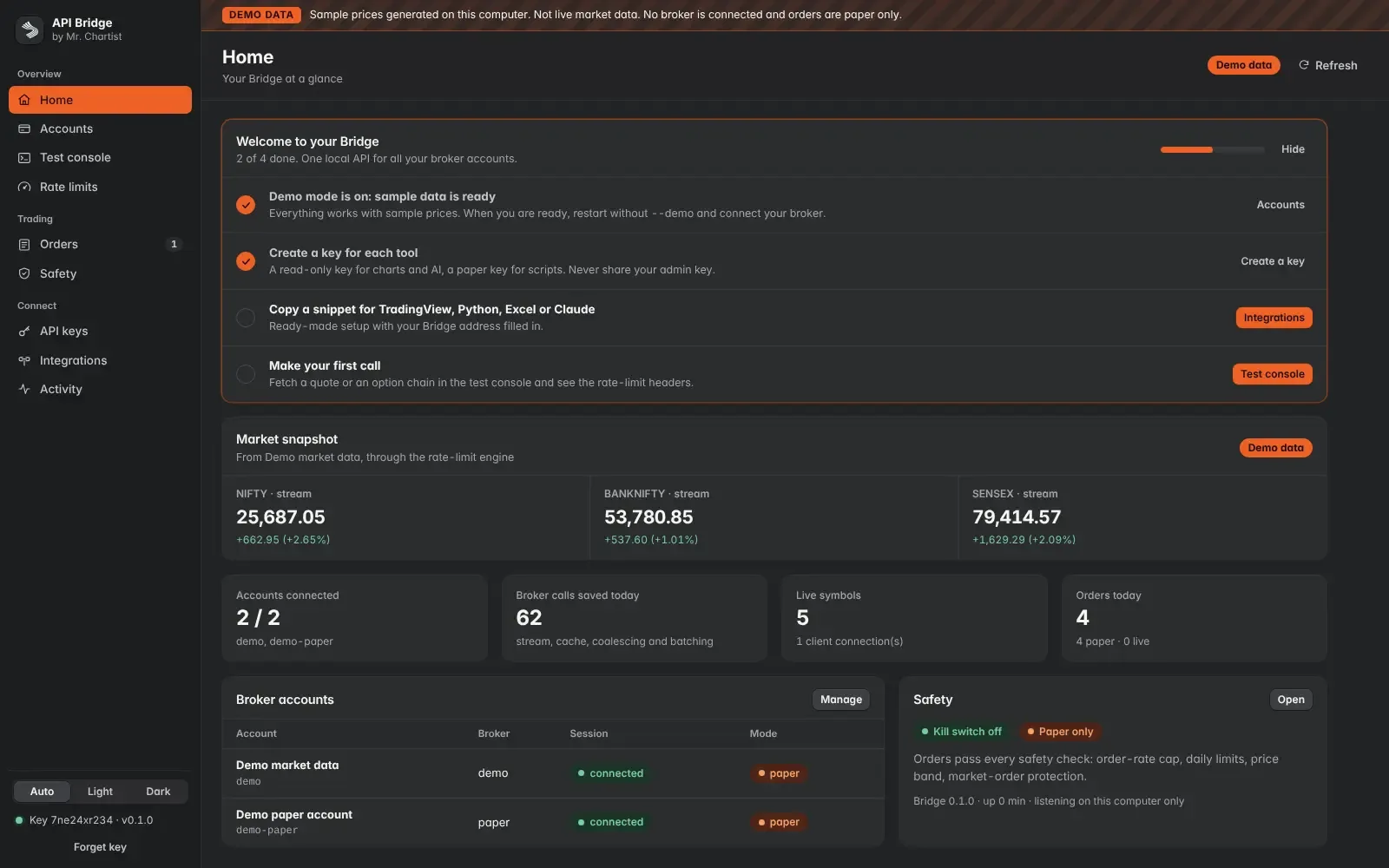
Home
A welcome checklist, a market snapshot, your broker accounts and the safety status.
First steps
Demo data, a key, a snippet, a first call
A four-step checklist that ticks itself off as you go.
Snapshot
NIFTY, BANKNIFTY and SENSEX
Prices come through the same rate-limit engine a script uses.
Counters
Accounts, calls saved, live symbols, orders
How many broker calls the Bridge did not need to make today.
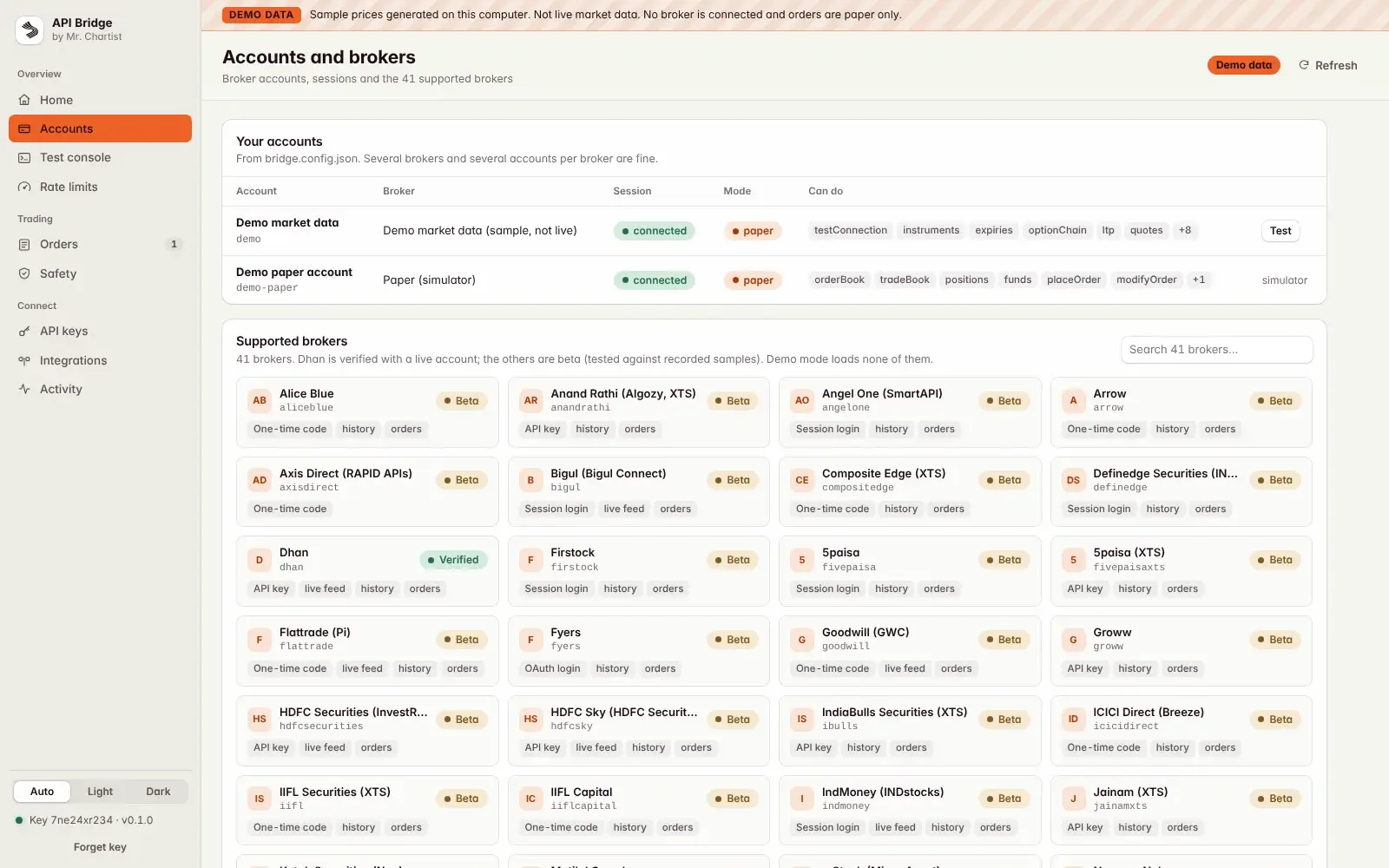
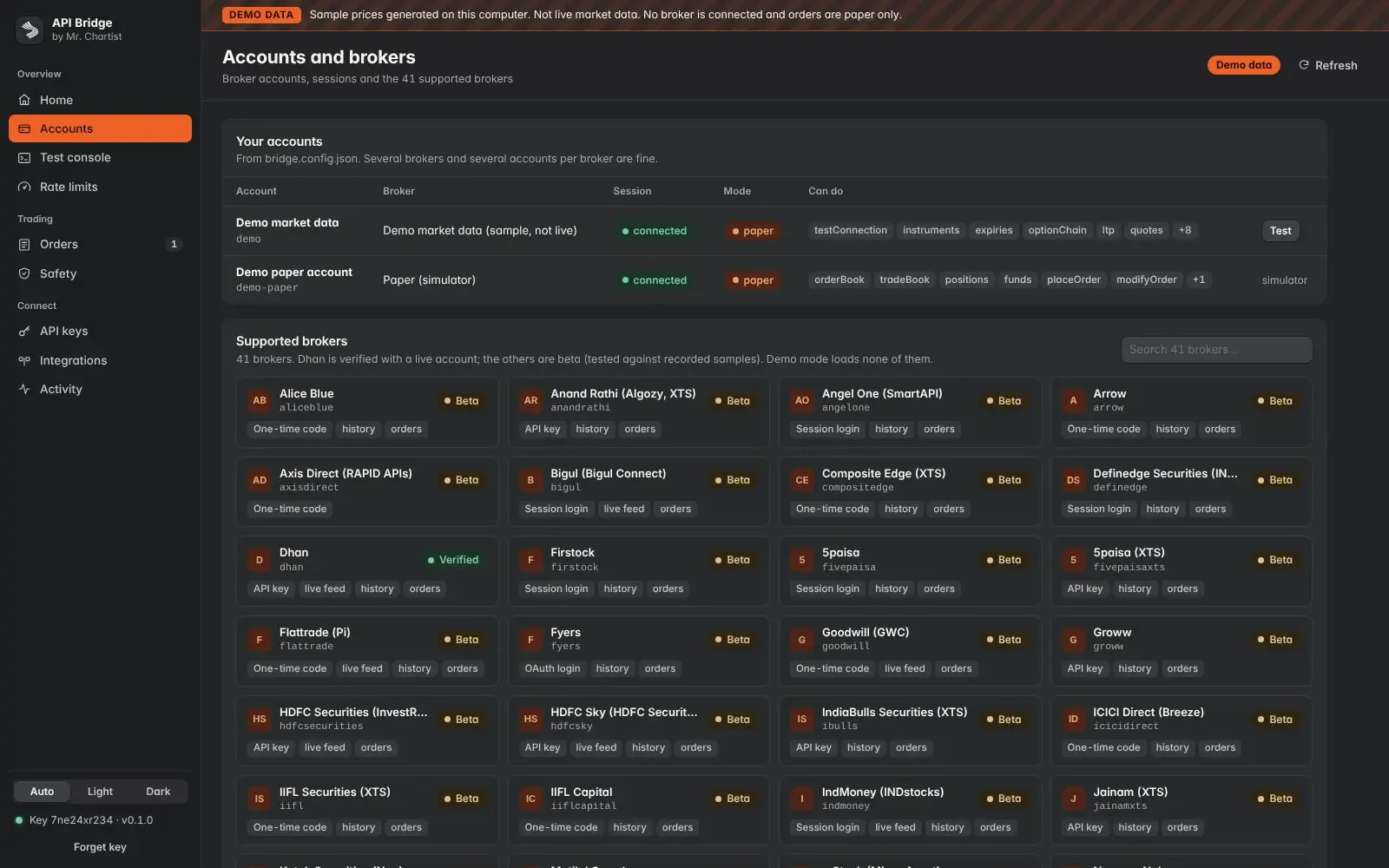
41 brokers, one address.
- 5paisa
- 5paisaXTS
- Alice Blue
- Anand RathiAlgozy, XTS
- Angel OneSmartAPI
- Arrow
- Axis DirectRAPID APIs
- BigulBigul Connect
- Composite EdgeXTS
- Definedge SecuritiesINTEGRATE
- Dhan
- Firstock
- FlattradePi
- Fyers
- GoodwillGWC
- Groww
- HDFC SecuritiesInvestRight
- HDFC SkyHDFC Securities
- ICICI DirectBreeze
- IIFL Capital
- IIFL SecuritiesXTS
- IndiaBulls SecuritiesXTS
- IndMoneyINDstocks
- JainamXTS
- Kotak SecuritiesNeo
- Motilal Oswal
- mStockMirae Asset
- Nuvama Nubra
- Paytm Money
- Pocketful
- ProfitmartProfitMax API
- RMoneyXTS
- RupeezyVortex
- SAMCO SecuritiesStockNote
- ShoonyaFinvasia
- TradejiniCubePlus
- TradeSmartNoren v2
- Upstox
- Wisdom CapitalXTS
- ZebuMynt
- ZerodhaKite
Broker names show which APIs the Bridge can talk to. Mr. Chartist is not affiliated with, or endorsed by, any of them. You need your own API access from your broker. Compare numbers with your broker before you rely on a beta adapter.
Every tool, every account, one connection.
Your tools
- TradingViewAlerts by webhook, charts by datafeed
- Excel and Google SheetsLive prices in cells
- AmiBrokerAFL functions and history import
- Python and NodeThe SDKs, REST and streaming
- ClaudeMCP, read-only by default
- ChatGPTActions, read-only by default
On your computer
API Bridge
127.0.0.1:4300
Your broker sees one well-behaved client.
Your accounts
- Dhan (main)dhan-main · self
- Zerodha (main)zerodha-main · self
- Zerodha (spouse)zerodha-spouse · spouse
- Practice accountpaper · practice
Inside India's API rules.
- 10/sOrders a second
An algo that is not registered with the exchange must stay at or below 10 orders a second per exchange segment.
The BridgeEach account is capped at 5 a second by default, and the Bridge never allows more than 10.
Needs verification with your broker - 1 IPStatic IP for live orders
Brokers accept API orders only from a static IP you registered with them.
The BridgeSet the registered IP per account, and the Bridge warns you before each live order.
Needs verification with your broker - Your keyNo open APIs
API access must be tied to you through your own API key. Brokers may not offer APIs that anyone can use.
The BridgeIt uses only your own keys, never shares a session between people, and listens on this computer only.
- You + familyYour own accounts
Use is for your own accounts and, as SEBI allows, your spouse, dependent children and dependent parents.
The BridgeEach account carries a holder (self, spouse and so on, never a PAN), and reads never mix holders.
Needs verification with your broker - DailyLog in each morning
API sessions end before the next trading day.
The BridgeIt never stores TOTP secrets or automates two-factor login. The Accounts page shows the command to log in again.
Needs verification with your broker
Not legal advice. Check each point against the SEBI, NSE and BSE circulars and your broker's current notices. Running the Bridge for anyone else, hosting it, or selling signals would likely need exchange empanelment as an algo provider.
From start to finish.
Ask
A tool calls the Bridge on 127.0.0.1:4300: REST, WebSocket, SSE, a TradingView-style datafeed, spreadsheet routes, webhooks or MCP. Each tool has its own scoped key.
Share
Identical requests are merged and symbols are packed into each broker's batch size. Twenty tools asking for one price cause one broker call.
Answer
The live stream answers first, then a cache with freshness labels. Only what is missing goes to the broker, through that broker's adapter and inside the account's budgets.
Check
Orders go first and pass every safety check: key scope, paper or live mode, daily limits, price band, order rate and a no-double-order key. Live needs every opt-in, and an AI can only prepare a ticket.
Record
Every answer carries its source and age, and every change goes to an append-only, hash-chained audit log. Broker secrets sit in an encrypted store, with the master key outside the data folder.
Run it on your computer.
You need
- Node.js 20 or higher (Docker users can skip this)
- Git, or the ZIP from GitHub
- A modern browser for the dashboard
- Optional: a broker account with API access (demo mode needs none)
git clone https://github.com/MrChartist/api-bridge.git
cd api-bridge
npm ci
npx mc-bridge init
npm start -- --demo --open
Prefer step by step?
- 1Install Node.js 20 or higher (the LTS version from nodejs.org). Docker users can skip this.
- 2Get the code: git clone https://github.com/MrChartist/api-bridge.git && cd api-bridge. No Git? Use Code, then Download ZIP on GitHub and unzip it.
- 3Easiest start: on Windows double-click start-windows.bat. On a Mac double-click start-mac.command (if macOS blocks it, right-click, choose Open, then Open again). The first run installs what it needs and asks a few questions. Copy the admin key it prints, because it is shown only once.
- 4Developers: run npm ci, then npx mc-bridge init. It writes the config, creates the master key outside the data folder and makes your first admin key.
- 5Try it with no broker: npm start -- --demo --open. Every page shows a DEMO DATA banner, and every API answer is marked as demo.
- 6Open http://127.0.0.1:4300/dashboard and paste the admin key.
- 7Connect a broker: list the account in bridge.config.json, then run npm run bridge -- accounts connect <id> in the same folder. Brokers end API sessions daily, so log in again each morning.
- 8Docker: docker compose up -d, then docker compose logs bridge shows your admin key (printed once). The port is published on 127.0.0.1 only.
- 9Check your setup at any time with npm run bridge -- doctor. Run mc-bridge commands inside the api-bridge folder: outside it, npx would download an unrelated public package with the same name.
Let an AI install it for you.
Claude
You need
- Repo access
- README context
- Terminal if using Claude Code
You are my setup assistant. Install and run "API Bridge" on my computer, then confirm it works. I am not a developer, so explain every step in simple English.

Repository: https://github.com/MrChartist/api-bridge
What it is: One local API for 41 Indian brokers, so your charts, alerts, Excel, Python and AI assistants share one careful connection.
Built with: Node.js 20 + a REST, WebSocket and MCP server + a web dashboard + Python and Node SDKs

Rules
1. Ask which operating system I use (Windows, macOS or Linux) and give commands for that system only.
2. Check what is already installed (Git, Node.js or Python versions) before installing anything. If something is missing, tell me where to download it and wait.
3. Ask me before installing anything globally or changing system settings.
4. Never ask me to paste passwords or API keys into this chat. If a key is needed, tell me which file to put it in.
5. Do not edit the project's source code unless I ask.
6. Read the README first. If it disagrees with the steps below, follow the README and tell me why.

Steps from the guide
1. Install Node.js 20 or higher (the LTS version from nodejs.org). Docker users can skip this.
2. Get the code: git clone https://github.com/MrChartist/api-bridge.git && cd api-bridge. No Git? Use Code, then Download ZIP on GitHub and unzip it.
3. Easiest start: on Windows double-click start-windows.bat. On a Mac double-click start-mac.command (if macOS blocks it, right-click, choose Open, then Open again). The first run installs what it needs and asks a few questions. Copy the admin key it prints, because it is shown only once.
4. Developers: run npm ci, then npx mc-bridge init. It writes the config, creates the master key outside the data folder and makes your first admin key.
5. Try it with no broker: npm start -- --demo --open. Every page shows a DEMO DATA banner, and every API answer is marked as demo.
6. Open http://127.0.0.1:4300/dashboard and paste the admin key.
7. Connect a broker: list the account in bridge.config.json, then run npm run bridge -- accounts connect <id> in the same folder. Brokers end API sessions daily, so log in again each morning.
8. Docker: docker compose up -d, then docker compose logs bridge shows your admin key (printed once). The port is published on 127.0.0.1 only.
9. Check your setup at any time with npm run bridge -- doctor. Run mc-bridge commands inside the api-bridge folder: outside it, npx would download an unrelated public package with the same name.

When the steps are done
- Start the app and tell me the exact address to open. Expected address: http://127.0.0.1:4300/dashboard
- If an error appears, read it, fix the cause and retry. After three failed attempts, stop and explain the problem simply.
- Finish with five short lines: what the app does, how to start it again, how to stop it, where its data is stored, and one thing I can try first.
- This is an information tool. It is not investment advice.

If you can run a terminal (Claude Code), do it yourself. If you are chat only, give me one command block at a time and wait for me to reply before the next.
- Ask the AI to read README.md and docs/ARCHITECTURE.md first, then explain how one request moves through server/bridge: auth, the rate-limit pipeline, the cache and the stream, then the broker adapter.
- Ask it to explain the broker contract in docs/broker-contract.md, and how one of the 41 adapters in server/brokers meets it.
- Ask it to walk through server/bridge/ratelimit/brokerPolicies.mjs: where each limit comes from, what the verified flag means, and why your config can only lower a limit.
- Ask it to trace how an order is checked, from the key's scope to the safety checks, and why every order is paper by default.
- Ask it to explain how the MCP server exposes read tools, and why order tools stay off until you turn them on and an AI can only prepare a ticket.
- IMPORTANT: Keep the project rules. Keep every order paper by default, never store a password, PIN or TOTP code, keep the server on 127.0.0.1, never log keys or request bodies, and run npx vitest run before you push.
Under the hood.
REST API Endpoints
Questions about API Bridge.
Run it, then read the code.
Run npm start -- --demo --open, send a call in the Test console, then ask an AI to explain how that request passes the rate-limit pipeline before you connect a real broker.