

Newsdesk.
A calm reader for Indian and global market news. The same story from many publishers is shown once, with key points taken from the article.
Rohit Singh | Mr. ChartistAuthor and builder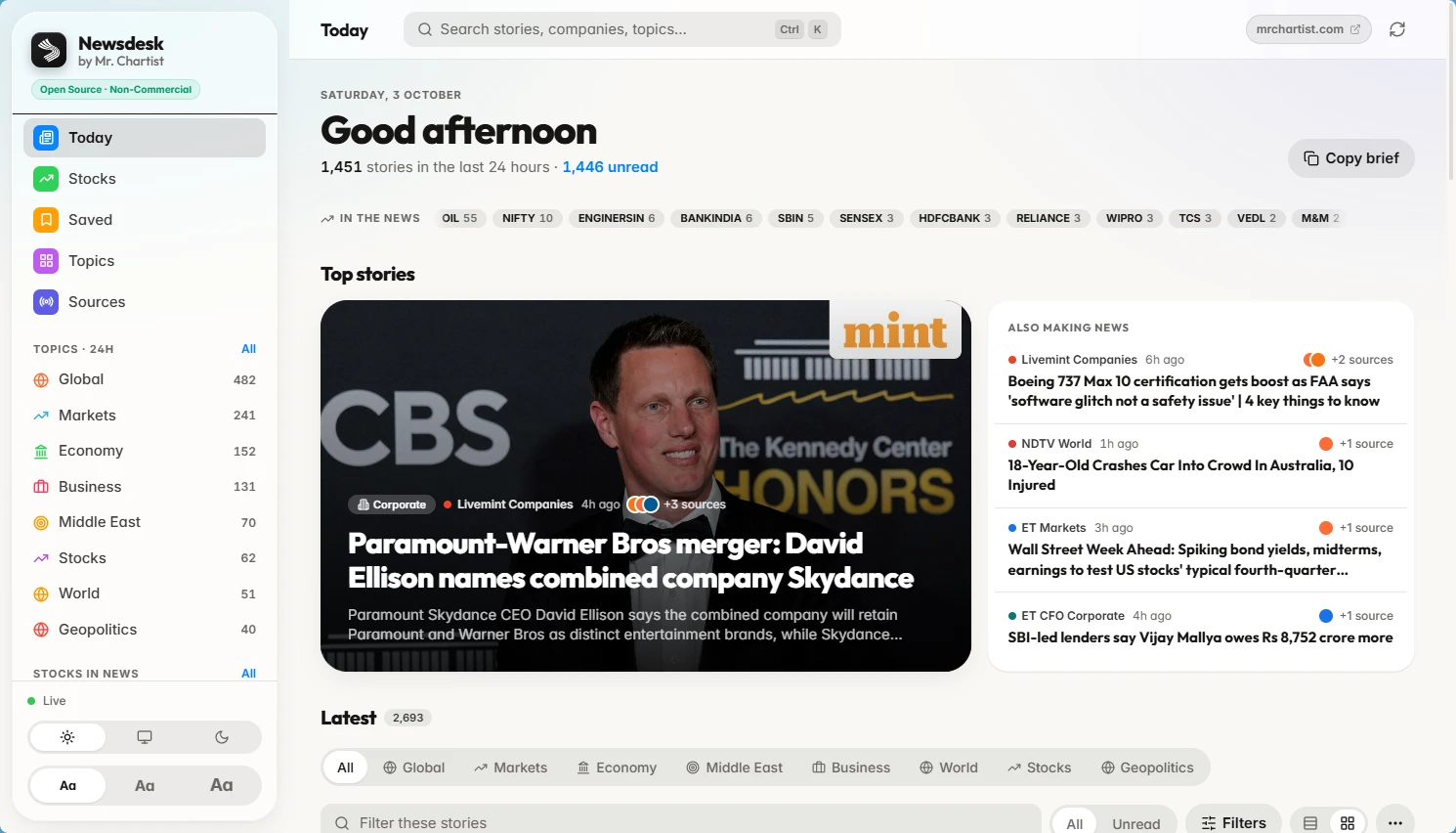

- Runs on
- Your computer
- Setup
- About 3 minutes
- Licence
- PolyForm Noncommercial 1.0.0
- Updated
- React 18
- Vite
- Tailwind
- Express
- SQLite (better-sqlite3)
- fast-xml-parser
What you get.
One card per event, with a '+N sources' pill instead of ten copies of a headline.
Key points picked from the article itself, not written by AI.
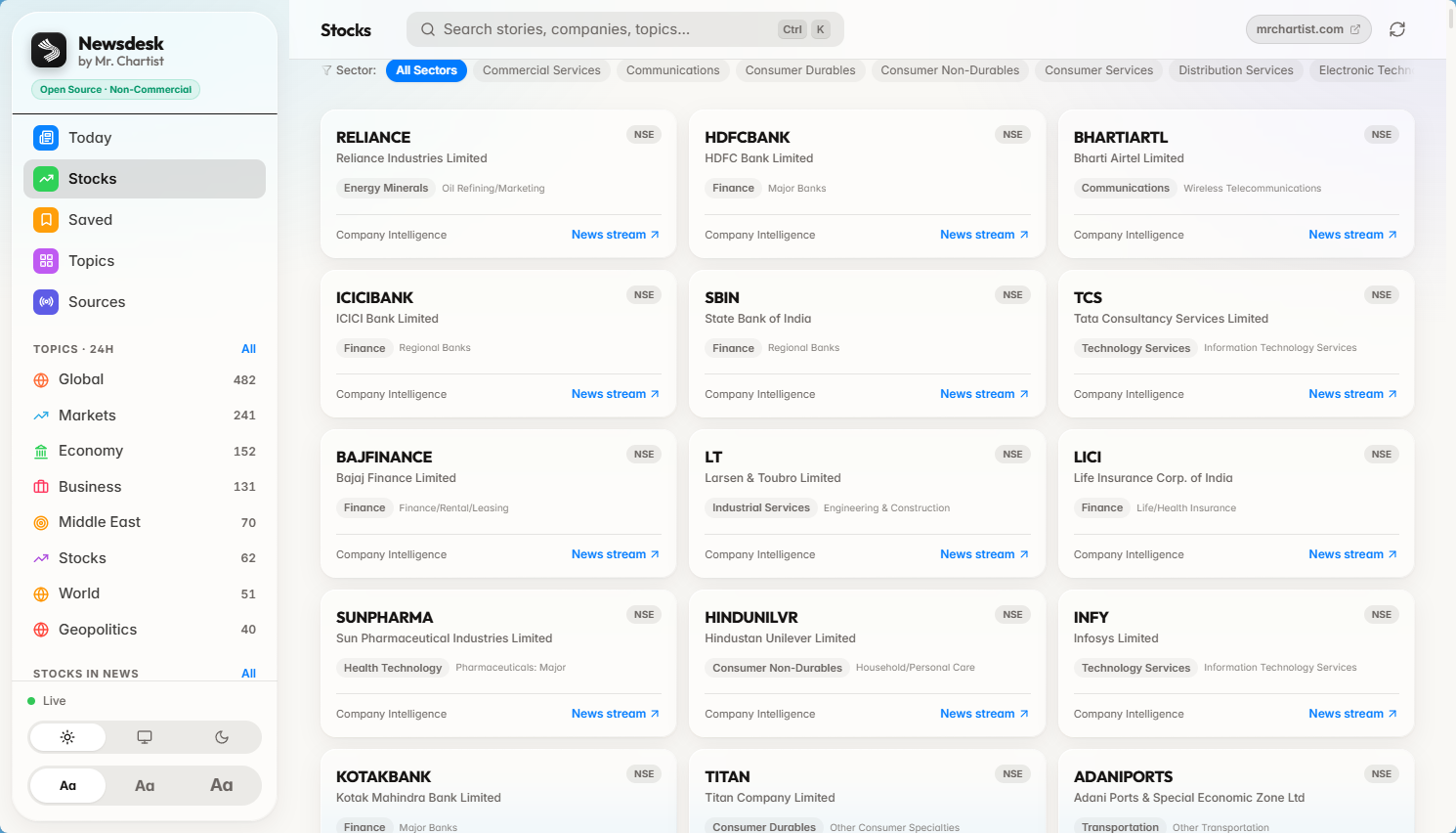
500+ NSE companies, each with its own news page.
Save, search and mute sources. Your choices stay in your browser.
Story clustering — when several publishers cover the same event, Newsdesk shows one card with a '+N sources' pill. You can switch between each publisher's version inside the story.
Reader with key points — /api/summary fetches the article, strips ads and cookie banners, and picks the most important sentences using TextRank. It also pulls out figures such as ₹ crore amounts and percentages as quick chips.
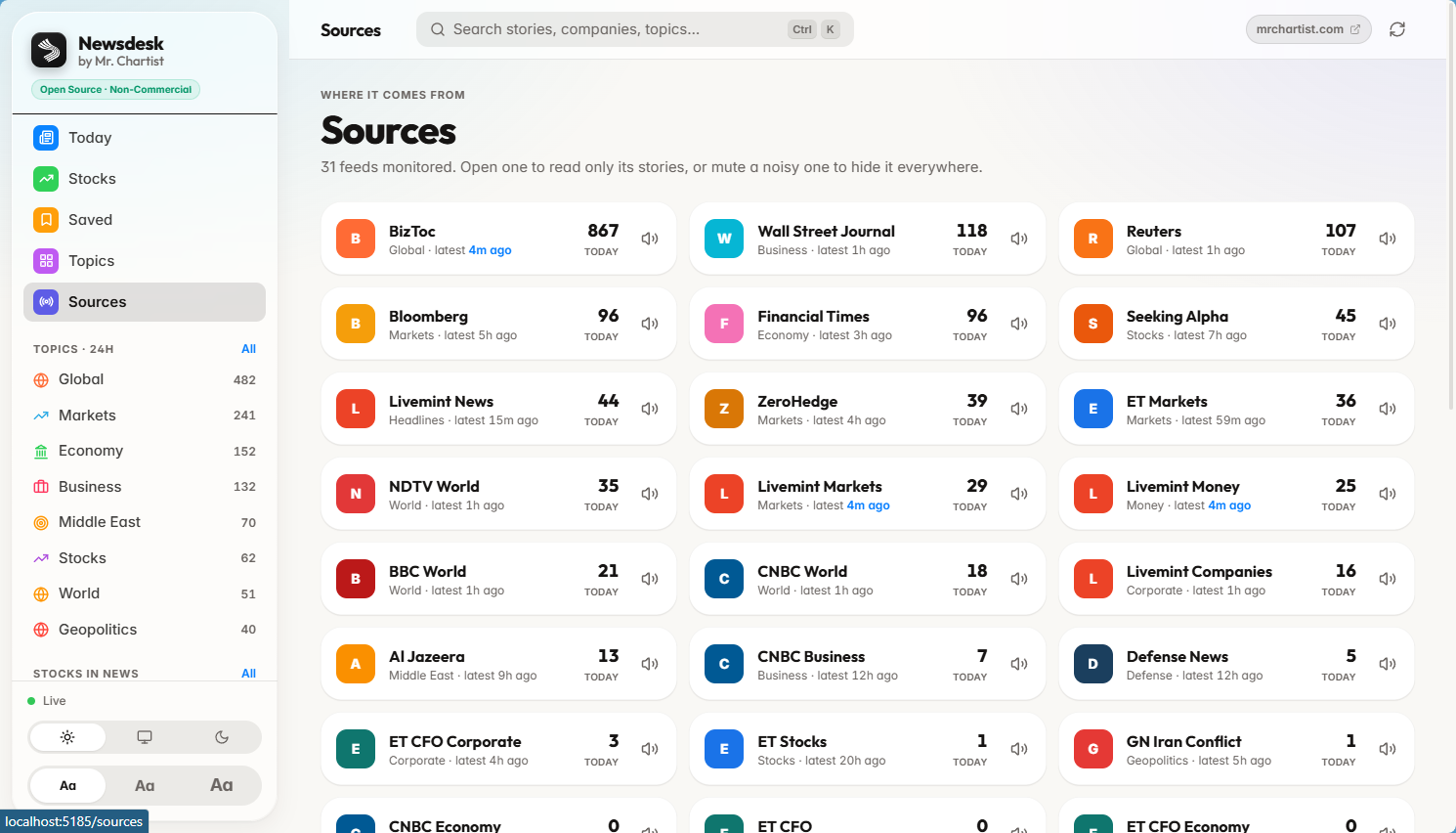
30+ news sources — each source has its own page, and you can mute sources you do not want. Feed fetching uses a safe fetcher that blocks unsafe internal addresses (SSRF guard).
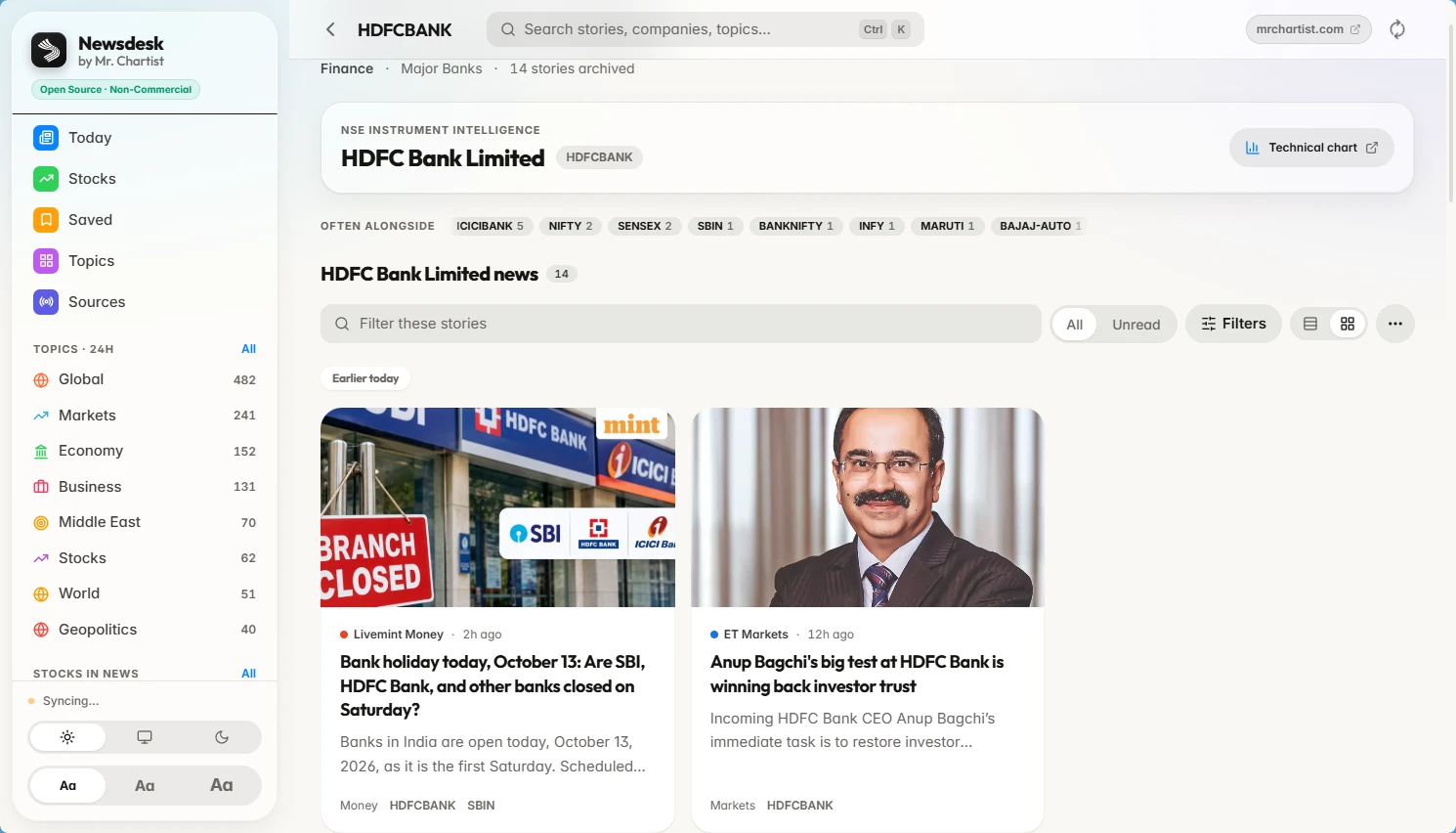
500+ NSE stocks directory — /stocks lists companies with symbol, ISIN and sector. /company/:symbol shows the news that mentions that company and the other companies mentioned alongside it.
Topics, search and saved stories — browse by topic, search all stories, and save or mark stories as read. Saved and read state stays in your own browser.
Built for speed — command palette (Ctrl/Cmd+K), J/K to move through stories, Enter to open, S to save, M to mark read, ? for all shortcuts, plus dark and light themes.
Local first — SQLite file in the data folder, 30-day rolling history, no account and no cloud service needed.
Inside Newsdesk.

Today
The day's stories, grouped so the same event appears once.
Top stories
Lead story + 'Also making news'
Each card shows how many publishers covered it (+N sources).
In the news
Company and index chips
Symbols mentioned most in the last 24 hours, one click to their news.
From start to finish.
Collect
The Express backend reads 30+ RSS and news feeds through a safe fetcher with caching.
Store
Headlines are saved in SQLite with a 30-day rolling history, so the app opens fast.
Group
The React app merges the same event from many publishers into one Story with a '+N sources' pill.
Read
Open a story to get TextRank key points, ₹ figures and the original publisher view, then save it or share it.
Run it on your computer.
You need
- Node.js 18 or higher
- Git
- About 3 minutes
- Internet (to fetch feeds)
git clone https://github.com/MrChartist/newsdesk.git
cd newsdesk
npm install
npm start
Prefer step by step?
- 1Install Node.js 18 or higher (nodejs.org).
- 2Clone: git clone https://github.com/MrChartist/newsdesk.git && cd newsdesk
- 3Install: npm install
- 4Run both frontend and backend: npm start
- 5Open http://localhost:5185 for the app. The backend API runs on http://localhost:3001 (check http://localhost:3001/api/health).
- 6Run the tests: npm test (checks the SSRF guard, the TextRank summariser, the company mapper and story clustering).
- 7For a build: npm run build, then run the backend with npm run backend and serve the dist folder from any static host or reverse proxy.
Let an AI install it for you.
Claude
You need
- Repo access
- README context
- Terminal if using Claude Code
You are my setup assistant. Install and run "Newsdesk" on my computer, then confirm it works. I am not a developer, so explain every step in simple English.

Repository: https://github.com/MrChartist/Newsdesk
What it is: A calm reader for Indian and global market news. The same story from many publishers is shown once, with key points taken from the article.
Built with: React 18 + Vite + Tailwind + Express + SQLite (better-sqlite3) + fast-xml-parser

Rules
1. Ask which operating system I use (Windows, macOS or Linux) and give commands for that system only.
2. Check what is already installed (Git, Node.js or Python versions) before installing anything. If something is missing, tell me where to download it and wait.
3. Ask me before installing anything globally or changing system settings.
4. Never ask me to paste passwords or API keys into this chat. If a key is needed, tell me which file to put it in.
5. Do not edit the project's source code unless I ask.
6. Read the README first. If it disagrees with the steps below, follow the README and tell me why.

Steps from the guide
1. Install Node.js 18 or higher (nodejs.org).
2. Clone: git clone https://github.com/MrChartist/newsdesk.git && cd newsdesk
3. Install: npm install
4. Run both frontend and backend: npm start
5. Open http://localhost:5185 for the app. The backend API runs on http://localhost:3001 (check http://localhost:3001/api/health).
6. Run the tests: npm test (checks the SSRF guard, the TextRank summariser, the company mapper and story clustering).
7. For a build: npm run build, then run the backend with npm run backend and serve the dist folder from any static host or reverse proxy.

When the steps are done
- Start the app and tell me the exact address to open. Expected address: http://localhost:5185
- If an error appears, read it, fix the cause and retry. After three failed attempts, stop and explain the problem simply.
- Finish with five short lines: what the app does, how to start it again, how to stop it, where its data is stored, and one thing I can try first.
- This is an information tool. It is not investment advice.

If you can run a terminal (Claude Code), do it yourself. If you are chat only, give me one command block at a time and wait for me to reply before the next.
- Ask the AI to trace the flow: RSS feeds → backend/feedProxy.js (parse, cache) → SQLite (backend/db.js) → /api/feeds → src/hooks/useStories.ts → story cards.
- Ask it to explain how src/lib/stories.ts groups similar headlines into one Story, and where the matching rules could be tuned.
- Ask it to explain backend/summarize.js: how TextRank scores sentences and how ₹ figures are extracted.
- Ask it to check backend/safeFetch.js and confirm how unsafe URLs are blocked, before any new feed or proxy feature is added.
- Ask it to explain how backend/instruments.json and companyMap.js link headlines to NSE symbols.
- Start with one small change: add a new news source, add a topic in src/data/categories.ts, or add a stock to the directory.
Under the hood.
REST API Endpoints
Questions about Newsdesk.
Run it, then read the code.
Run npm start, open localhost:5185, read one story in the reader, then ask an AI to trace how feeds become Stories (backend/feedProxy.js and src/lib/stories.ts) before changing anything.