

India Commodity Price Tracker.
See what 33 commodities would cost to import into India, in rupees and Indian units, after customs duty.
Rohit Singh | Mr. ChartistAuthor and builder

- Runs on
- Your computer
- Setup
- About 2 minutes
- Licence
- MIT
- Updated
- Vanilla JavaScript
- CSS
- GitHub Actions
- Lightweight Charts
What you get.
One headline rupee price per commodity, in the unit Indian buyers use: per gram, per kg, per quintal or per barrel.
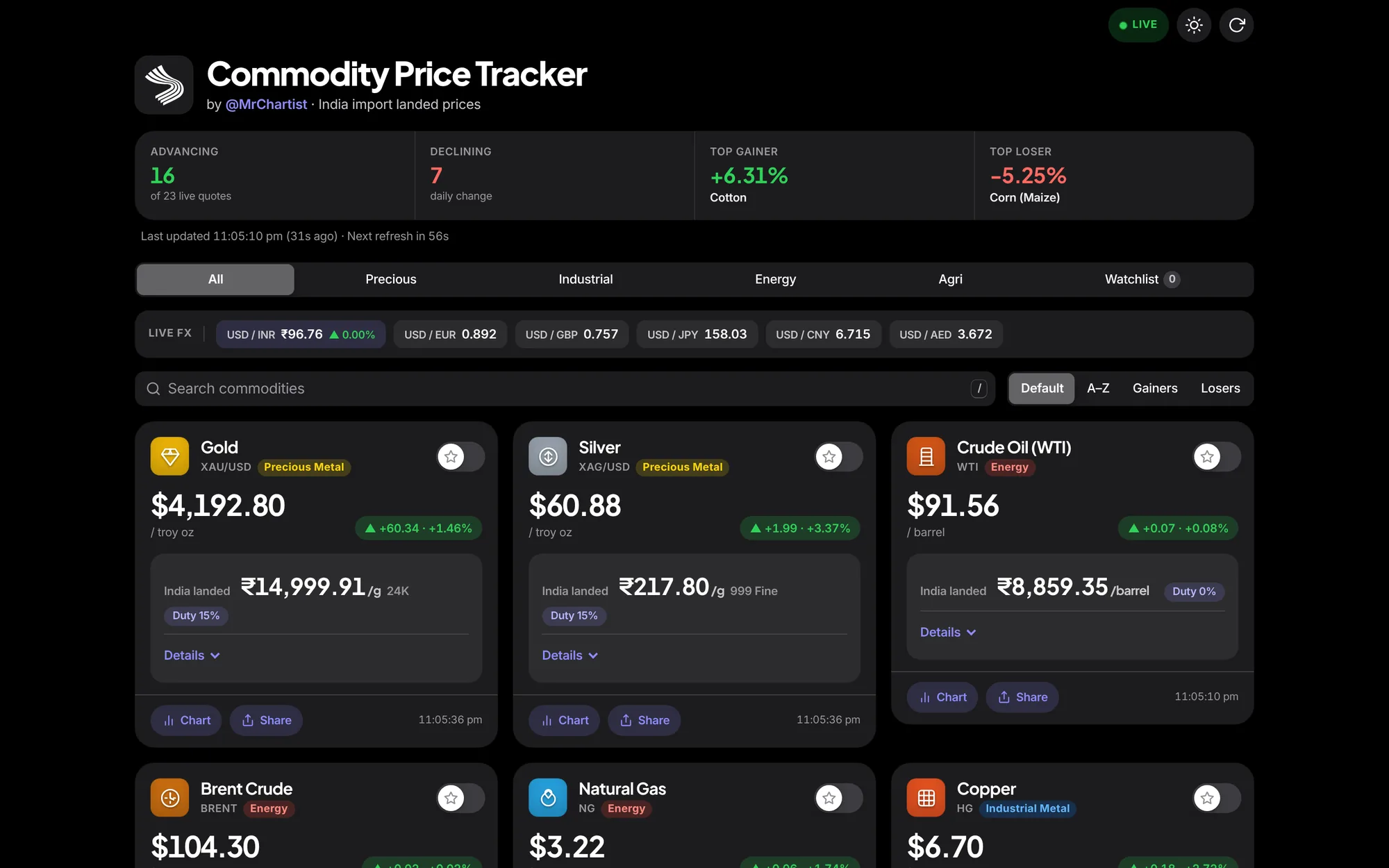
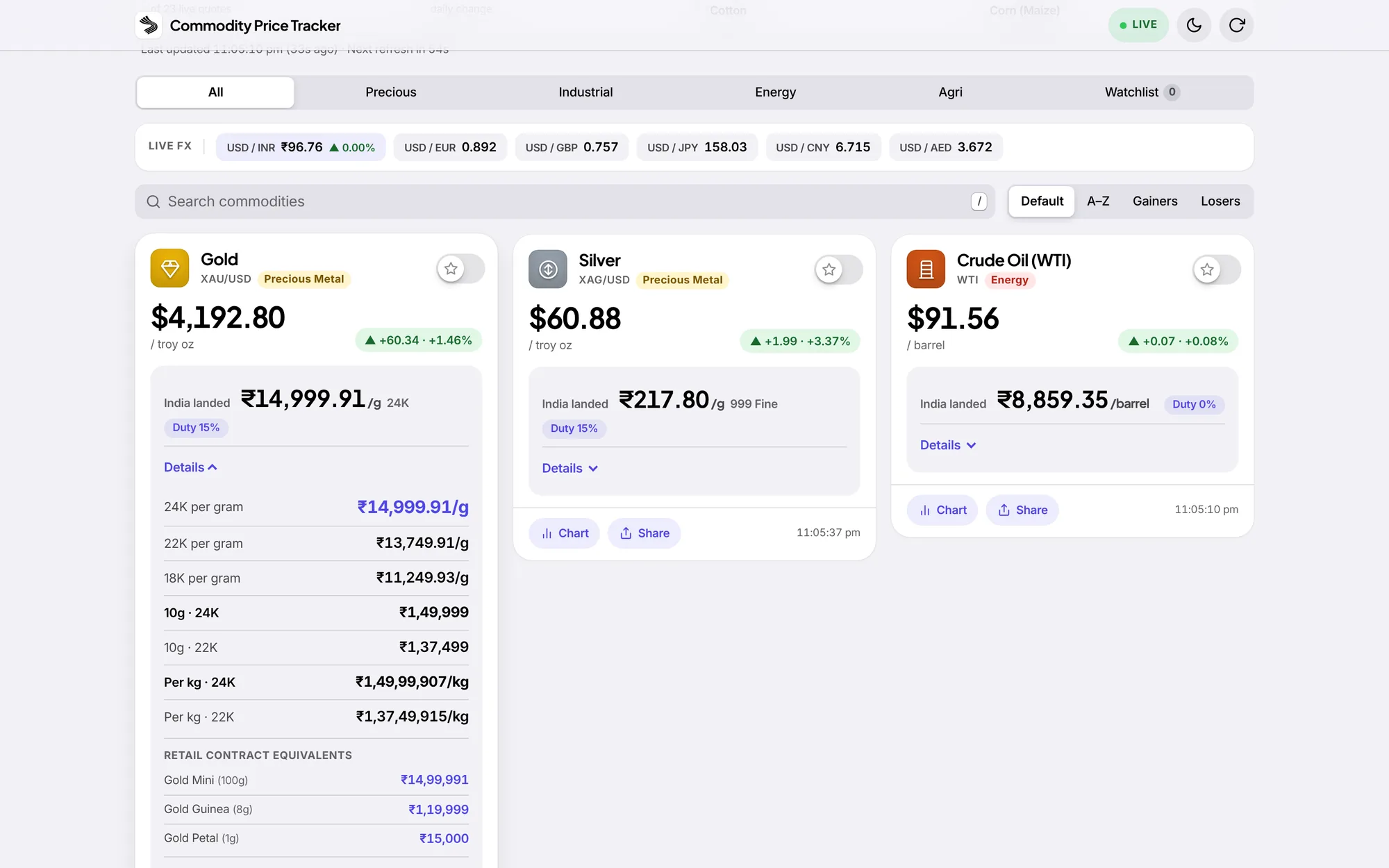
The full breakdown behind a Details toggle: gold in 24K, 22K and 18K, per 10 g and per kg, plus contract-lot equivalents.
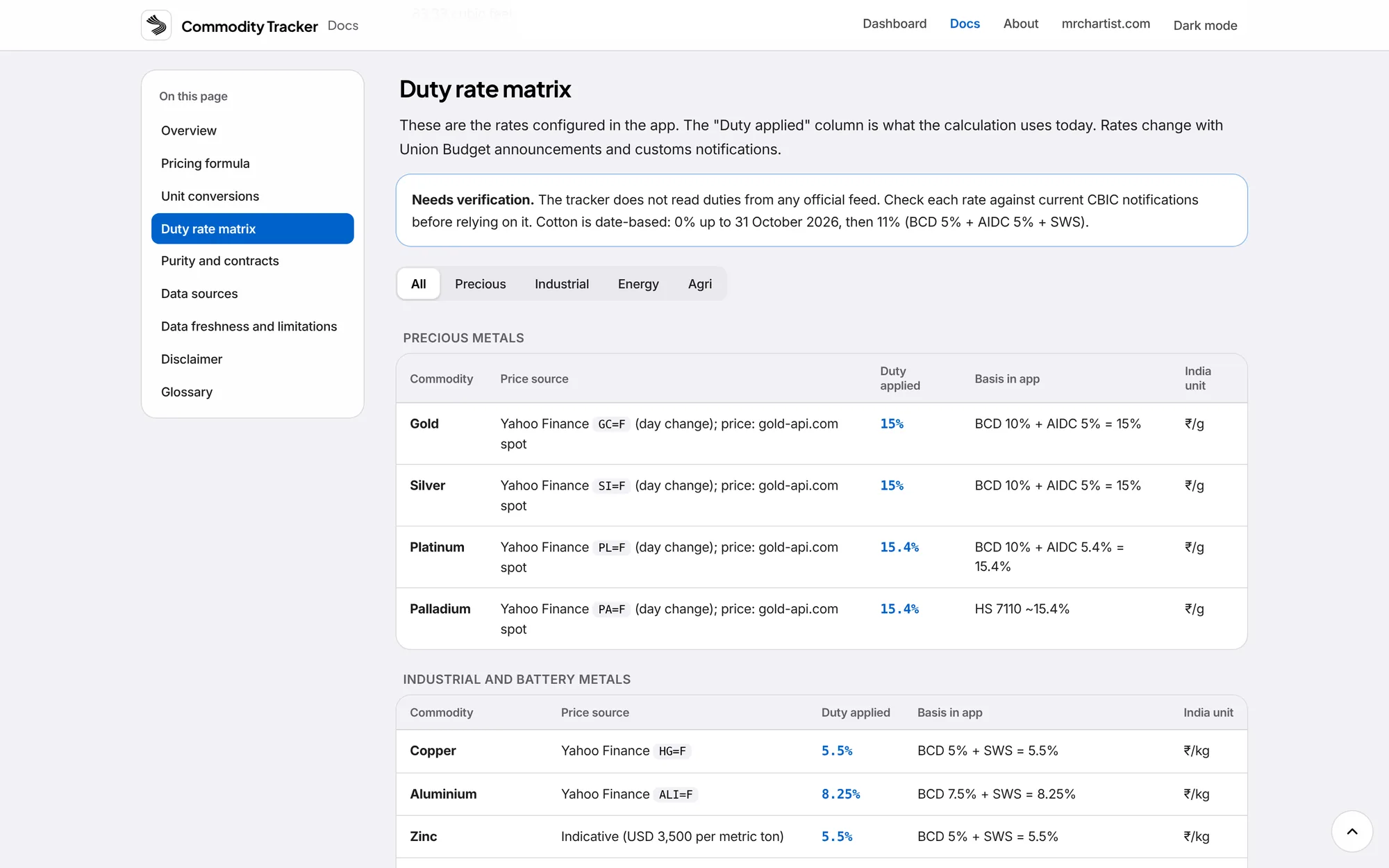
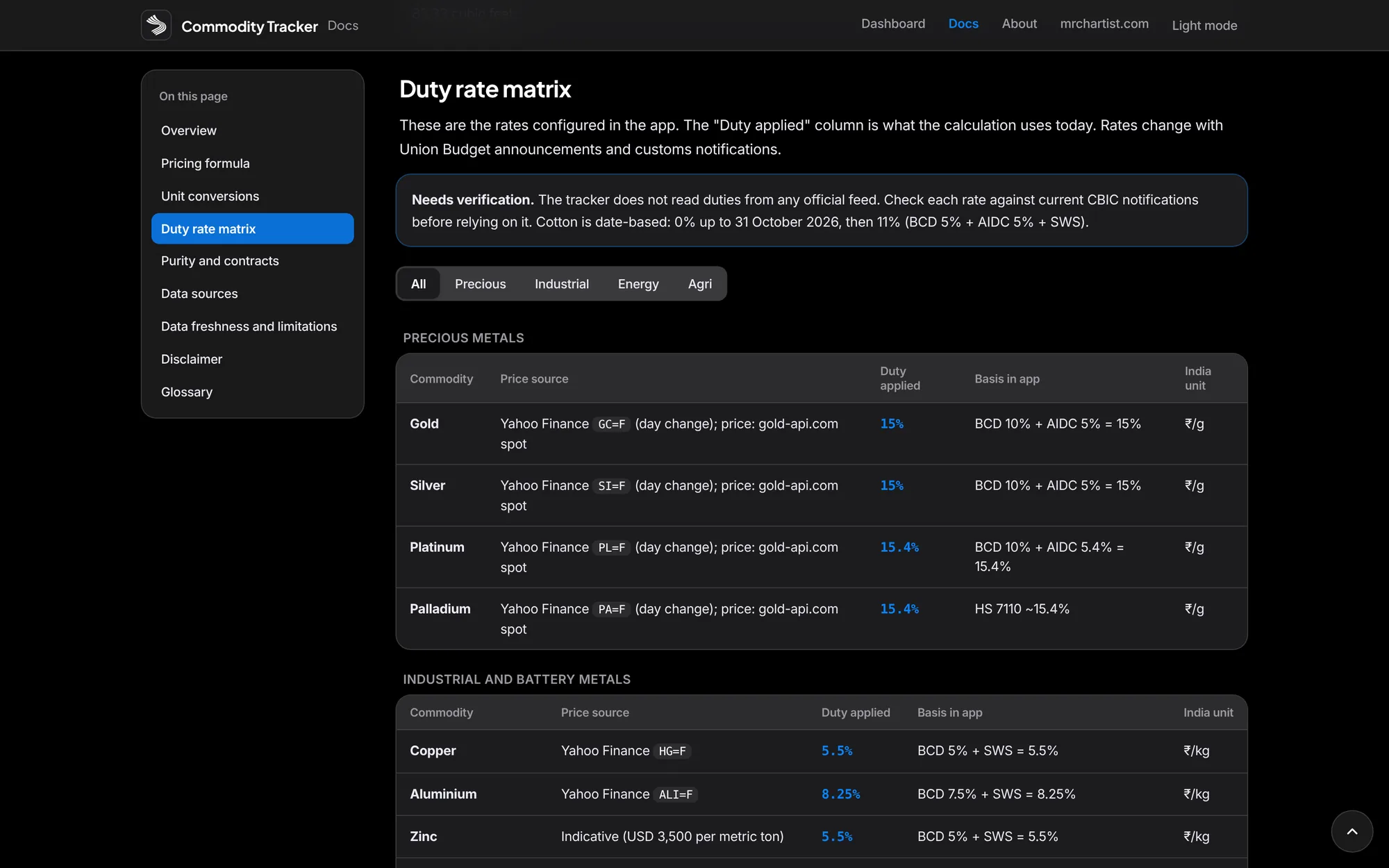
Customs duty applied per commodity (BCD, AIDC and SWS), with date-based changes such as cotton.
Candlestick charts from one month to the full history, with a volume histogram and weekly CFTC positioning.
Honest labels on every price: Live, Cached, Stale or Indicative, with its real age.
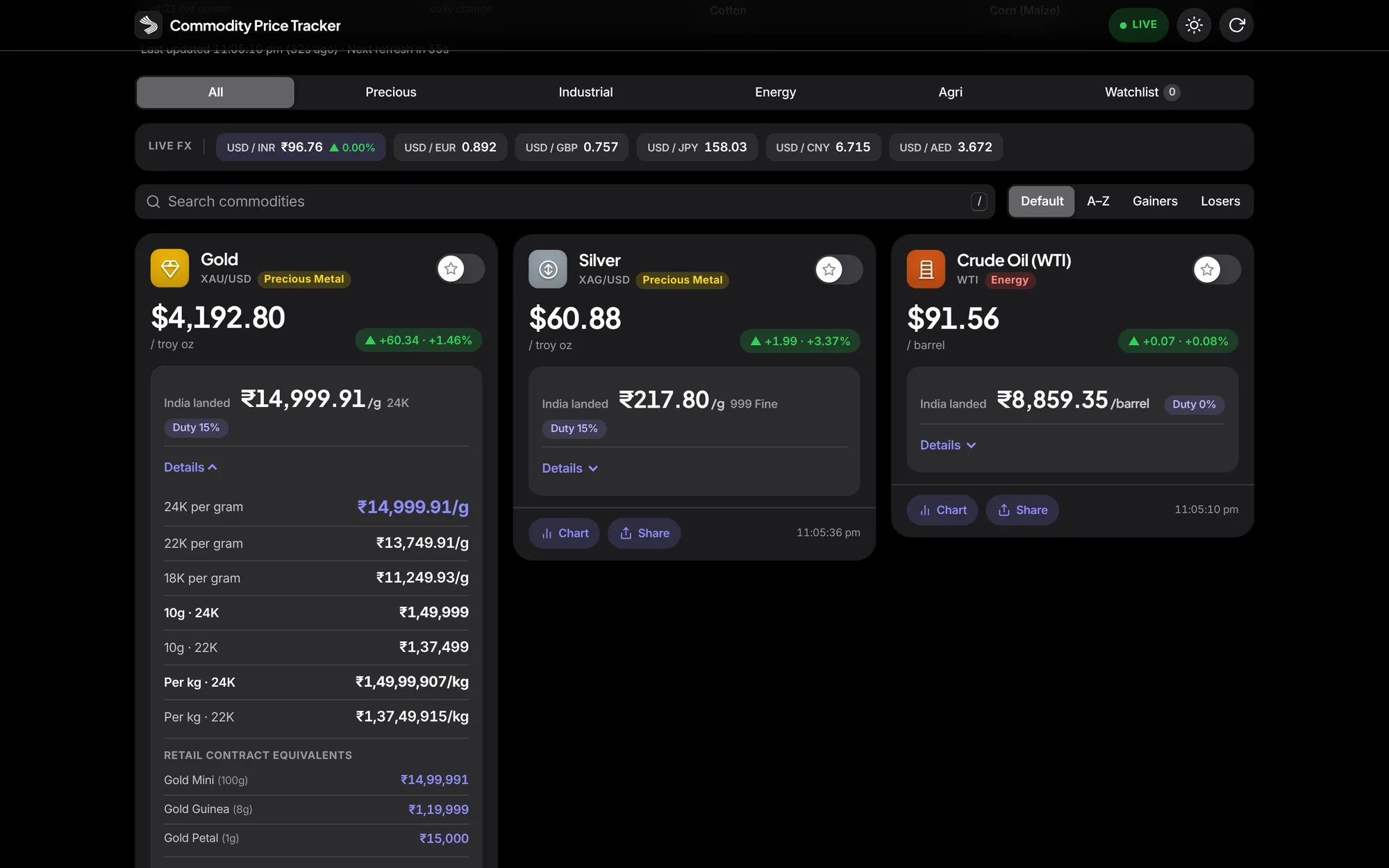
A watchlist, share links, light and dark themes, and offline use as an installed app.
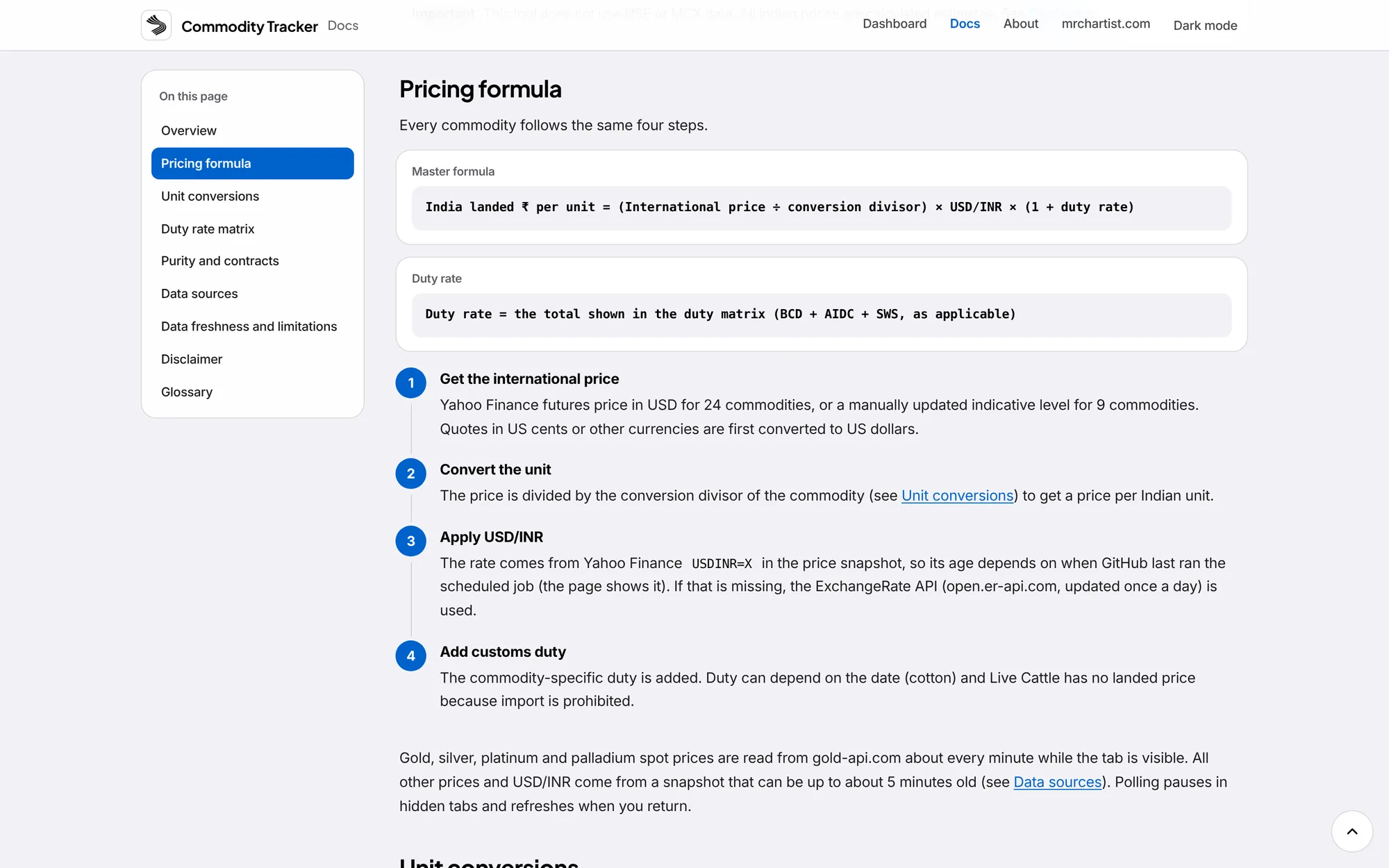
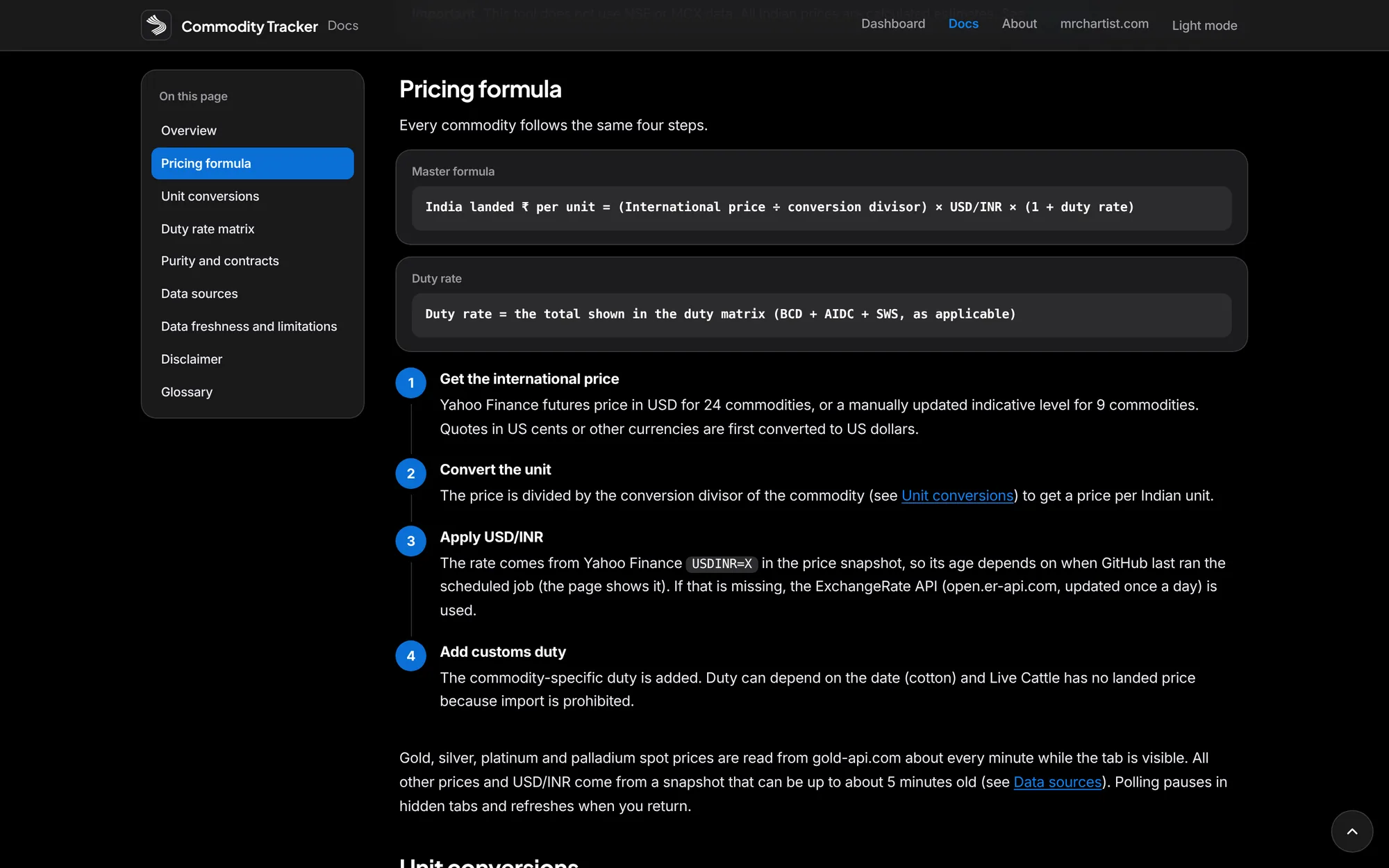
Landed price engine — India landed price = (international price ÷ unit conversion) × USD/INR × (1 + duty). The calculation runs in your browser, so you can read every step in app.js.
33 commodities — 4 precious metals, 10 industrial and battery metals, 3 energy and 16 agri commodities, from gold, silver and copper to crude oil, wheat, cotton and coffee.
Indian units — gold in ₹/g and ₹/10g, metals in ₹/kg, grains in ₹/quintal, crude in ₹/barrel, and lumber in ₹/cu ft. Gold shows 24K, 22K and 18K, and silver shows 999, 925 and 900.
Duty aware — BCD, AIDC and SWS are set per commodity, including date-based changes. Live Cattle shows no landed price because import is prohibited. Duty rates are entered by hand, so check them against CBIC notifications. Needs verification.
Live where it can be — Gold, silver, platinum and palladium spot is read about every minute. Other futures and USD/INR come from a scheduled snapshot. Nine commodities with no free feed are always labelled Indicative.
Charts and positioning — candlestick history from 1M to Max with a volume histogram, and weekly open interest and managed-money net positions from the CFTC for 23 commodities.
Honest status — every price is labelled Live, Cached, Stale or Indicative with its real age. Futures contract rolls are detected, so a roll never shows as a day change.
Watchlist and share — star commodities, copy or share a price, and link straight to a category or chart. Press / to search and Esc to close.
Works offline — installable as an app, with the last known prices shown when you are offline. Fonts and the charting library are self-hosted.
Fork and run your own — the data pipeline is GitHub Actions plus an orphan data branch, so a fork needs no server. The README lists the seven steps.
Inside India Commodity Price Tracker.



Dashboard
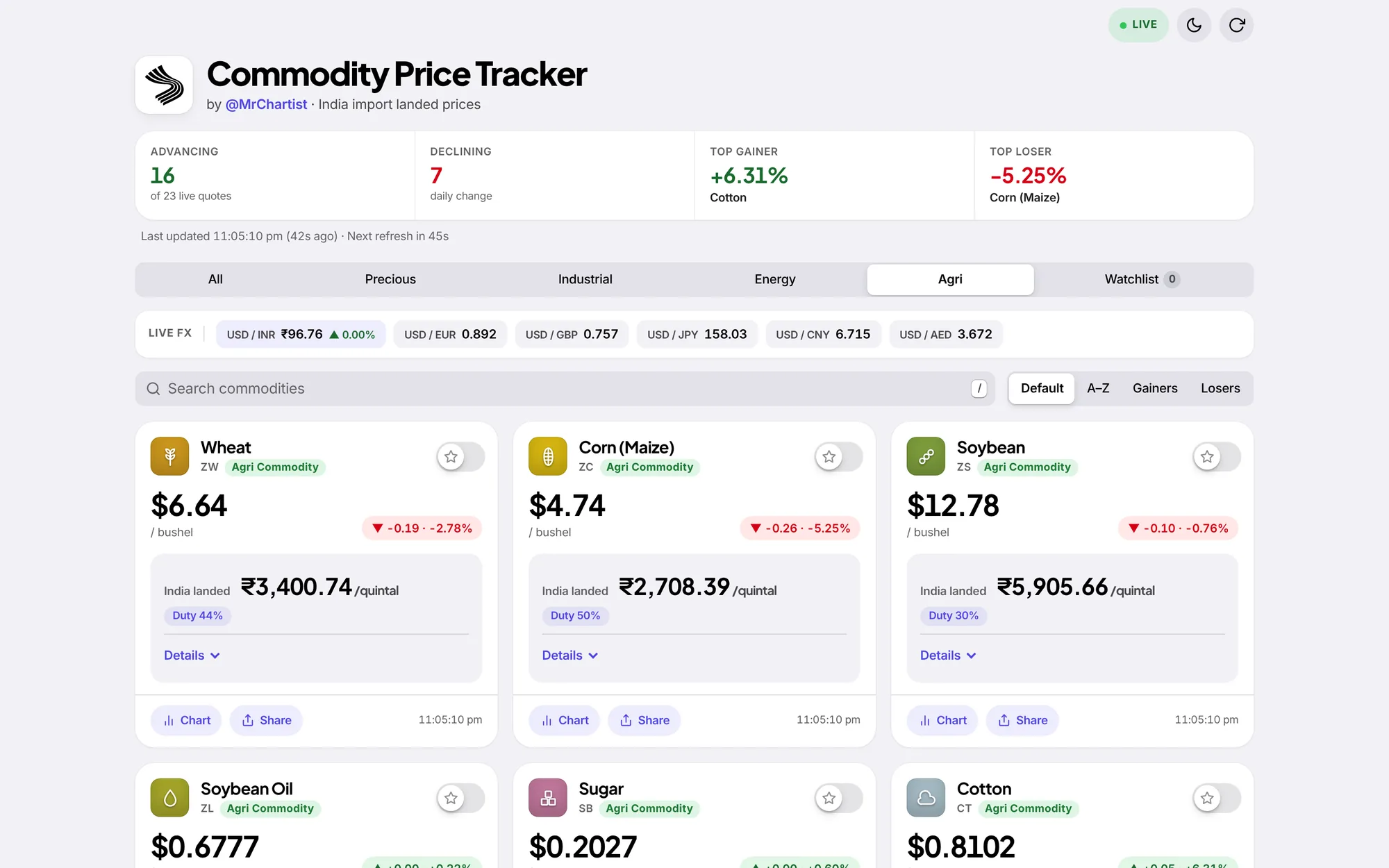
Every commodity as a card, with the live market mood on top.
Market mood
Advancing, declining, top gainer, top loser
Counted across the commodities that have live quotes.
Live FX
USD/INR with five more pairs
The rupee rate drives every landed price on the page.
Find fast
Tabs, search, sort and watchlist
Filter by category, press / to search, or sort by gainers and losers.
From start to finish.
Fetch
Scheduled GitHub Actions fetch Yahoo Finance futures, USD/INR and spot prices. A slower job fetches chart history and CFTC open interest.
Publish
The scripts write prices.json and chart files to an orphan data branch. The site itself stays fully static on GitHub Pages.
Read
Your browser loads the snapshot, reads gold, silver, platinum and palladium spot directly about every minute, and falls back to saved data when offline.
Calculate
app.js applies the unit divisor, the USD/INR rate and the duty from its COMMODITIES table. The calculation happens on your device.
Label
Each price is tagged Live, Cached, Stale or Indicative with its real age, so an old number is never shown as fresh.
Run it on your computer.
You need
- Node.js 18 or higher
- Git
- About 2 minutes
- Internet, to fetch live prices
git clone https://github.com/MrChartist/commodity-price-tracker.git
cd commodity-price-tracker
npm run dev
Prefer step by step?
- 1Install Node.js 18 or higher (nodejs.org). There are no packages to install.
- 2Clone: git clone https://github.com/MrChartist/commodity-price-tracker.git && cd commodity-price-tracker
- 3Start the local server: npm run dev, then open http://localhost:3000.
- 4The local server creates the same price, chart and open-interest files that the GitHub Action publishes, so it works with no extra setup. It needs internet to reach the data providers.
- 5Open a card, press Details, and compare the landed price with the formula on the Docs page.
- 6To change a duty rate, unit or source, edit the COMMODITIES table in app.js, then update docs.html and README.md in the same change.
- 7To publish your own copy: fork the repository, allow workflows, run Update prices and Update chart history once, set Pages to GitHub Actions, then point dataBase in config.js at your fork.
- 8Do not present the numbers as NSE or MCX data. They are estimates from international benchmarks.
Let an AI install it for you.
Claude
You need
- Repo access
- README context
- Terminal if using Claude Code
You are my setup assistant. Install and run "India Commodity Price Tracker" on my computer, then confirm it works. I am not a developer, so explain every step in simple English.

Repository: https://github.com/MrChartist/commodity-price-tracker
What it is: See what 33 commodities would cost to import into India, in rupees and Indian units, after customs duty.
Built with: Vanilla JavaScript + CSS + GitHub Actions + Lightweight Charts

Rules
1. Ask which operating system I use (Windows, macOS or Linux) and give commands for that system only.
2. Check what is already installed (Git, Node.js or Python versions) before installing anything. If something is missing, tell me where to download it and wait.
3. Ask me before installing anything globally or changing system settings.
4. Never ask me to paste passwords or API keys into this chat. If a key is needed, tell me which file to put it in.
5. Do not edit the project's source code unless I ask.
6. Read the README first. If it disagrees with the steps below, follow the README and tell me why.

Steps from the guide
1. Install Node.js 18 or higher (nodejs.org). There are no packages to install.
2. Clone: git clone https://github.com/MrChartist/commodity-price-tracker.git && cd commodity-price-tracker
3. Start the local server: npm run dev, then open http://localhost:3000.
4. The local server creates the same price, chart and open-interest files that the GitHub Action publishes, so it works with no extra setup. It needs internet to reach the data providers.
5. Open a card, press Details, and compare the landed price with the formula on the Docs page.
6. To change a duty rate, unit or source, edit the COMMODITIES table in app.js, then update docs.html and README.md in the same change.
7. To publish your own copy: fork the repository, allow workflows, run Update prices and Update chart history once, set Pages to GitHub Actions, then point dataBase in config.js at your fork.
8. Do not present the numbers as NSE or MCX data. They are estimates from international benchmarks.

When the steps are done
- Start the app and tell me the exact address to open. Expected address: http://localhost:3000
- If an error appears, read it, fix the cause and retry. After three failed attempts, stop and explain the problem simply.
- Finish with five short lines: what the app does, how to start it again, how to stop it, where its data is stored, and one thing I can try first.
- This is an information tool. It is not investment advice.

If you can run a terminal (Claude Code), do it yourself. If you are chat only, give me one command block at a time and wait for me to reply before the next.
- Ask the AI to read README.md and docs.html first, then explain the landed price formula and where each input comes from.
- Ask it to trace the data path: scripts/fetch-prices.js and build-prices.js, the prices workflow, the data branch, then how app.js reads and labels the snapshot.
- Ask it to explain the COMMODITIES table in app.js: units, divisors, duty rules, date-based changes and which items are indicative.
- Ask it to explain how the app decides between Live, Cached, Stale and Indicative, and why a price older than 20 minutes is flagged Stale.
- Ask it to explain futures contract-roll detection and why a roll is not shown as a day change.
- Ask it to check a duty rate against a CBIC notification you provide, then propose a small correction with the source. Do not let it guess a rate.
- IMPORTANT: Keep the project rules. No runtime dependencies and no build step, do not present values as NSE or MCX data, mark anything unverified as Needs verification, and add no indicator-based content or trading advice.
Under the hood.
REST API Endpoints
Questions about India Commodity Price Tracker.
Run it, then read the code.
Run npm run dev, open the Gold card, press Details, and check the landed price by hand with the formula on the Docs page before changing any duty rate.